Edit photos online easily and quickly
Image Retouching Retouch Image
Remove distractions, fix imperfections, and restore your photos in seconds with smart retouching that delivers clean, natural, professional-looking results. Ideal for portraits, products, and special memories that deserve to look their best, ready to share, sell, or preserve in their finest version.
Retouch complete!
Your image has been successfully retouched. Processed in .
Downloads
Standard
Free
HD Quality
1 credits
Standard
Quality HD
Keep editing
Apply another retouch on this result.
Upload from your phone
Scan the QR code with your phone camera to open this page and upload your image directly.
Scan and continue on your phone
Edit photos online with AI — Everything you can achieve
Erase visual distractions
Remove people, cables, stains, reflections, or annoying objects without redoing the whole photo from scratch. Get cleaner, more focused compositions ready to share, sell, or publish with a much more polished, professional, and visually appealing finish from the very first attempt.
Recover damaged memories
Restore old photographs, marks, scratches, and deteriorated areas with a much cleaner finish. Ideal for rescuing family memories, historical archives, or valuable images that deserve a second life with better visual presence, more clarity, and a renewed feel.
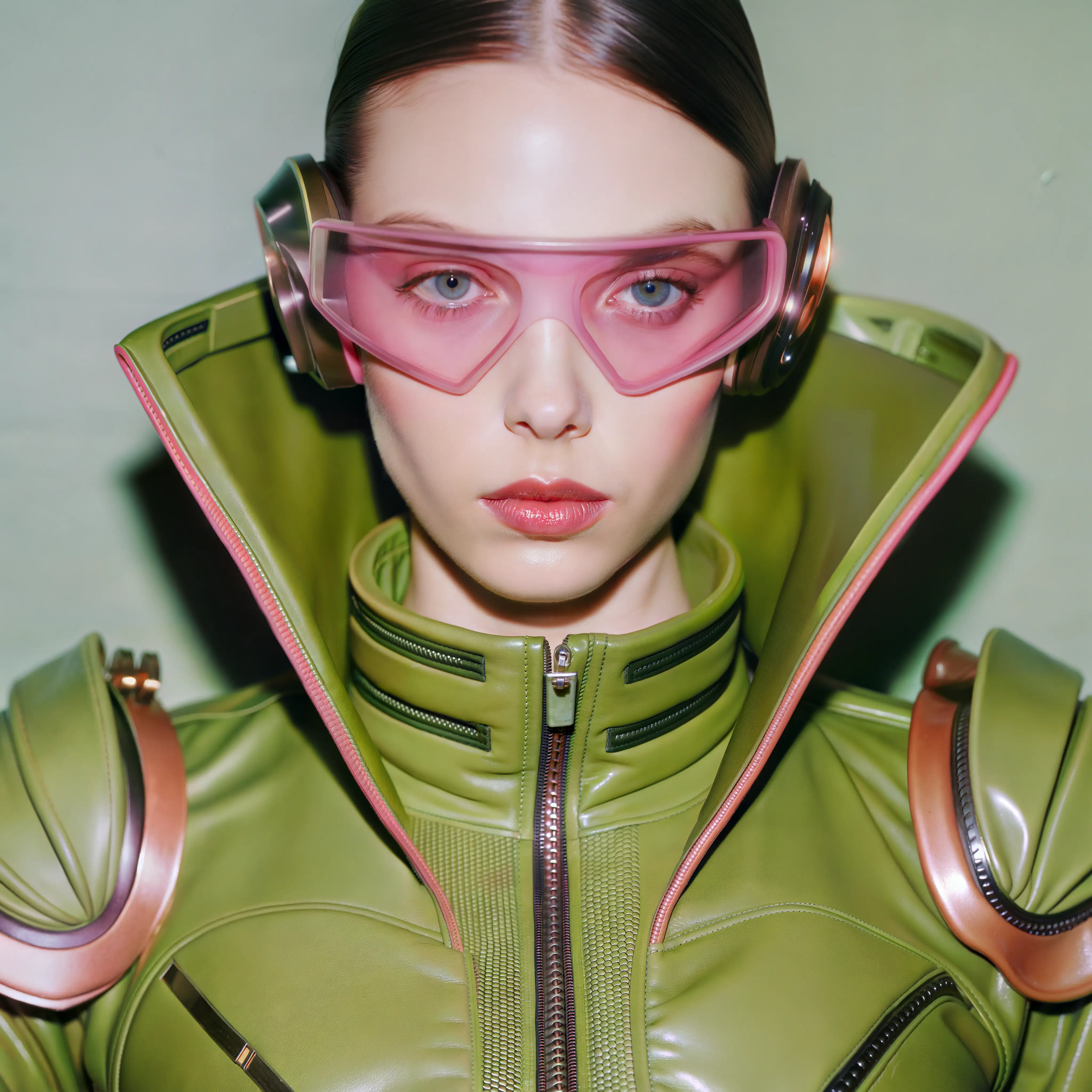
Retouch portraits with control
Fix small imperfections in skin, clothing, or background while keeping the natural look of the image. Adjust details without over-processing the face and achieve more polished, flattering, and professional portraits in just seconds, perfect for profiles, sessions, or brand content.
Smart and fast fill
The AI uses the scene context to reconstruct the marked area in seconds. The result blends with the surrounding lights, textures, and shapes so the edit looks coherent, seamless, and visually credible, even when correcting complex or highly detailed areas.
Erase visual distractions
Remove people, cables, stains, reflections, or annoying objects without redoing the whole photo from scratch. Get cleaner, more focused compositions ready to share, sell, or publish with a much more polished, professional, and visually appealing finish from the very first attempt.
Recover damaged memories
Restore old photographs, marks, scratches, and deteriorated areas with a much cleaner finish. Ideal for rescuing family memories, historical archives, or valuable images that deserve a second life with better visual presence, more clarity, and a renewed feel.
Retouch portraits with control
Fix small imperfections in skin, clothing, or background while keeping the natural look of the image. Adjust details without over-processing the face and achieve more polished, flattering, and professional portraits in just seconds, perfect for profiles, sessions, or brand content.
Smart and fast fill
The AI uses the scene context to reconstruct the marked area in seconds. The result blends with the surrounding lights, textures, and shapes so the edit looks coherent, seamless, and visually credible, even when correcting complex or highly detailed areas.
See how far your AI retouching can go
From removing distracting elements to restoring damaged memories or refining portraits, our smart editor adapts to each image so you can achieve clean, natural, visually impressive results in just seconds.
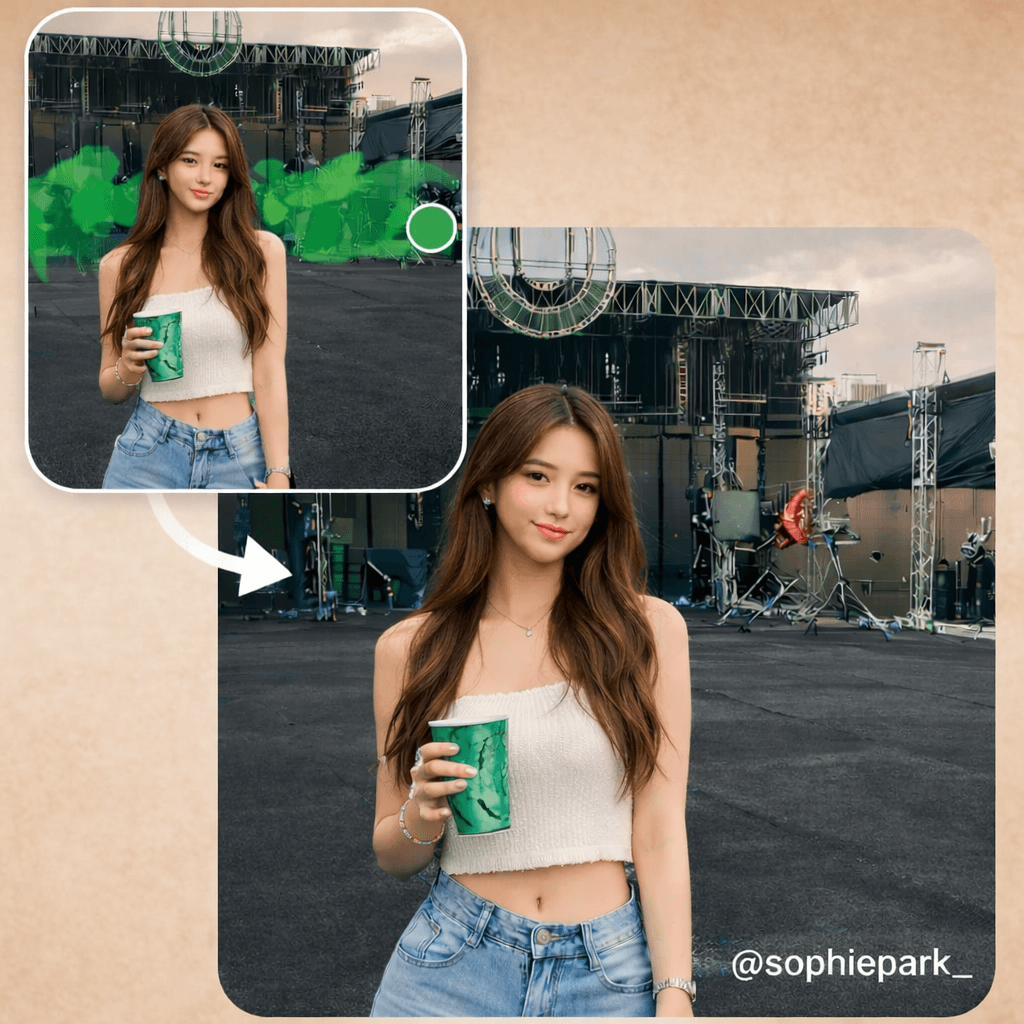
Erase people and objects in seconds
Someone photo-bombing the shot? People ruining your composition? Paint the area with the brush and the AI reconstructs the background naturally, as if they were never there. In this example, background people were removed from a concert scene.
Works with any element: people, objects, cables, signs — whatever you need to erase to get the perfect shot.
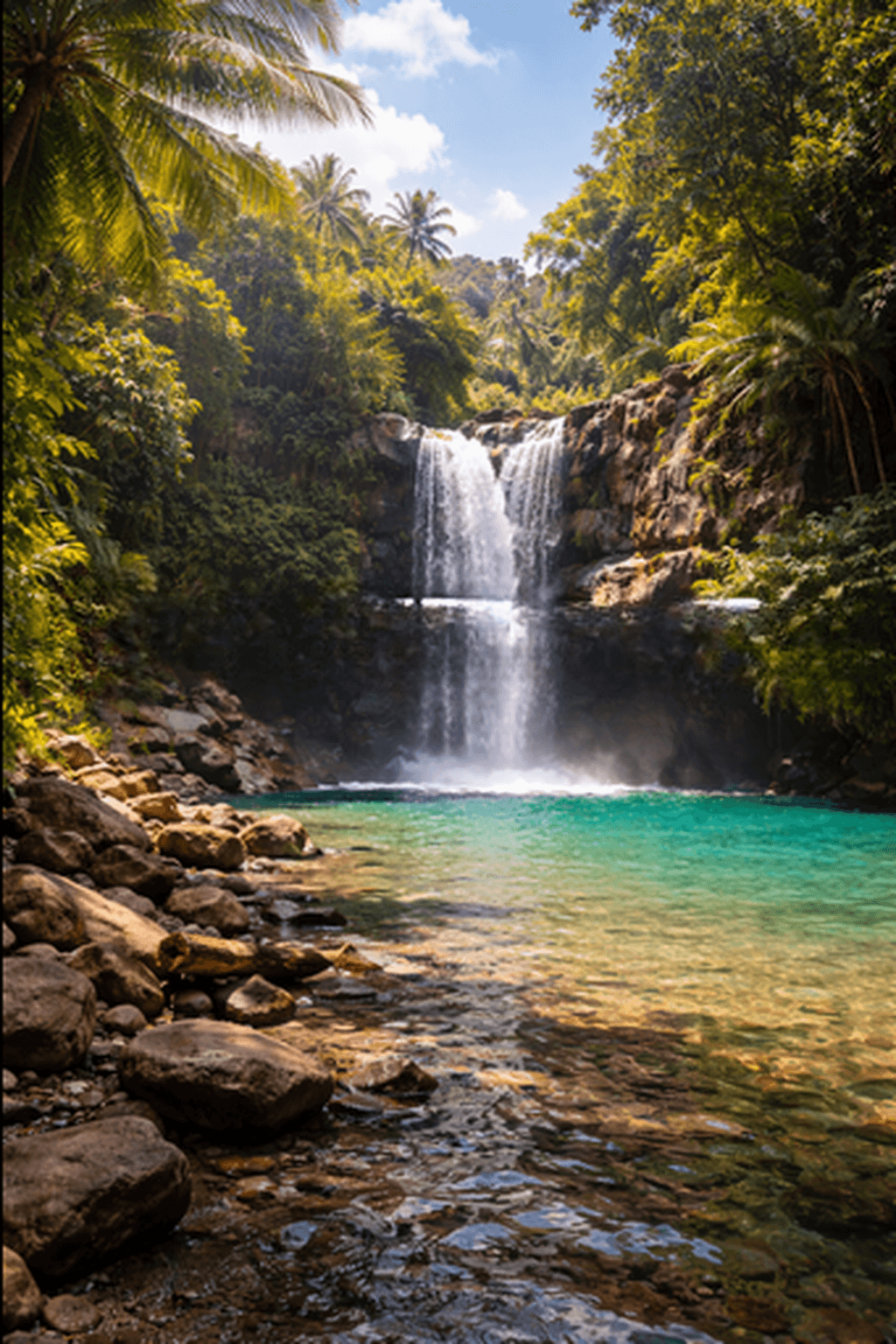
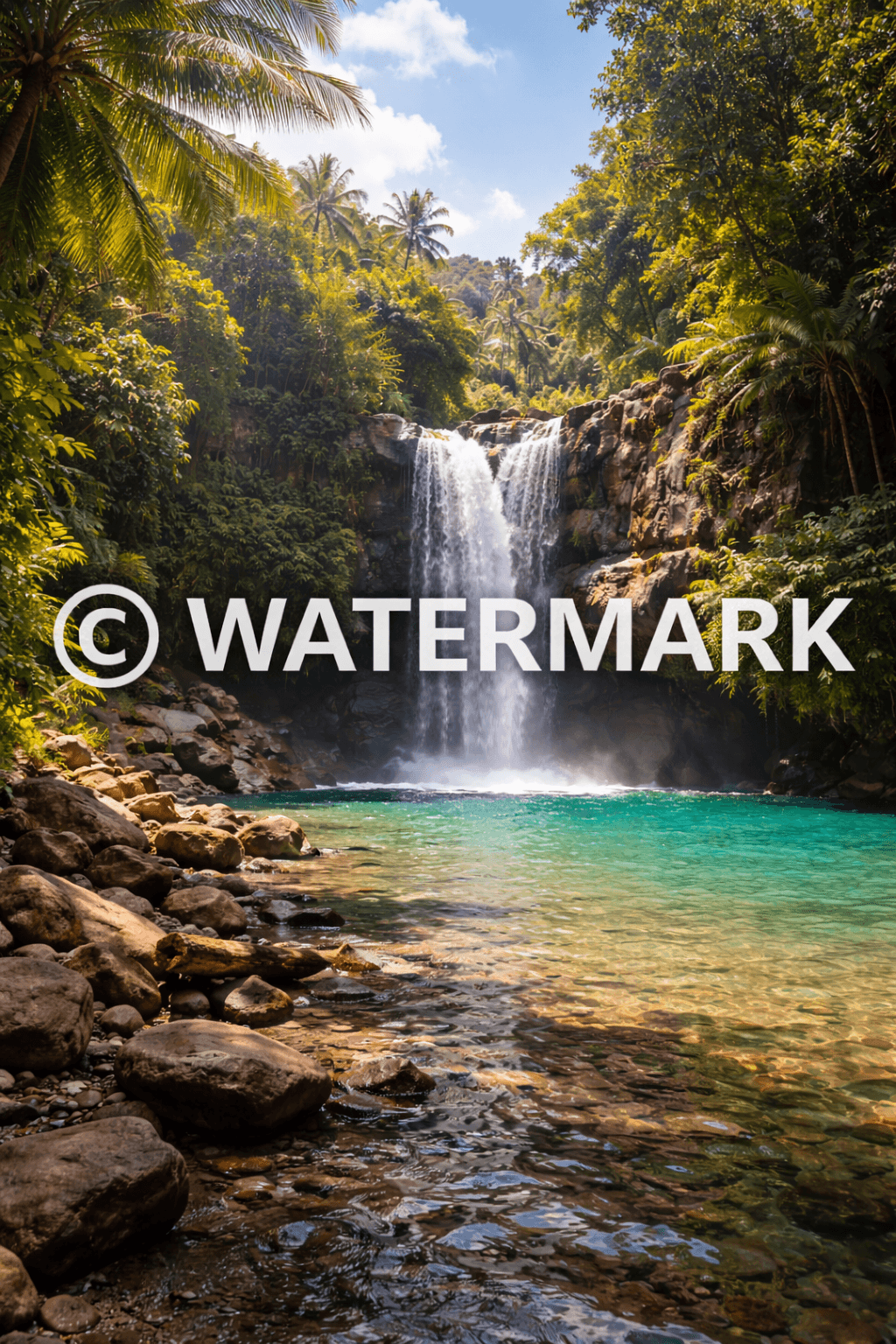
Remove watermarks without a trace
Text, logos, and stamps ruining your photos vanish instantly. The AI analyzes the covered area and reconstructs it coherently with the original background, leaving the image completely clean.
Ideal for recovering stock photos, images with agency stamps, or any photo you downloaded with a sample watermark.
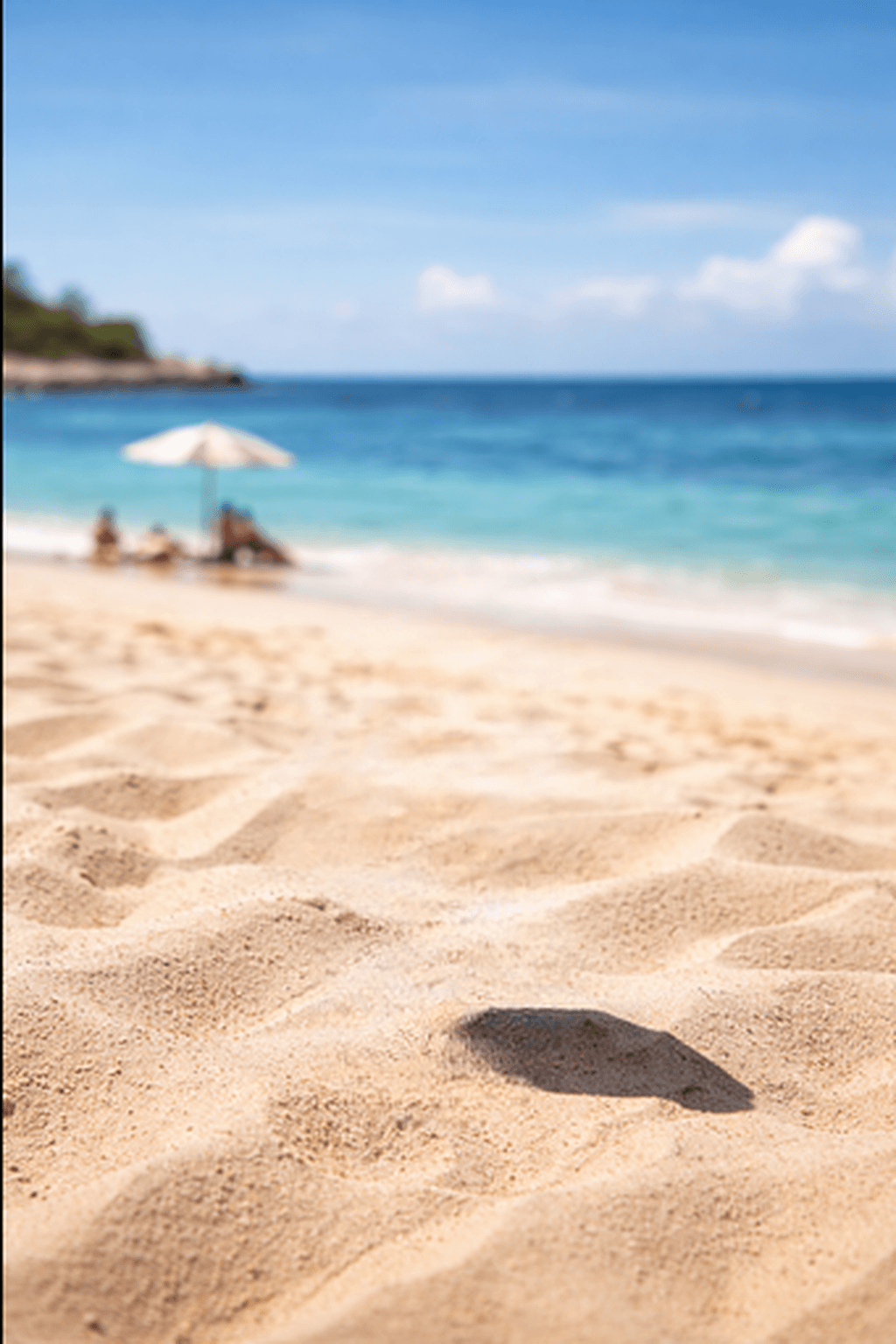
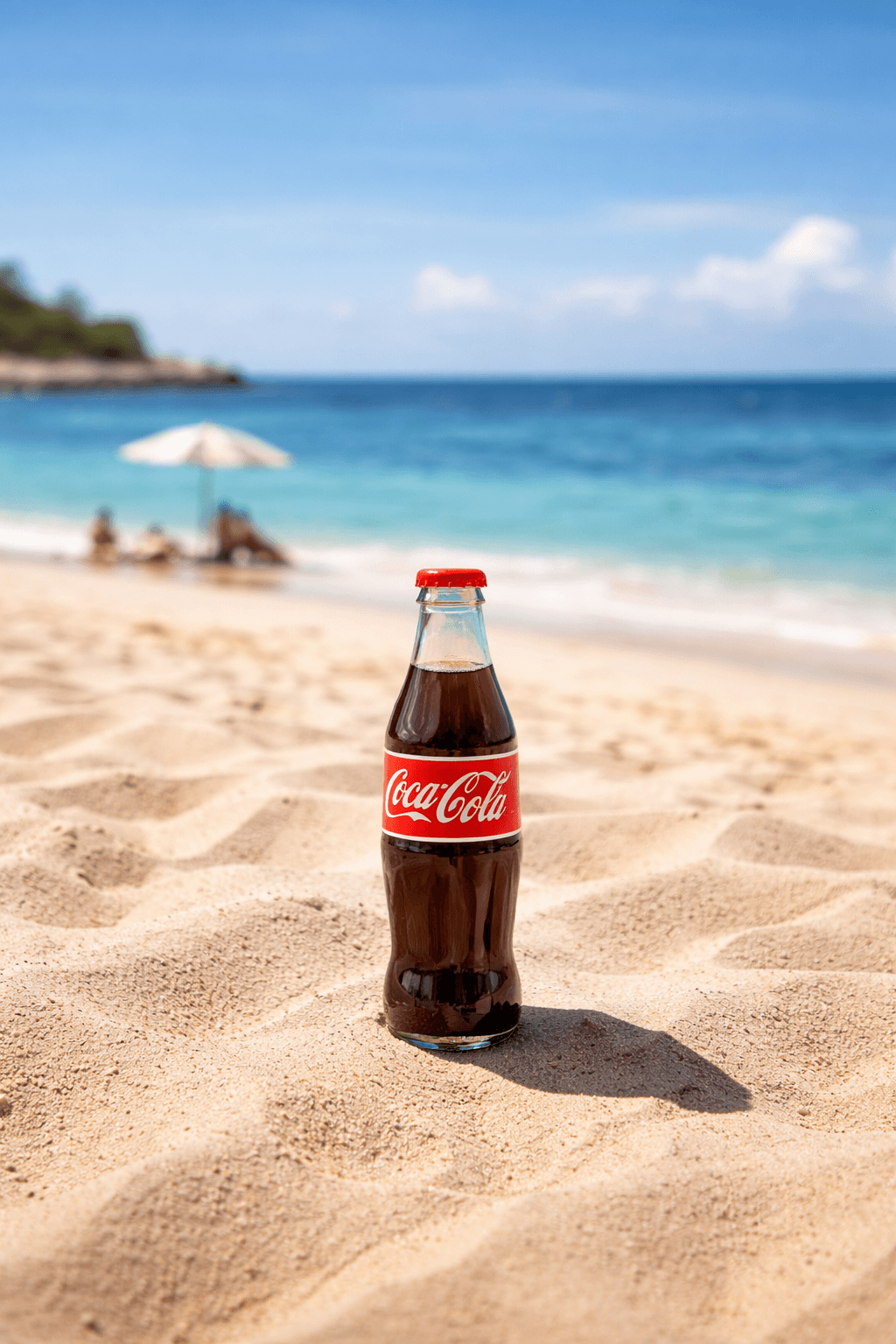
Clean any scene without a trace
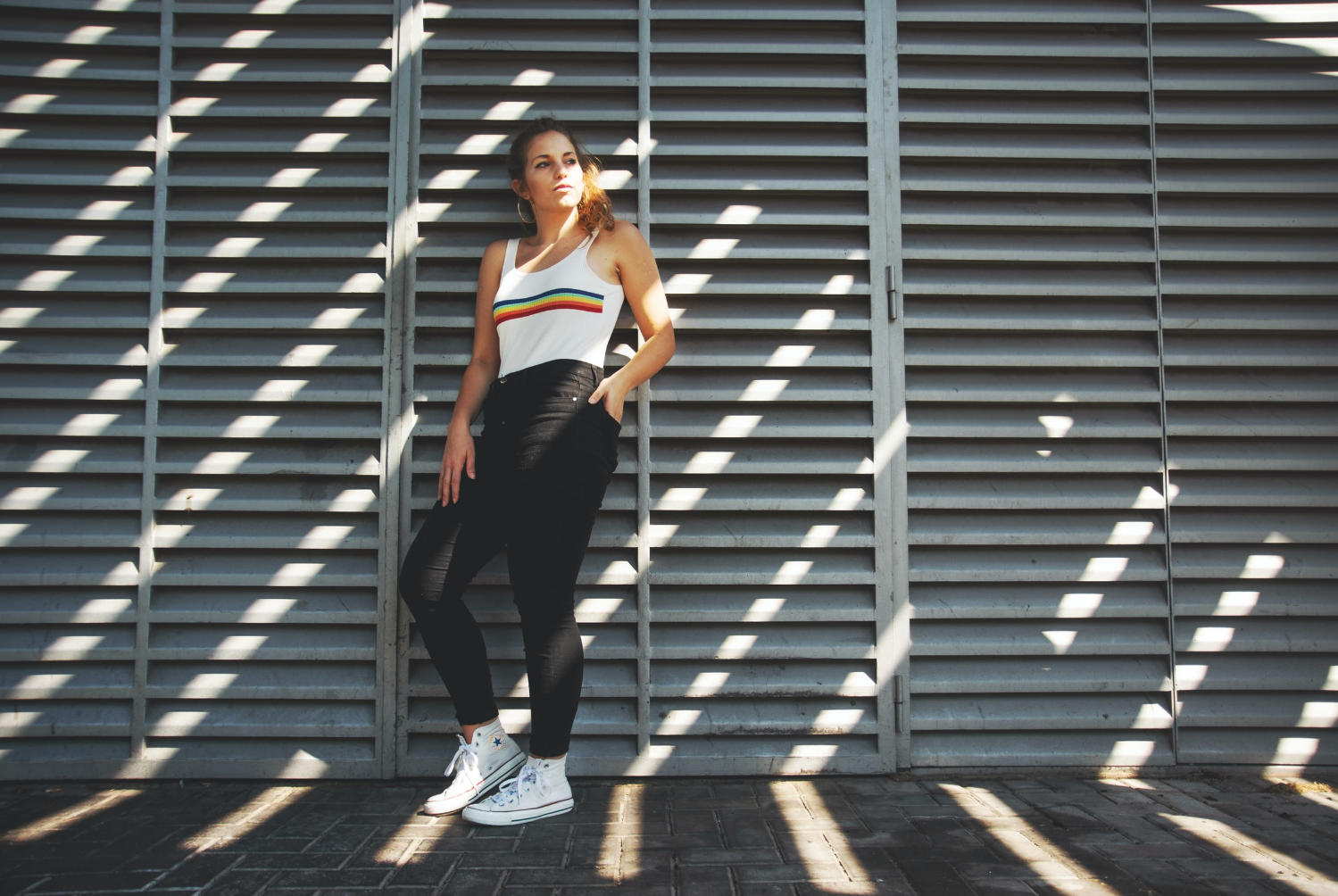
An umbrella, a chair, a forgotten object on the beach — if it's in the photo and you don't want it, we remove it. The AI analyzes the surroundings and fills the area with the corresponding sky, sand, or background in a completely natural way.
Perfect for beach photos, outdoor events, or any scene where an element ruins the perfect composition.
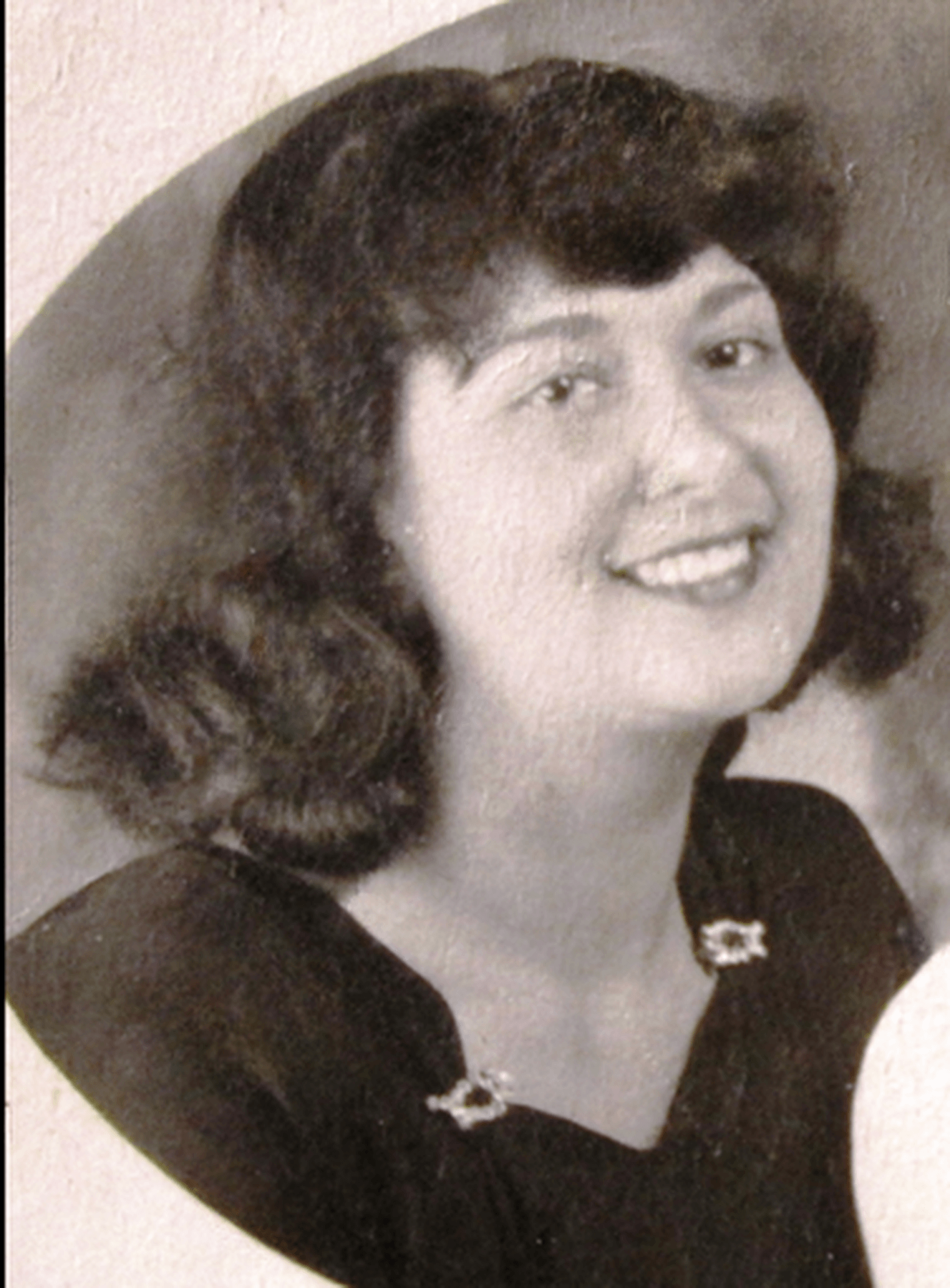
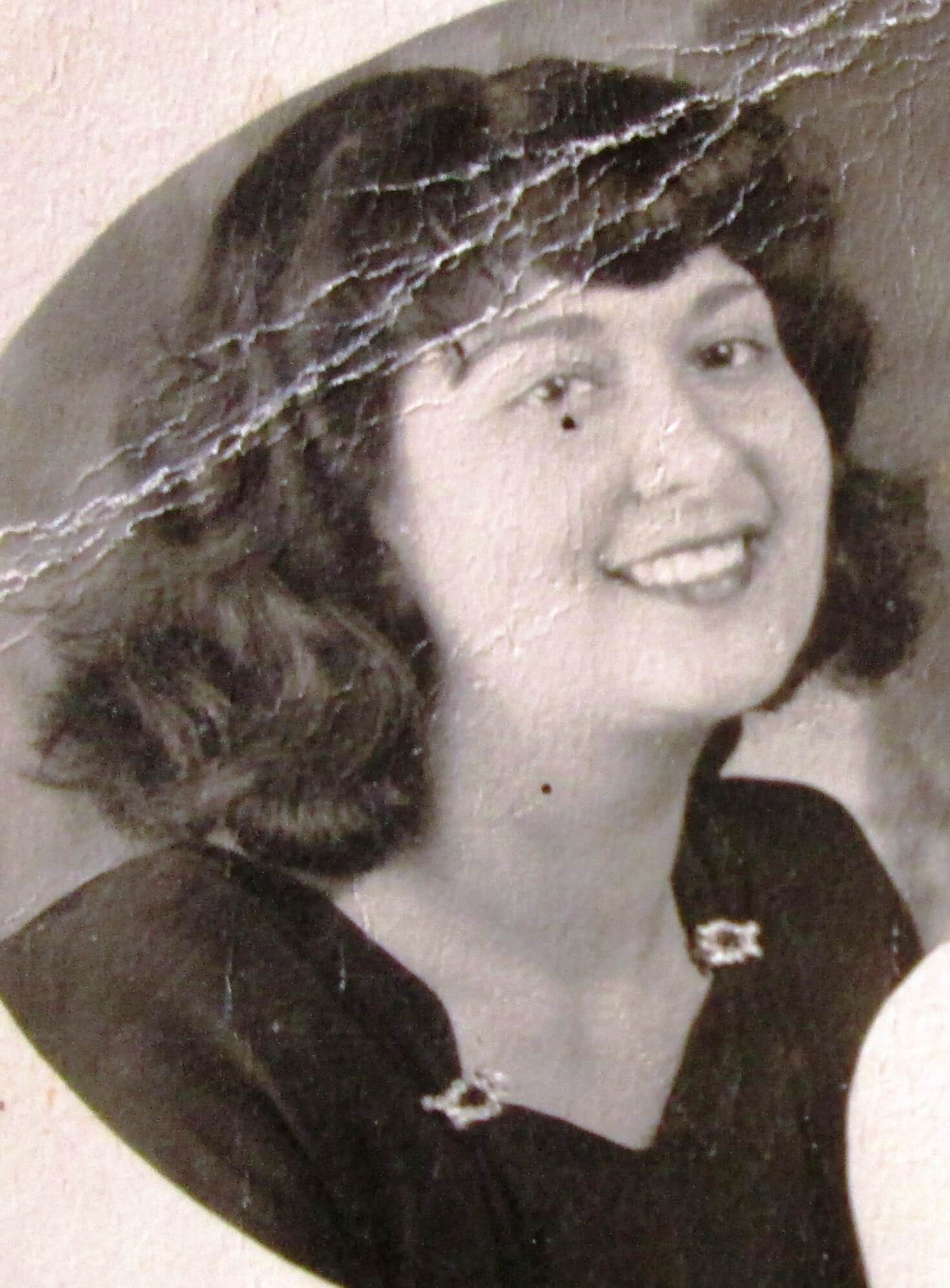
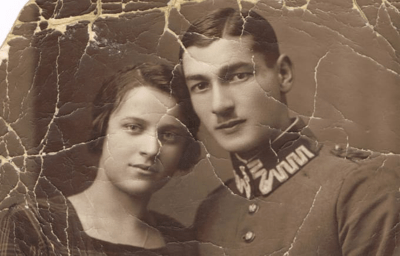
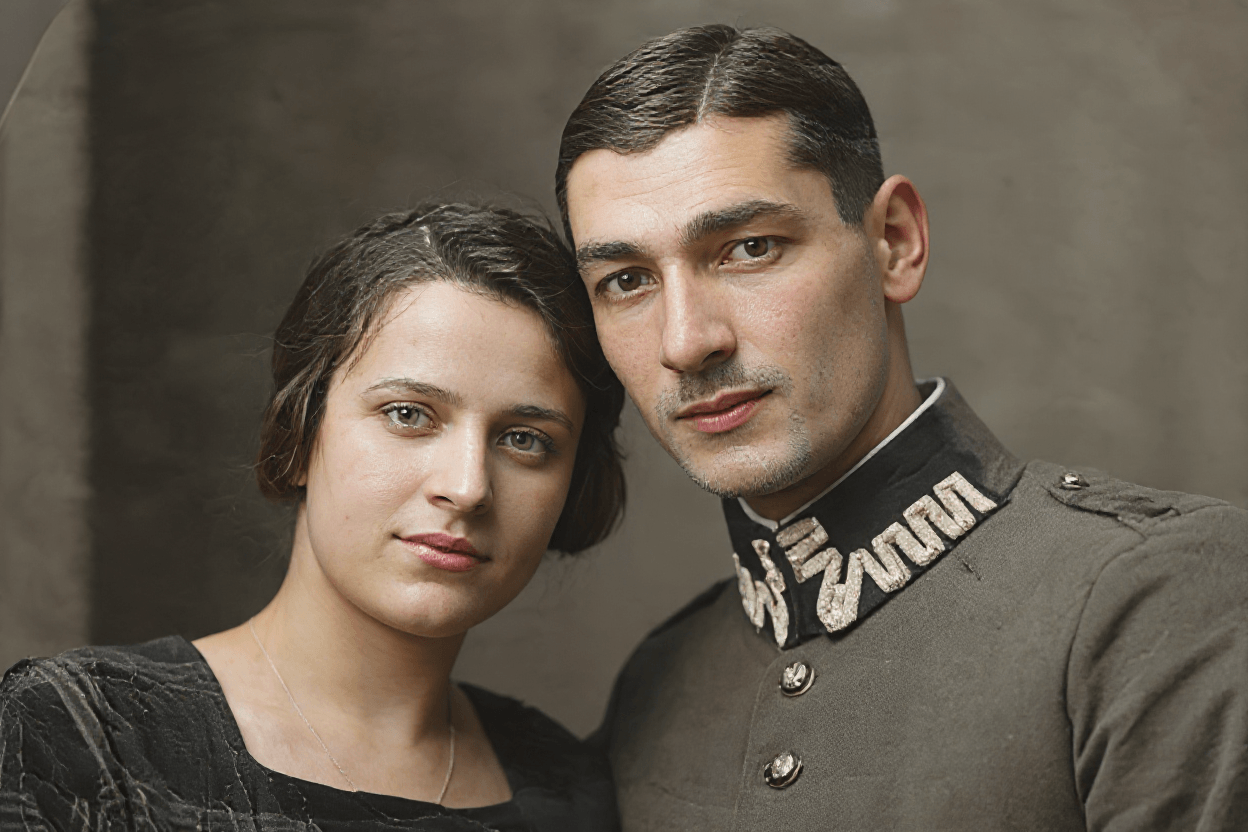
Reconstruct lost details in old photos
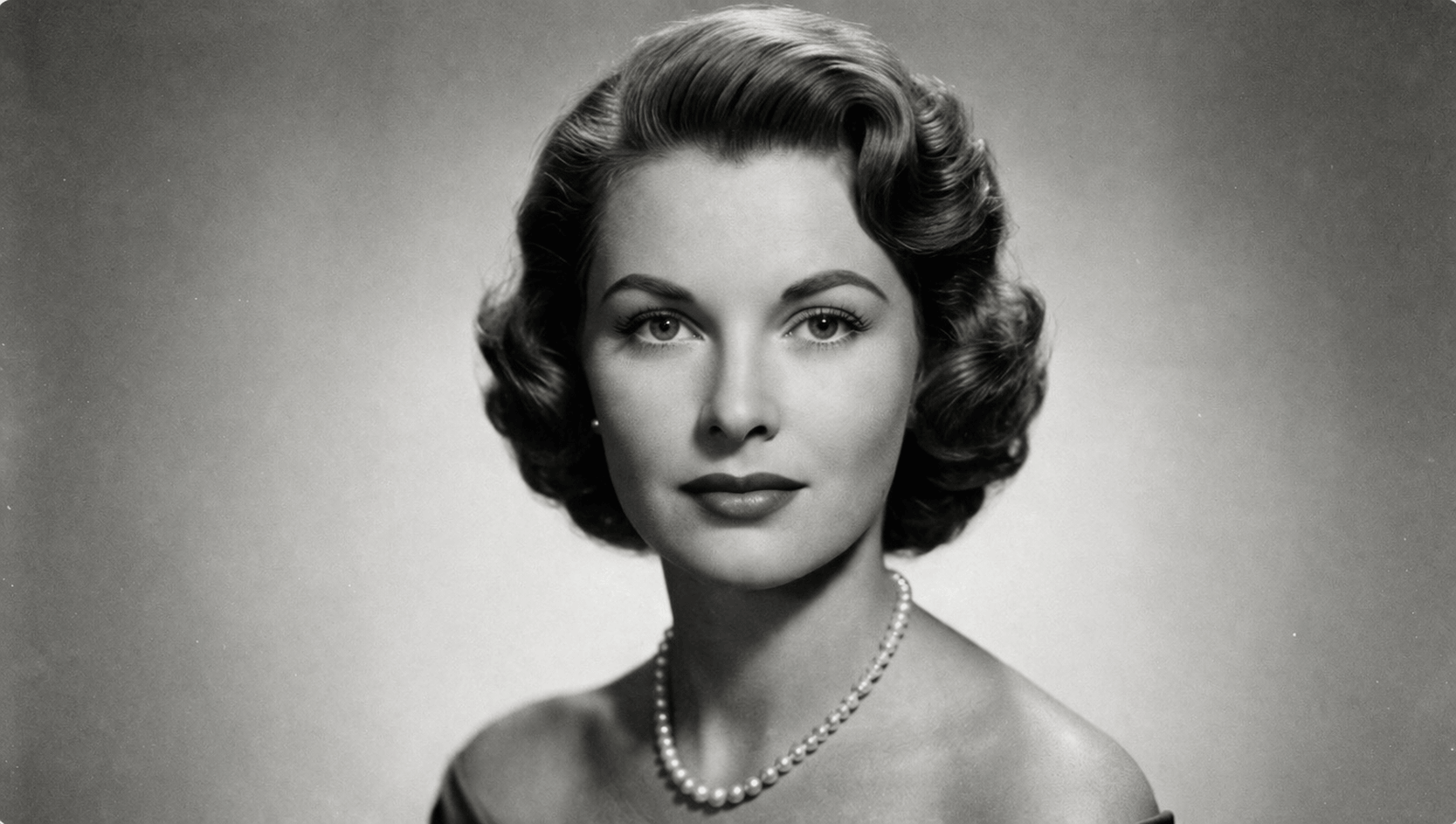
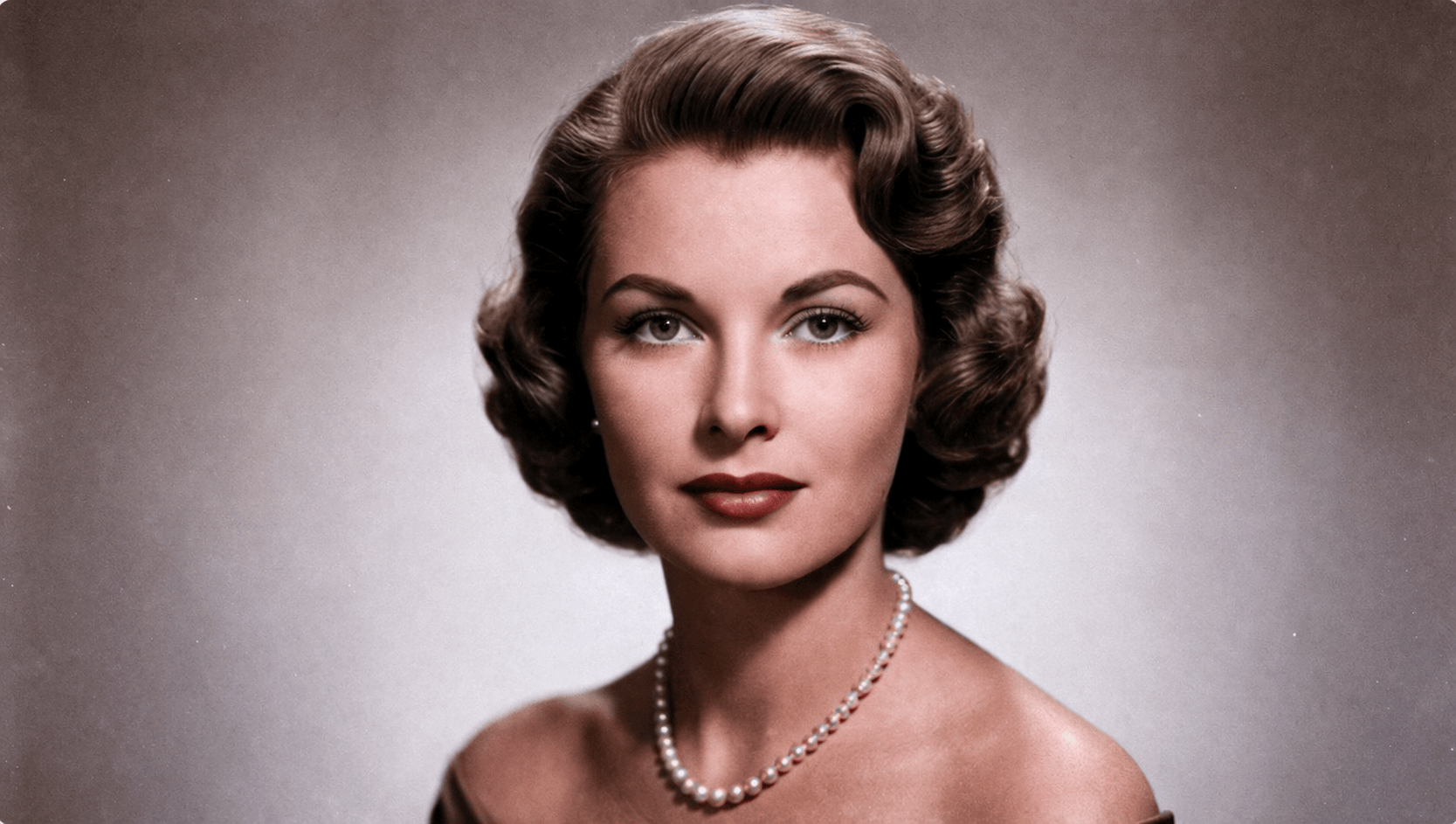
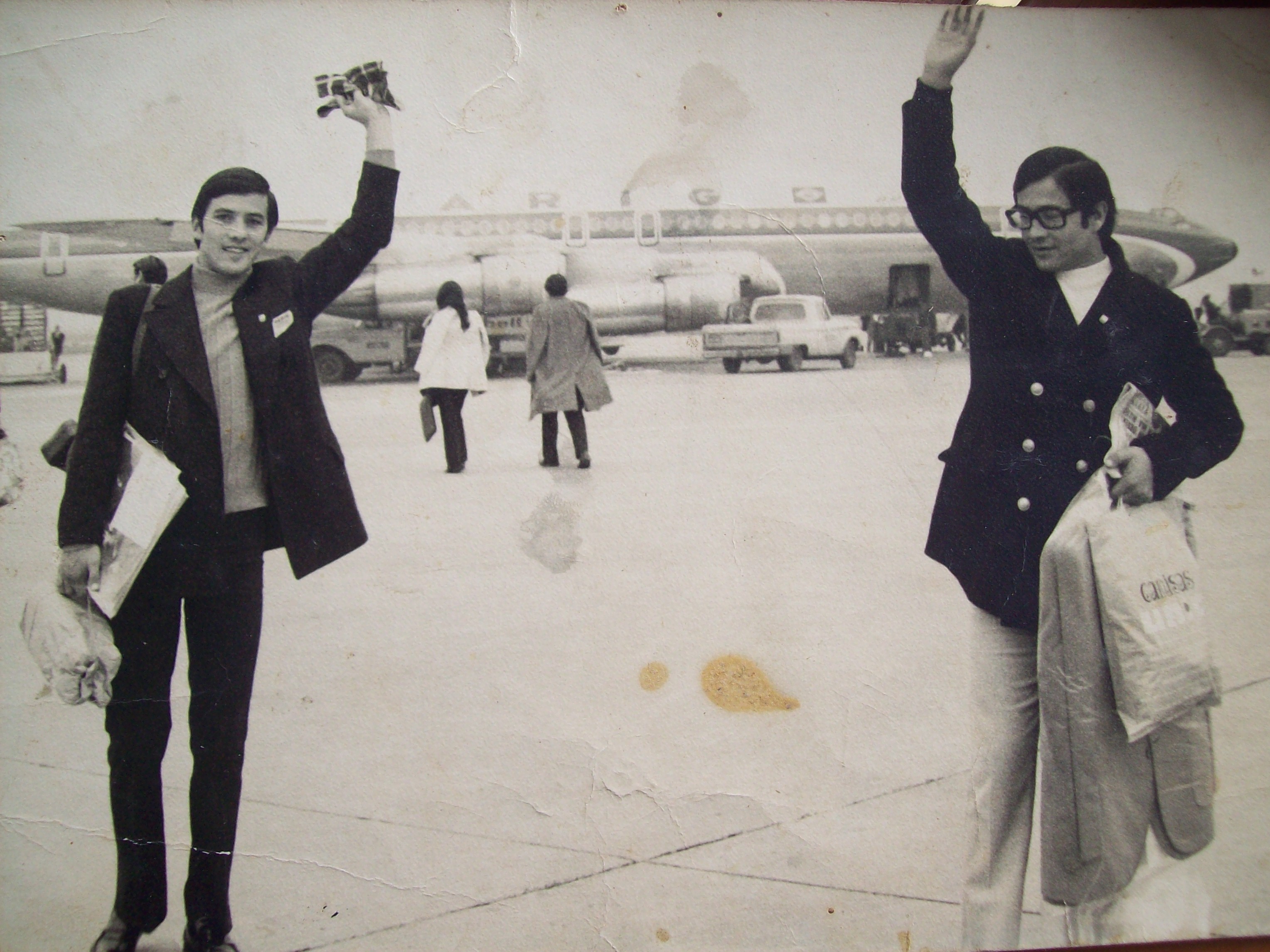
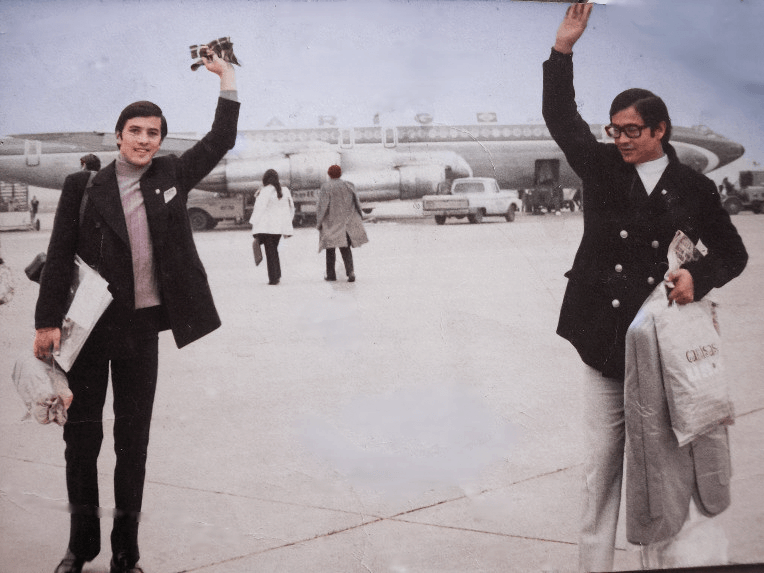
This photo had torn areas, faded colors, and details erased by time. The AI didn't just fill the damaged areas — it reconstructed them generatively, creating textures, edges, and tones coherent with the rest of the image.
Unlike a simple fill, generative reconstruction understands visual context: faces, clothing, backgrounds. The result is faithful to the original and looks natural, as if the damage never occurred.
How AI image retouching works
Paint over what you want to remove or fill. For a cleaner, more natural result, it often helps to mark a slightly larger area so the AI has more context to rebuild the scene.
Our AI analyzes the surrounding context, textures, and lighting to rebuild the area in a way that feels coherent, natural, and visually consistent with the rest of the image.
Review the before and after, keep editing if needed, and download your final image with a cleaner, more polished result ready to share.
Paint over what you want to remove or fill. For a cleaner, more natural result, it often helps to mark a slightly larger area so the AI has more context to rebuild the scene.
Our AI analyzes the surrounding context, textures, and lighting to rebuild the area in a way that feels coherent, natural, and visually consistent with the rest of the image.
Review the before and after, keep editing if needed, and download your final image with a cleaner, more polished result ready to share.
Frequently Asked Questions
Quick answers about our Retouching AI.
Image inpainting is a technique that uses advanced Artificial Intelligence to reconstruct missing or unwanted parts of an image. Our system uses a state-of-the-art AI model renowned for its ability to fill large and complex areas coherently and realistically.
Our AI is very versatile. You can use it to:
- Remove unwanted objects (people, poles, trash).
- Remove watermarks or text.
- Repair old or damaged photos (scratches, stains).
- Fill large areas that need to be reconstructed.
Our AI is especially good with large masks and periodic structures (like patterns or textures).
We use Deep Neural Networks (Deep Learning) trained on millions of images to learn to 'understand' the context of an image and predict how to fill in missing areas so they look natural and consistent with the rest of the photo.
Our model considers the entire image to generate high-quality fills, even in large areas.
Yes! One of our AI's great advantages is its resolution robustness. It generalizes surprisingly well to high resolutions, so you can expect good results even with large images.
This capability sets it apart from many other inpainting models that may struggle with large images.
You can upload your original image in common formats like PNG, JPG/JPEG, WebP.
To indicate the area to fill, our tool lets you draw a mask directly on your image in a simple way.
Tip: precise masks help get the best results.
Absolutely. Your privacy is our top priority. The images you upload are used solely for the retouching process and are handled with strict security measures.
We do not permanently store your images or share them with third parties without your consent. See our Privacy Policy for more details.
✨ Applying Retouch ✨
The AI is removing the selected elements. This may take a few seconds...
0s