Increase image resolution easily online with AI
Scale your photos up to 4x, restore faces and recover lost details for free
Enhance Image Resolution with AI AI Image Upscaler
Upscale your photos with AI and get results up to 4K in seconds — sharpen details, recover lost textures and enhance edges without installing anything.
Image enhanced successfully!
Resolution increased — from to ·
Download

Sube desde tu celular
Escanea el código QR con la cámara de tu móvil para abrir esta página y subir tu foto directamente.
Esta misma página · se actualiza automáticamente
Increase image resolution quickly and easily with AI
Easy & Instant Use
Forget Photoshop or complex tools. With our AI, just upload your photo and choose the scale level. Get professional results in seconds, no learning curve needed.
Ultra HD 4K Resolution
Whether it's a family portrait or a product photo, our AI reconstructs lost details. Increase resolution up to 4K while keeping sharp edges and real textures — perfect for print or social media.
Deep Detail Recovery
Our model analyzes every pixel to recover details, reduce noise, and intelligently balance colors. The result is a more vivid, cleaner image with a high-end camera sharpness.
Professional Quality
Get images with exceptional native sharpness. Perfect for commercial catalogs, high-impact presentations, or large format prints that require maximum pixel precision.
Easy & Instant Use
Forget Photoshop or complex tools. With our AI, just upload your photo and choose the scale level. Get professional results in seconds, no learning curve needed.
Ultra HD 4K Resolution
Whether it's a family portrait or a product photo, our AI reconstructs lost details. Increase resolution up to 4K while keeping sharp edges and real textures — perfect for print or social media.
Deep Detail Recovery
Our model analyzes every pixel to recover details, reduce noise, and intelligently balance colors. The result is a more vivid, cleaner image with a high-end camera sharpness.
Professional Quality
Get images with exceptional native sharpness. Perfect for commercial catalogs, high-impact presentations, or large format prints that require maximum pixel precision.
Enhance any blurry image and download it in high resolution
Do you have pixelated, blurry or low-resolution photos? The Compress IQ image upscaler analyzes every pixel and reconstructs the lost details — sharp edges, real textures and balanced colors. Get results up to 4K in seconds, without Photoshop, without a learning curve and without losing the essence of the original image.
4K
Max resolution
IA
Smart detail
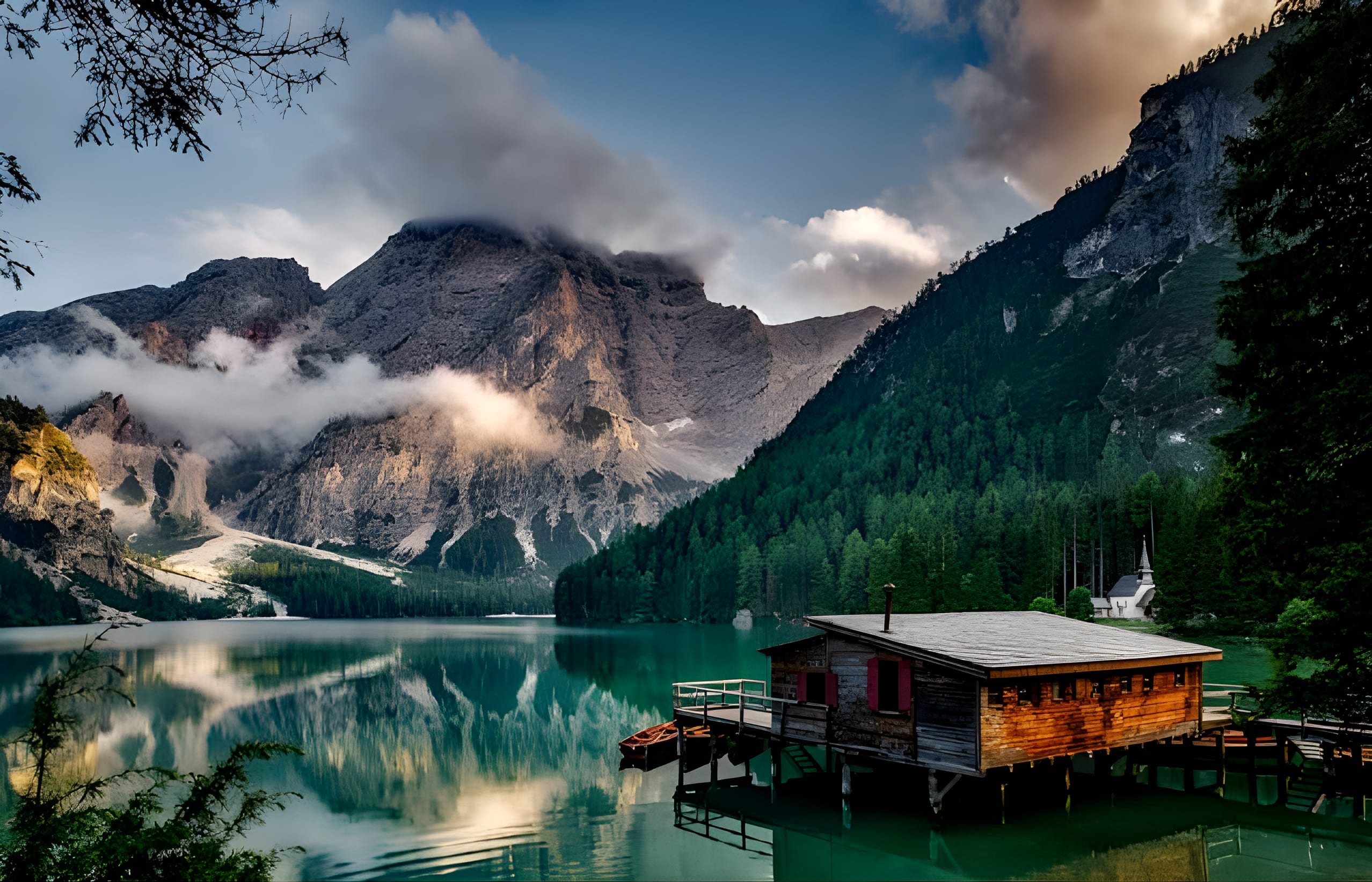
Bring every photo back to life with maximum quality
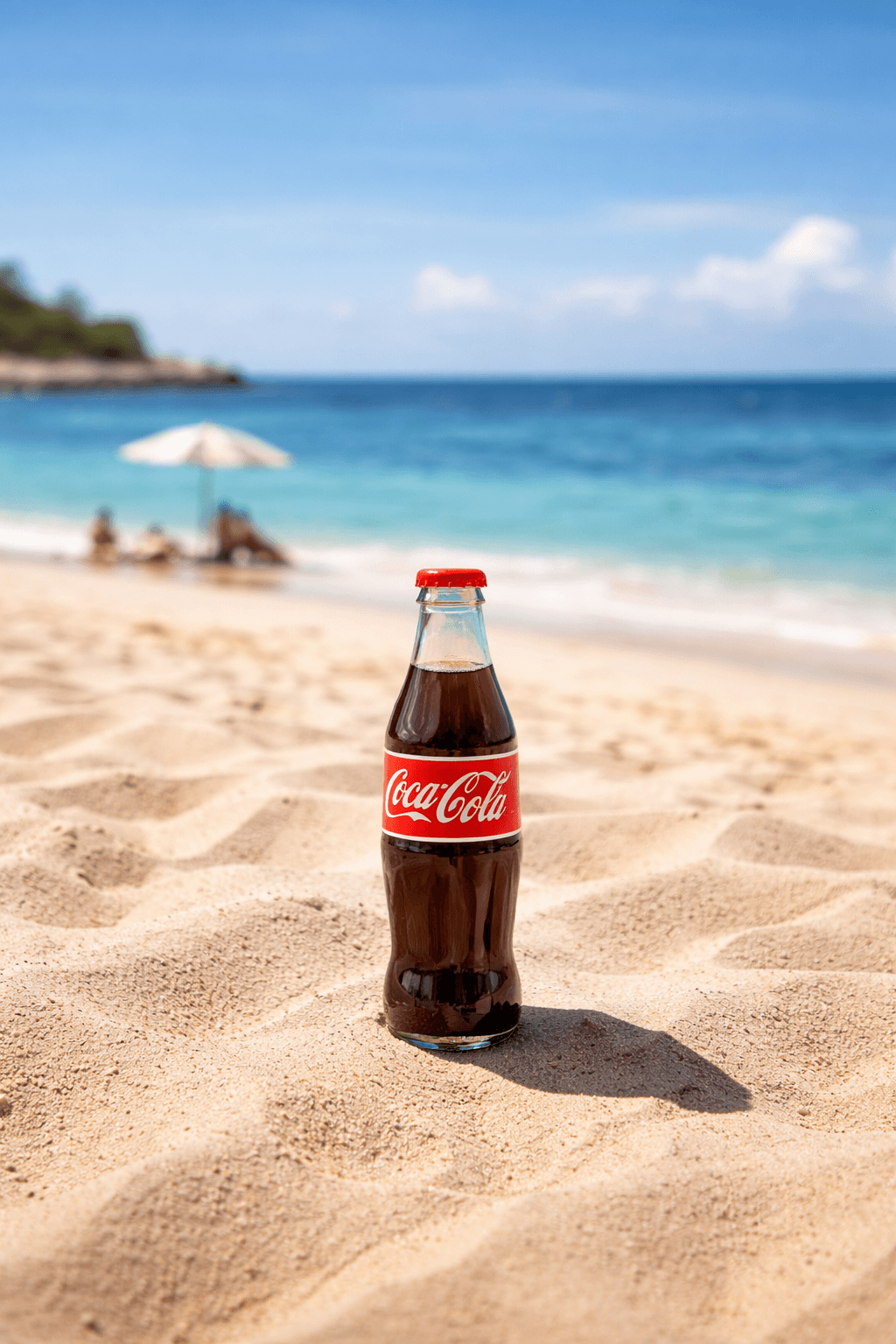
Your travel, nature or event photos deserve to be seen at their best. Our AI reconstructs textures, reinforces edges and upscales resolution up to 4K without losing quality or naturalness.
Ideal for photographers, travelers and anyone who wants to preserve their best moments with maximum quality — ready to print, share or frame.
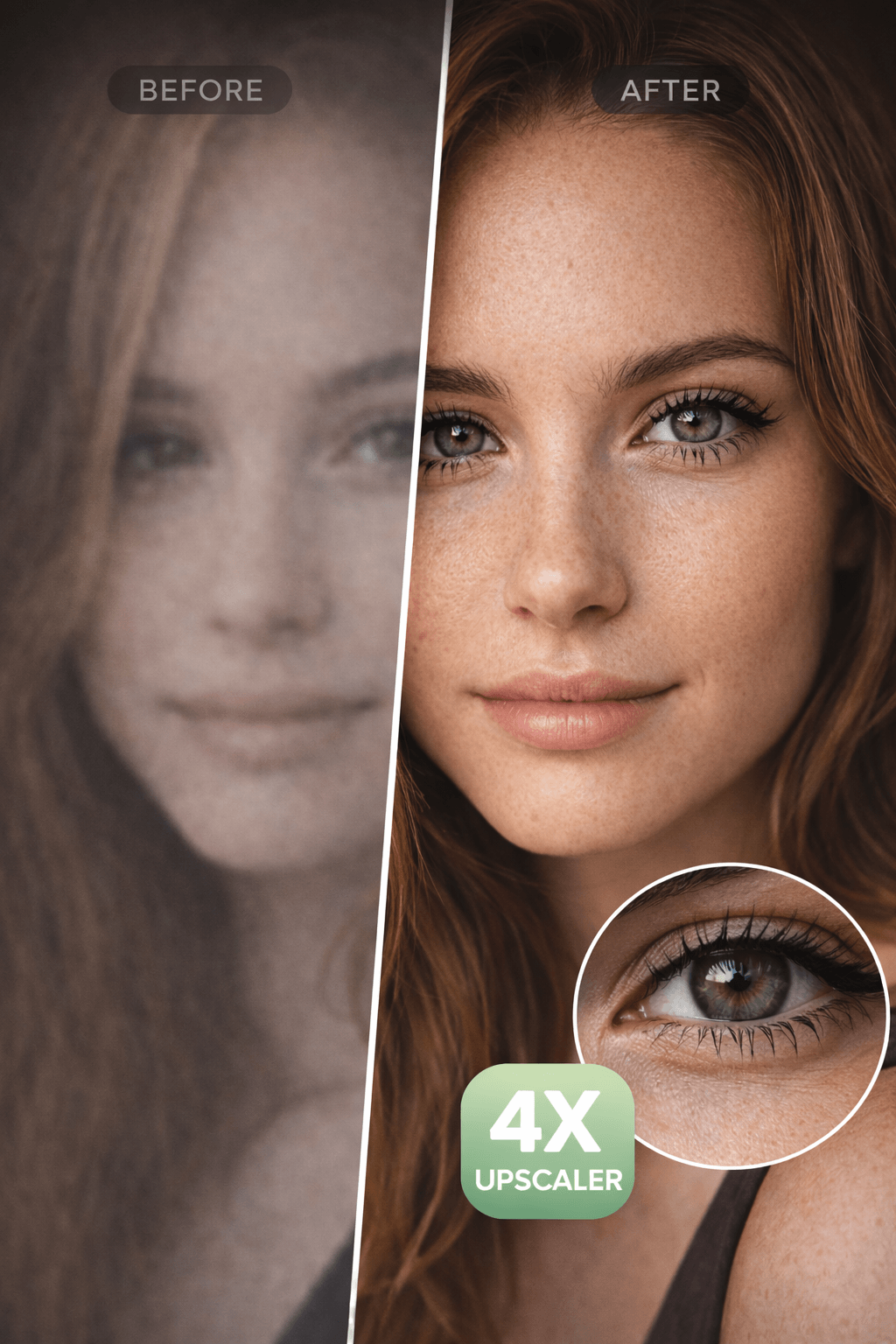
Recover facial details for campaigns and ads
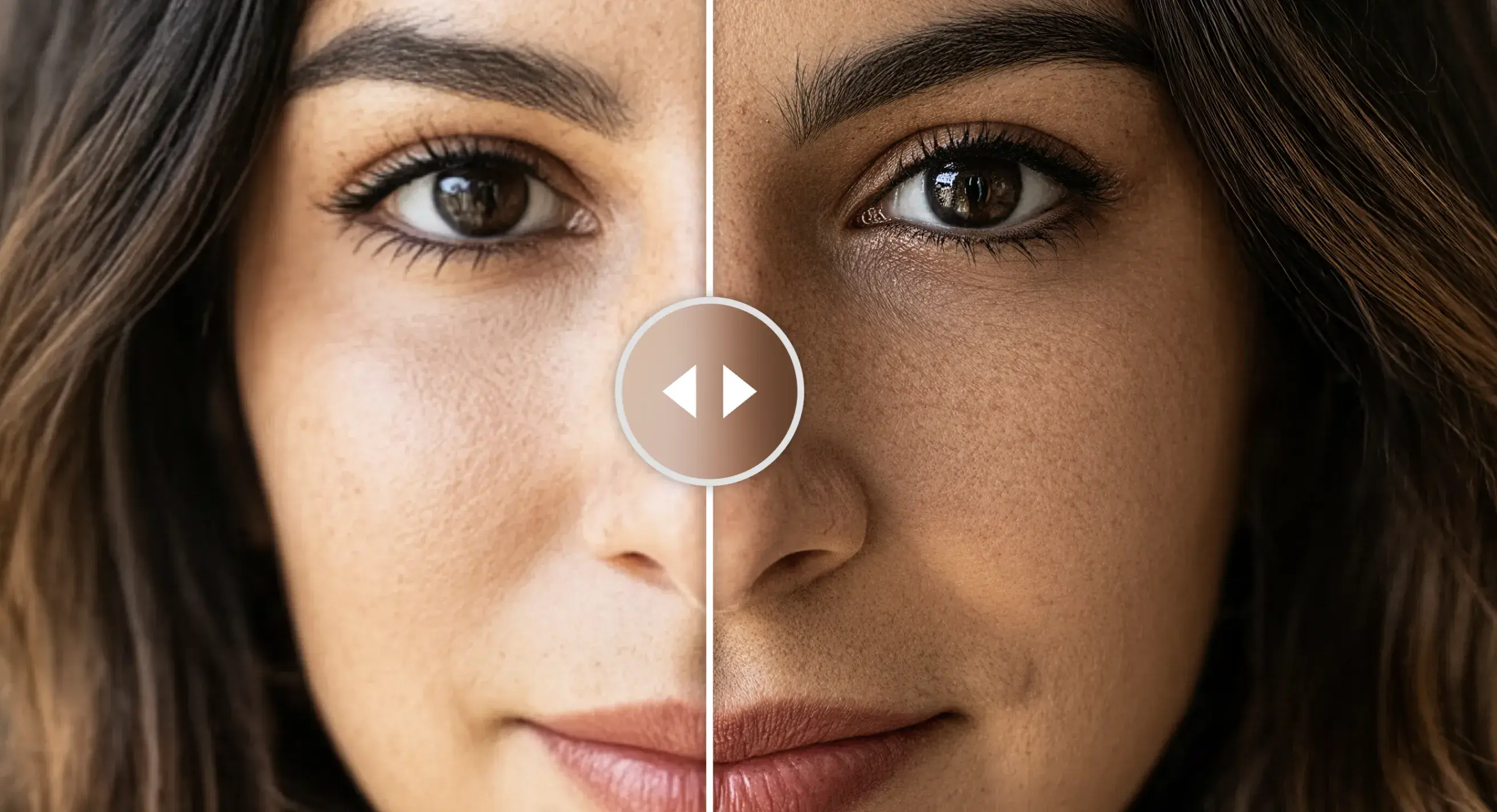
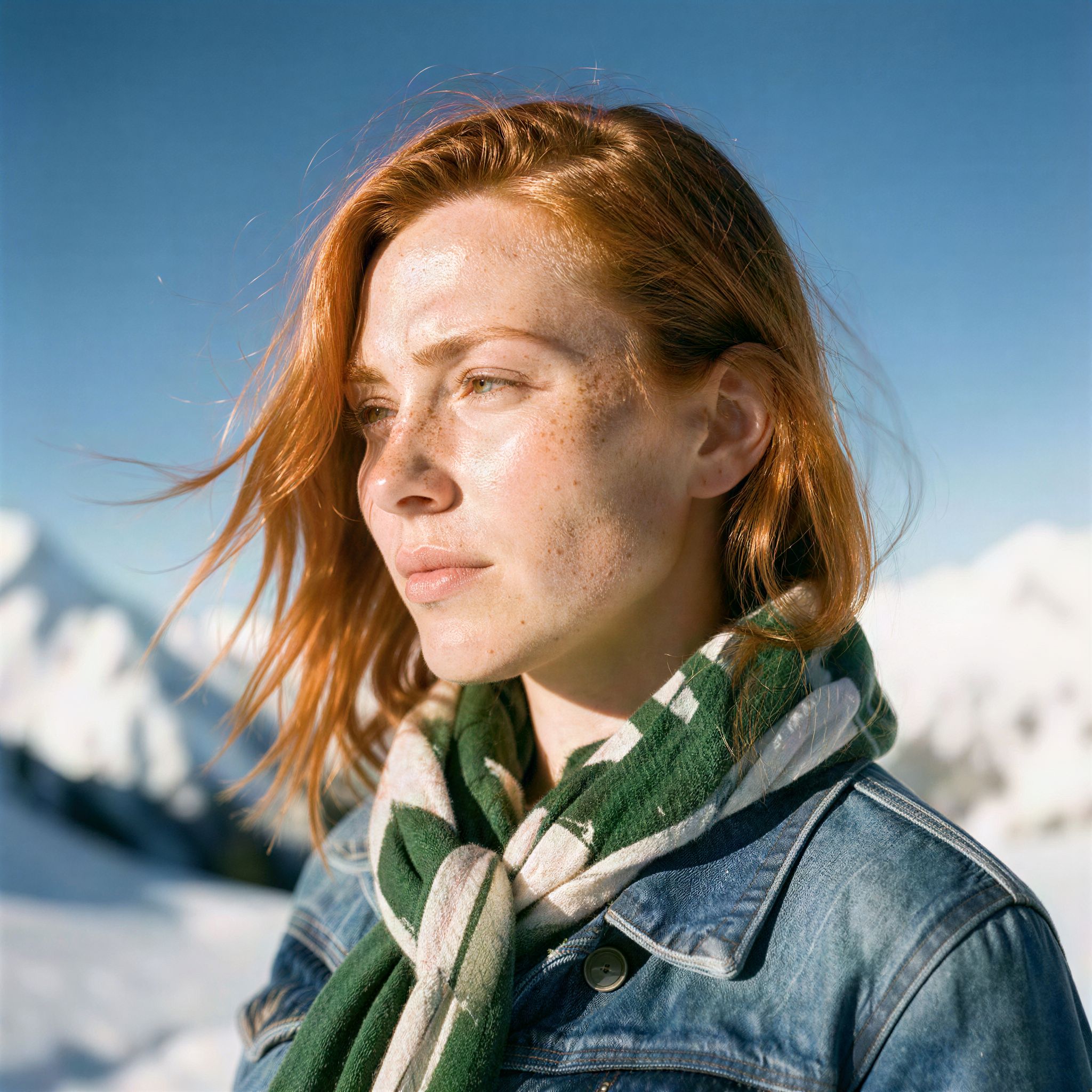
Don't discard a good shot due to lack of resolution. Our AI reconstructs skin, eye and contour details so every face looks sharp and professional — ready for banners, social media and product listings.
Ideal for photographers, advertising agencies and content creators who need to get the most out of every image regardless of the original resolution.
4K · Max resolution — Up to 3840×2160px with real textures and sharp edges, ready to print or publish.
Auto · Face detection — Automatically detects and restores eyes, skin and contours — no manual retouching.


More likes with images that truly stand out
Blurry photos go unnoticed — sharp images drive engagement. We upscale from 640×427px to 2560×1708px so your content looks professional on any platform.
Ideal for content creators, brands and businesses that need high-quality images to stand out on Instagram, TikTok, LinkedIn and any social network effortlessly.
How to enhance your image resolution
Drag or select a JPG, PNG or WebP photo from your device.
Select Ultra HD to upscale up to 2x or Ultra HD AI for maximum detail with 4K upscaling.
Download your enhanced image instantly in HD quality, ready to use wherever you need it.
Drag or select a JPG, PNG or WebP photo from your device.
Select Ultra HD to upscale up to 2x or Ultra HD AI for maximum detail with 4K upscaling.
Download your enhanced image instantly in HD quality, ready to use wherever you need it.
Frequently Asked Questions
You can upload PNG, JPG or WebP images up to 10 MB. For best results we recommend images up to 1440p resolution. If your file is larger, you can compress it first with our free compression tool.
The improvement is noticeable from the first use. Our AI can upscale an image up to 4× its original size (e.g. from 512×512 px to 2048×2048 px) recovering sharpness, textures and details that weren't visible. Results vary depending on the original quality, but in most cases the difference is immediate.
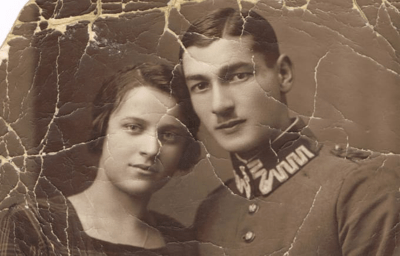
Yes, and it's one of the cases where the difference is most noticeable. Our tool includes specialized facial enhancement that reconstructs features, corrects blurring and restores fine details like eyes and skin. Ideal for old family photos, profile pictures or any image where the face is the main subject.
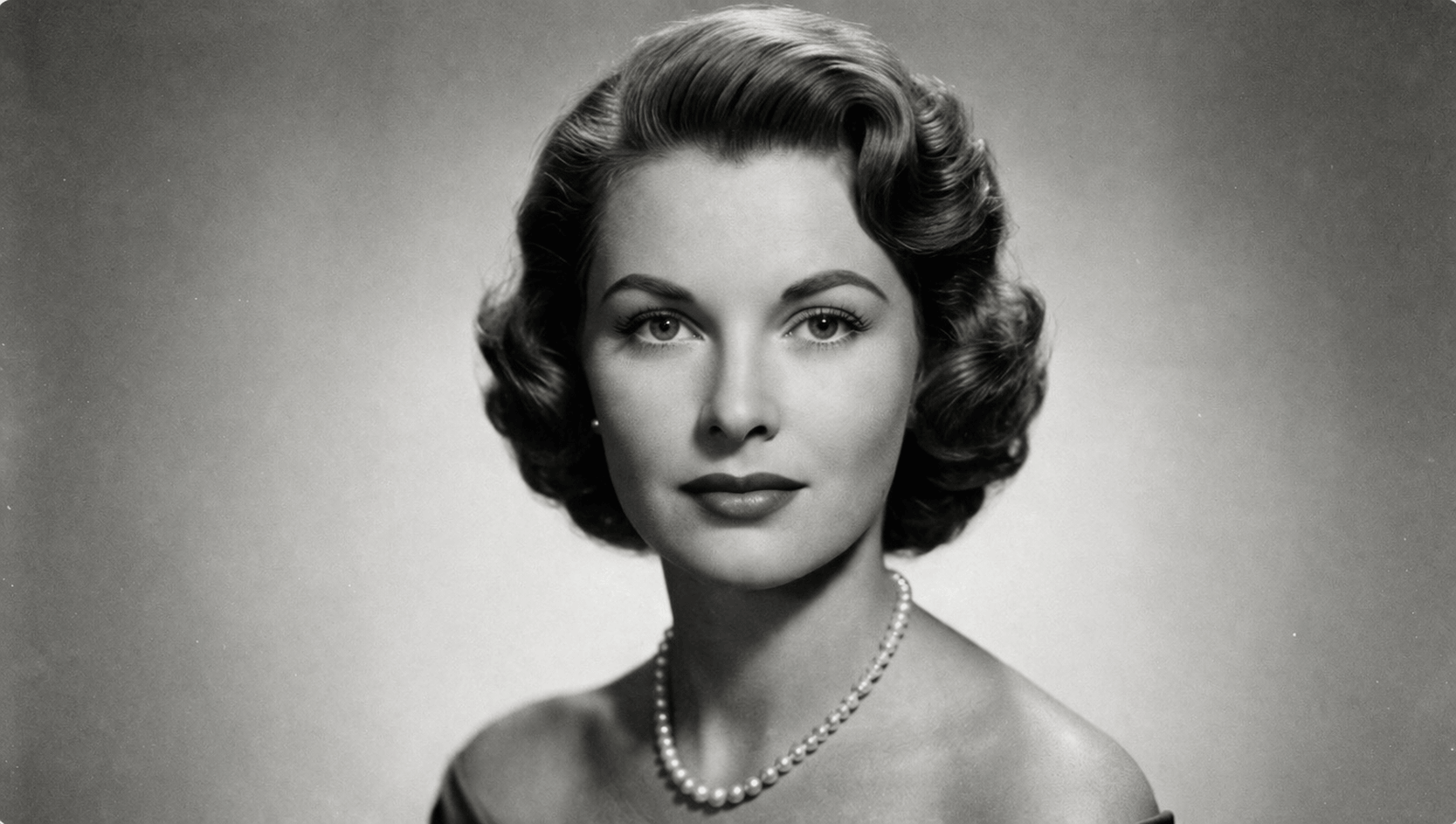
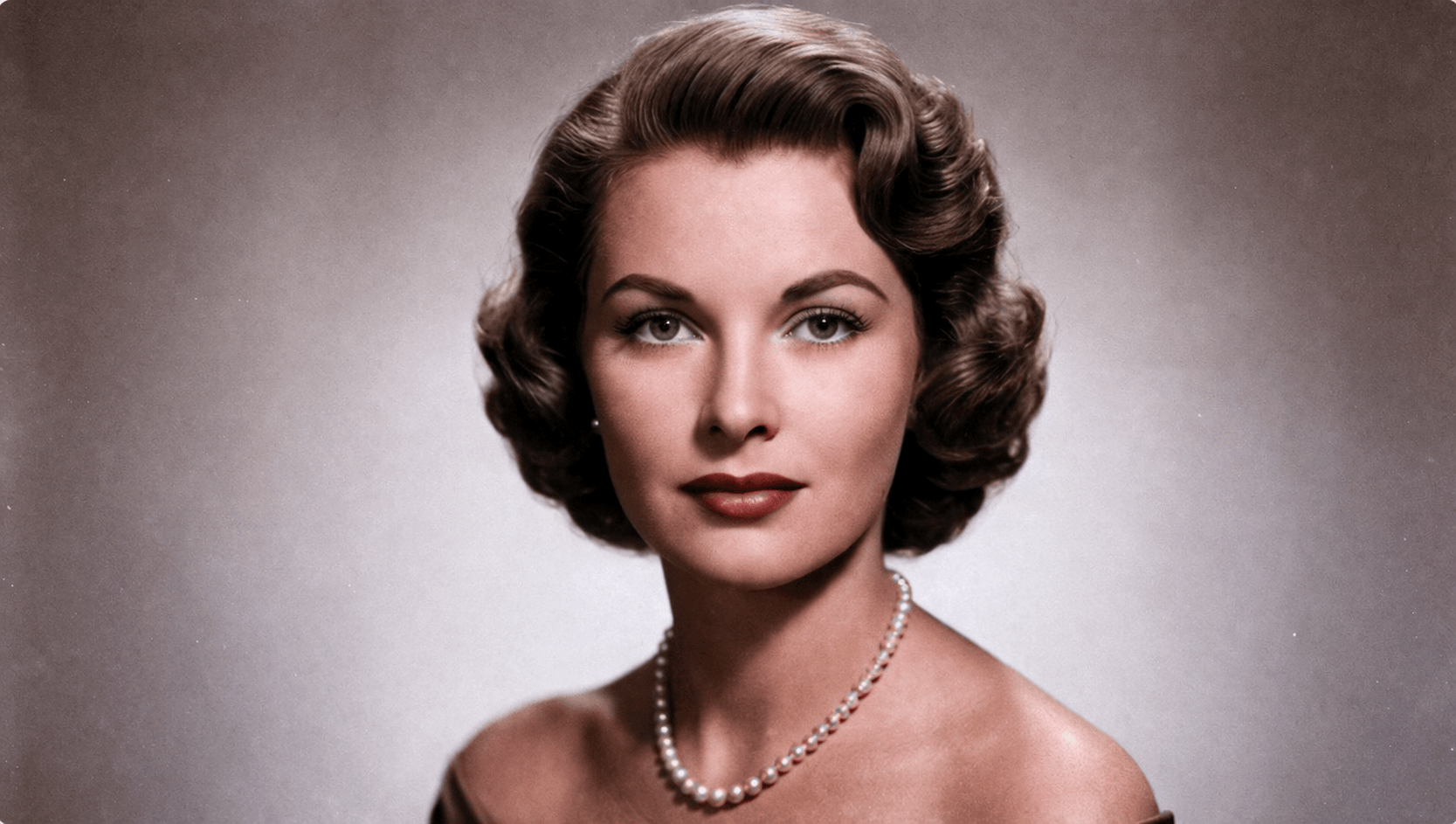
Absolutely. The process works just as well with grayscale photos as with color ones. Details and sharpness are recovered regardless of the image palette. If you also want to add color to a black and white photo, you can combine this tool with our colorization feature.
No. Your images are processed temporarily and deleted automatically once the download is complete. We do not store, analyze or share your content with third parties. Your privacy is our priority.
Enhancing an image costs 1 credit for Ultra HD mode and 2 credits for Ultra HD AI mode with 4K scaling. The download is included at no extra cost. You can check your credit balance at any time from your profile.
Yes. You can upload and enhance the same image as many times as you want, even applying the enhancement on top of a previous result to maximize quality. Each processing consumes credits normally. This is especially useful when starting from a very degraded or very low resolution image.