Blur your photo background with AI — online background blur tool
Blur your image backgrounds automatically: professional bokeh effect in seconds, no sign-up.
Background blurred!
Sharp subject · Bokeh background effect ·
Download result
Processing free · HD: 1 credit
Standard
High Resolution
Blur Photo Backgrounds with AI
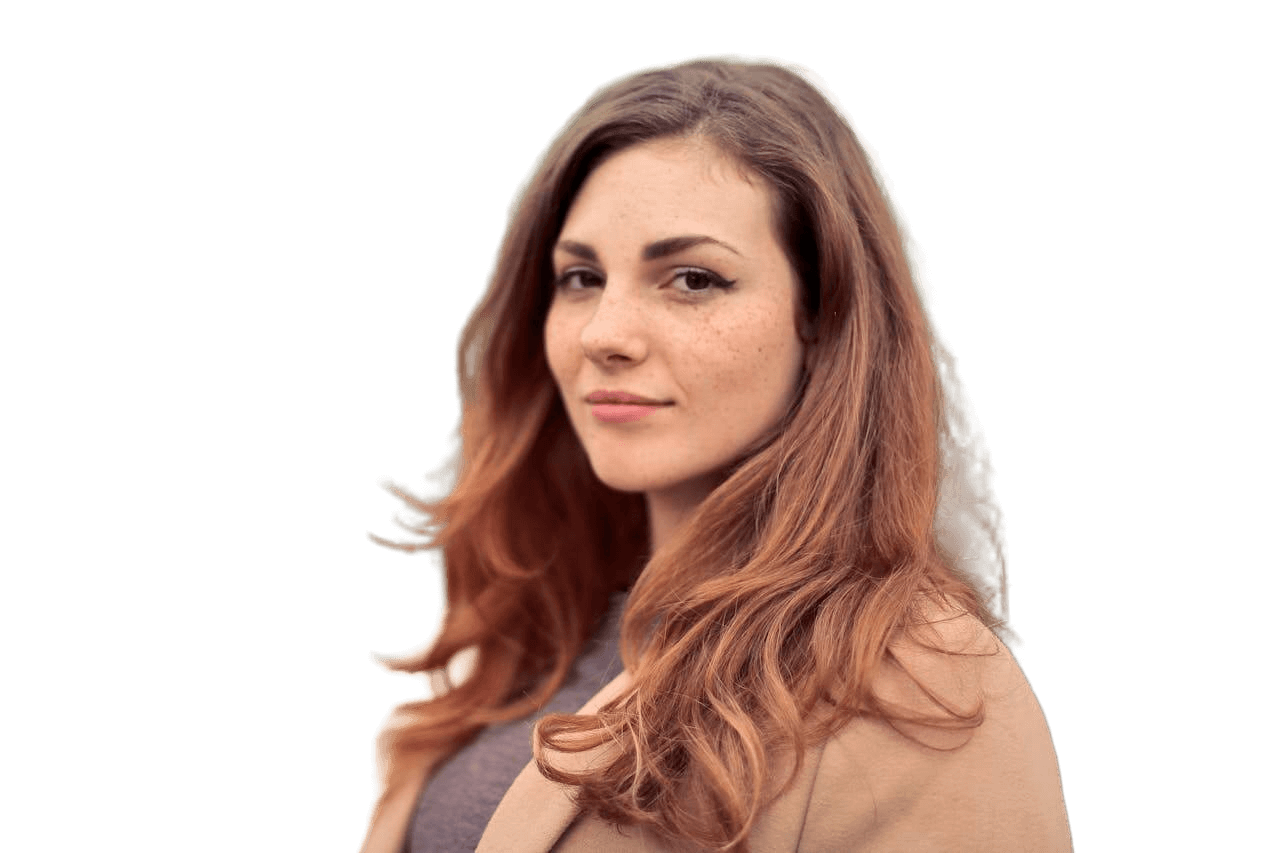
Our AI automatically detects the subject of your image and blurs the background in seconds, adding depth and a professional bokeh effect. Remove distractions and make your portraits, product shots, or marketing images stand out — no installs or editing experience needed.
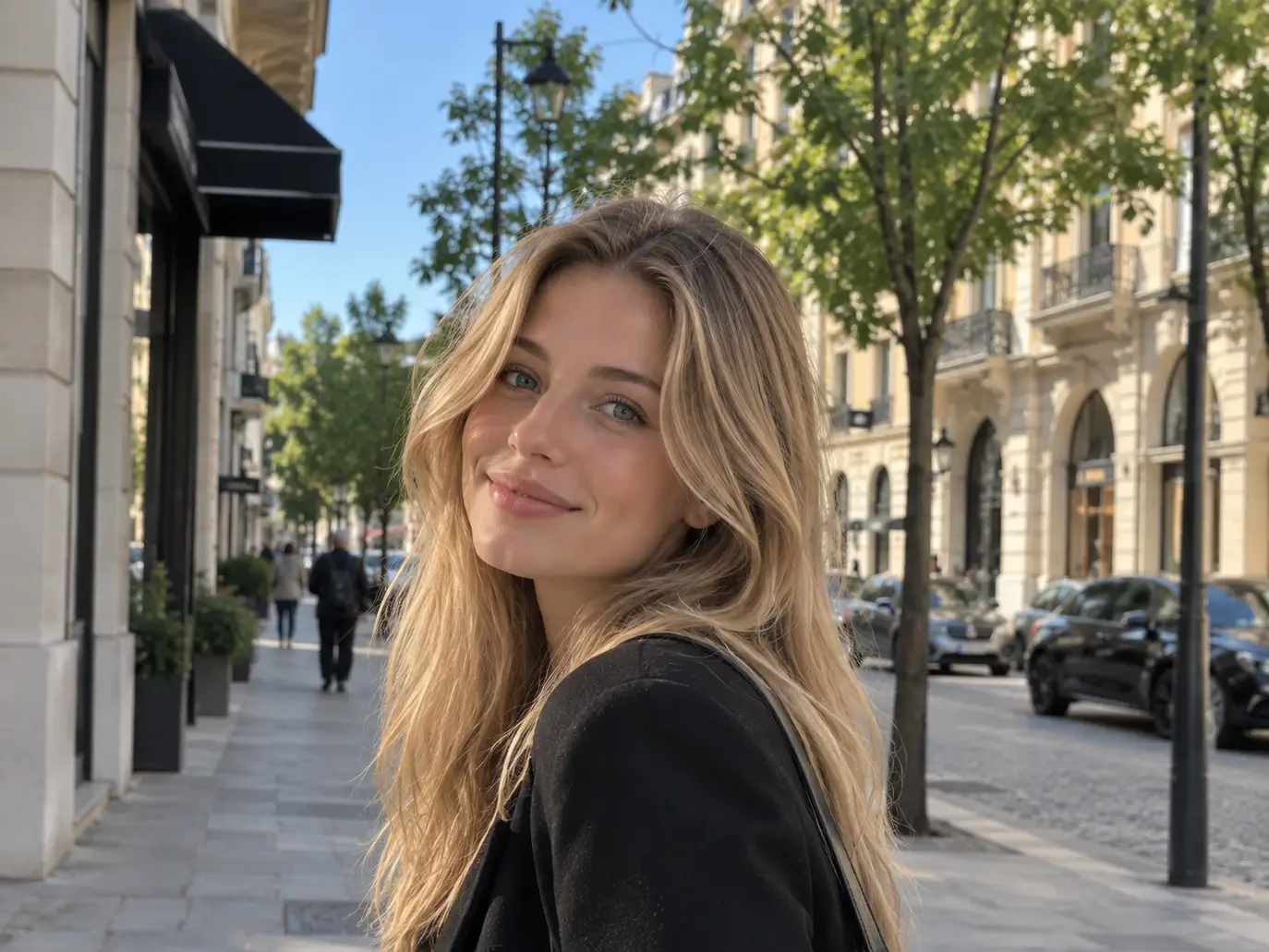
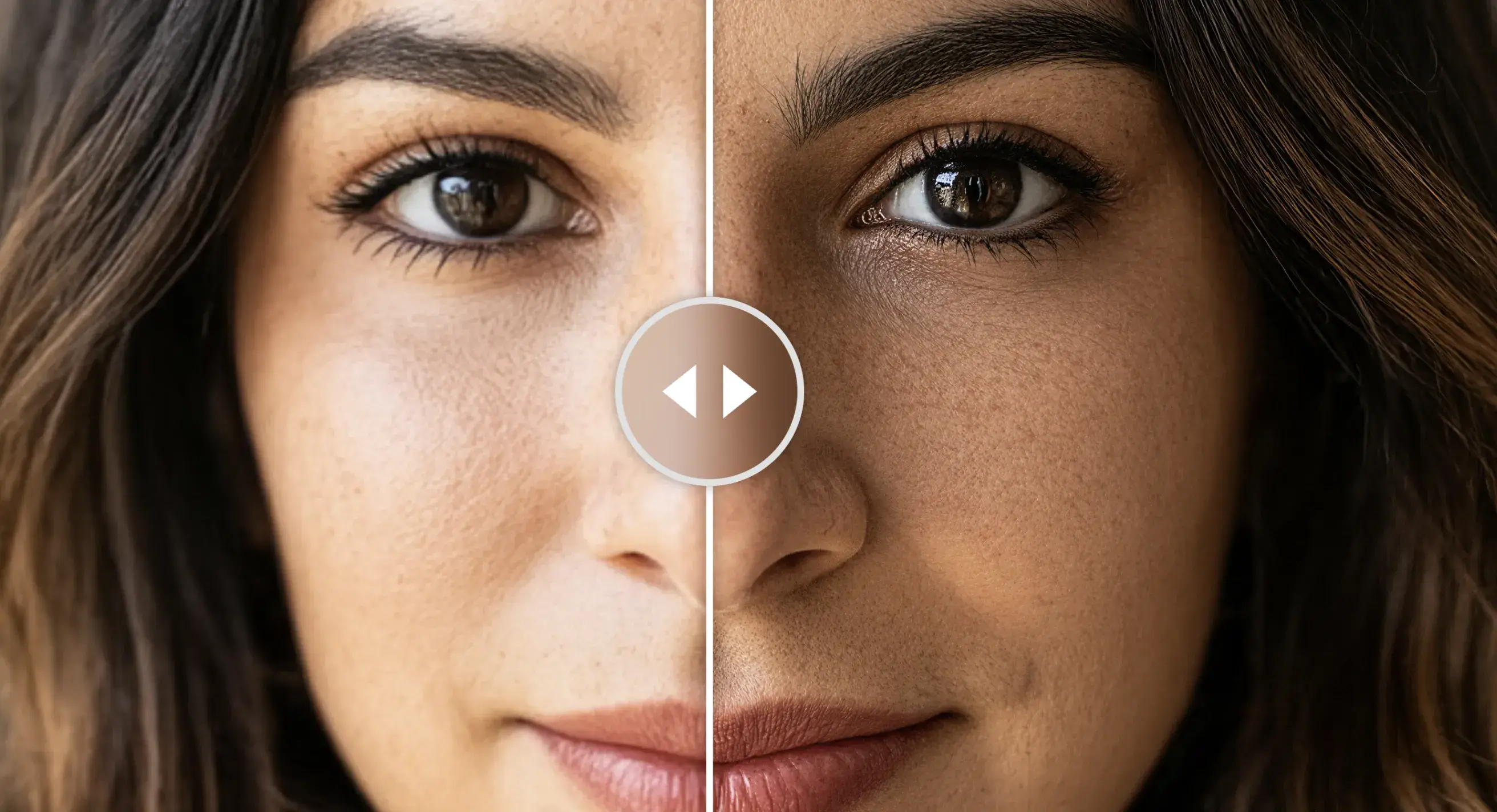
Desliza para comparar · la vista cambia según la intensidad seleccionada
Detecting subject with AI...
Identifying the subject and applying background blur
Results may vary depending on subject sharpness in the photo.
Your images are automatically deleted after 60 minutes.
Blur intensity
Choose how much to blur the background
✨ Guest uses exhausted · Sign up free to continue ✨
What can our blur do for your photos?
Smart subject detection
The AI automatically identifies the people, animals or main objects in your photo and keeps them perfectly sharp while blurring everything else — no selections needed.
From subtle to extreme, plus motion
Five classic blur levels to add depth to any image, plus a motion blur that brings dynamism to action shots, sports or urban scenes.
Full control with brush mode
Want to blur an exact area or protect a detail? Enable the brush and paint the areas you want to blur with total precision, right on your image.
Add dynamism to your action scenes
Add motion blur to your photos. Make your images look more dynamic with motion effects. Perfect for action shots, sports, or artistic edits. Adjust the intensity easily and achieve a natural, professional look in seconds.
Smart subject detection
The AI automatically identifies the people, animals or main objects in your photo and keeps them perfectly sharp while blurring everything else — no selections needed.
From subtle to extreme, plus motion
Five classic blur levels to add depth to any image, plus a motion blur that brings dynamism to action shots, sports or urban scenes.
Full control with brush mode
Want to blur an exact area or protect a detail? Enable the brush and paint the areas you want to blur with total precision, right on your image.
Add dynamism to your action scenes
Add motion blur to your photos. Make your images look more dynamic with motion effects. Perfect for action shots, sports, or artistic edits. Adjust the intensity easily and achieve a natural, professional look in seconds.
Blur the background, highlight what matters.
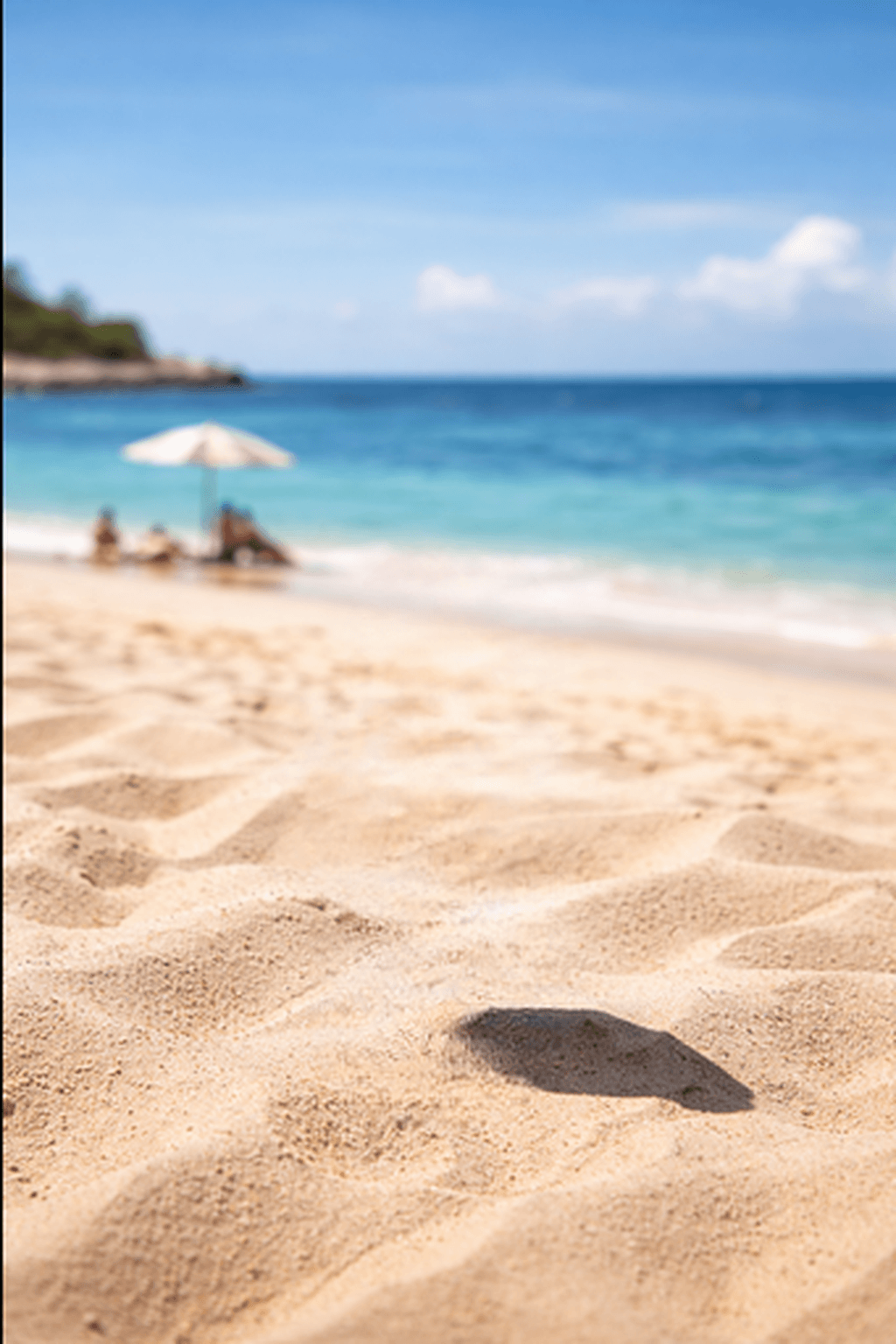
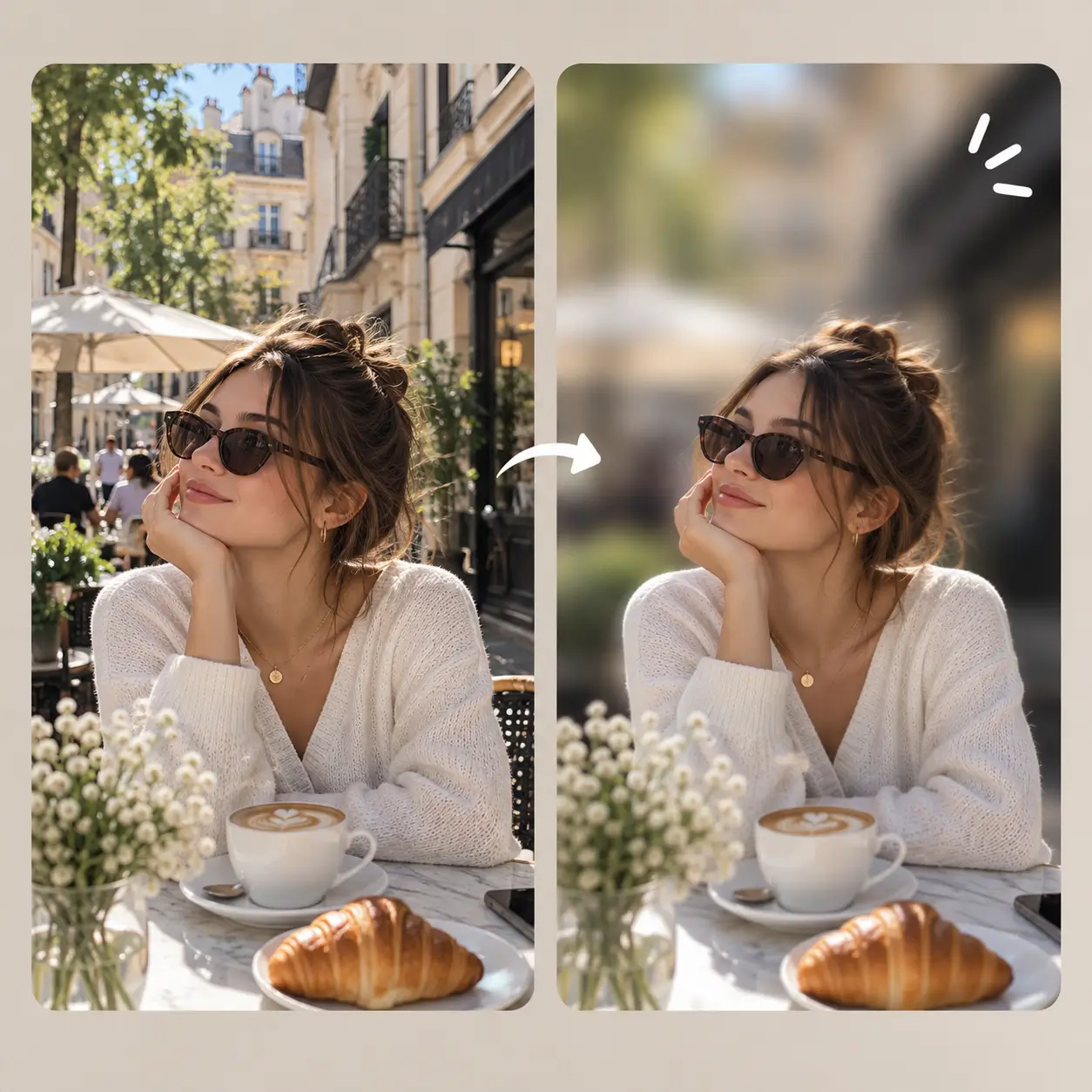
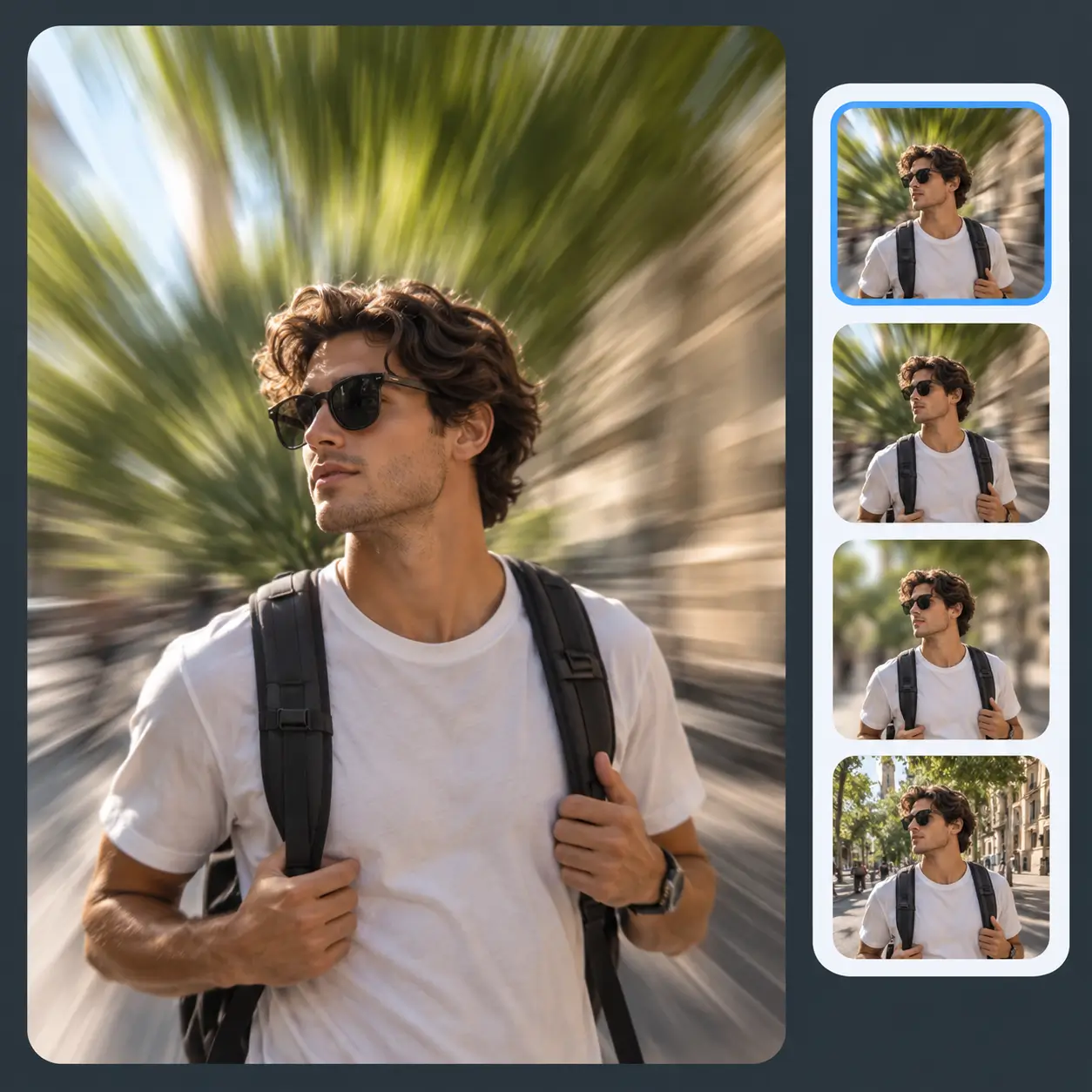
A blurred background turns any everyday photo into a professional image: portraits with a bokeh effect, products that stand out, and pets that steal every glance. Our AI detects the subject instantly and applies the perfect blur — no manual editing.
Free · No sign-up
Results in seconds
Turn everyday portraits into studio shots
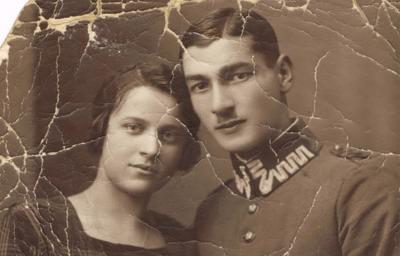
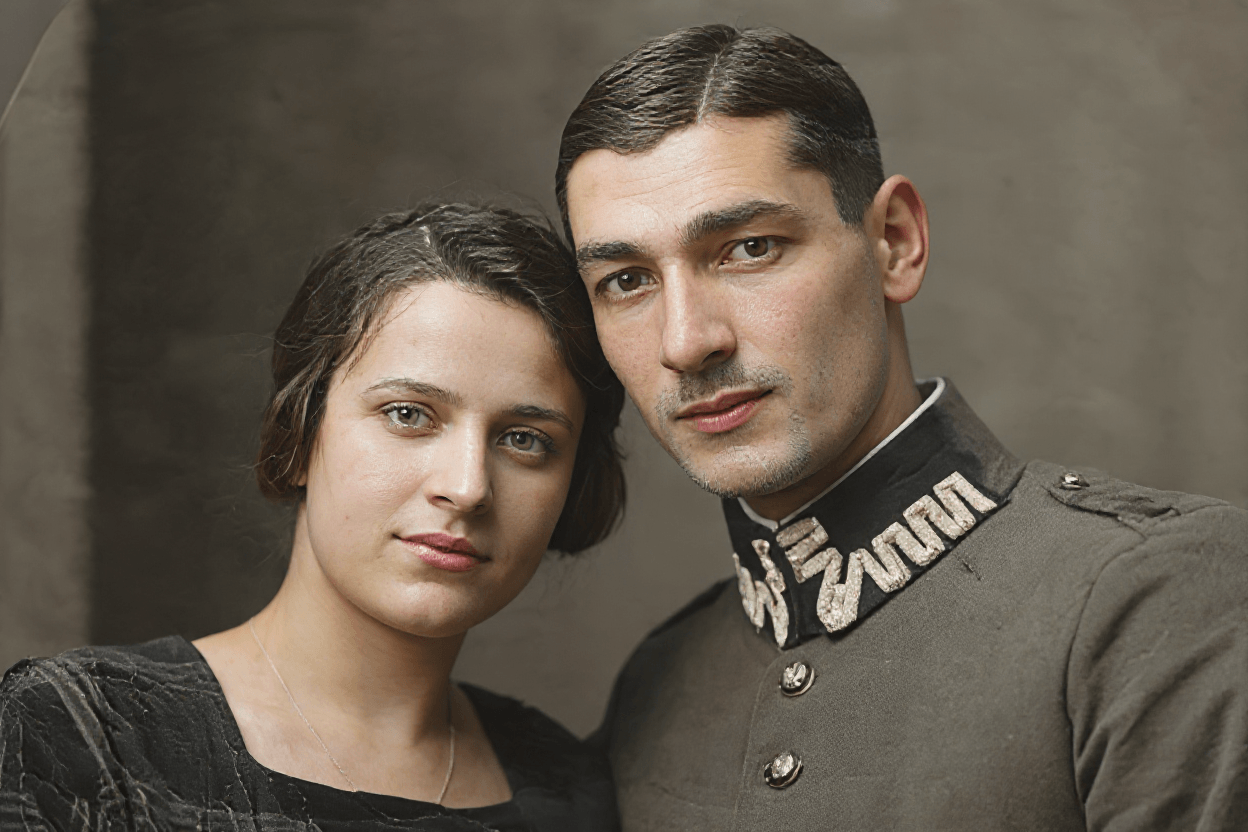
The bokeh effect is the secret of professional portraits: a soft, blurred background that makes the eyes the absolute center of the image. Our AI detects faces and bodies with precision, keeping every detail of the subject perfectly sharp.
Ideal for profile pictures, resumes, LinkedIn and social media. Choose from five intensities — from a subtle blur to extreme — and download the result in high quality, free and without sign-up.
Blur effects to match your style
Choose from six intensities — from the softest touch to the extreme — or use brush mode to control exactly which area gets blurred. Add depth, soften distractions and give your photos a creative edge.
No learning curve: upload your image, pick the intensity and download the result in seconds. Works with any type of photo.
Products that stand out without a photo studio
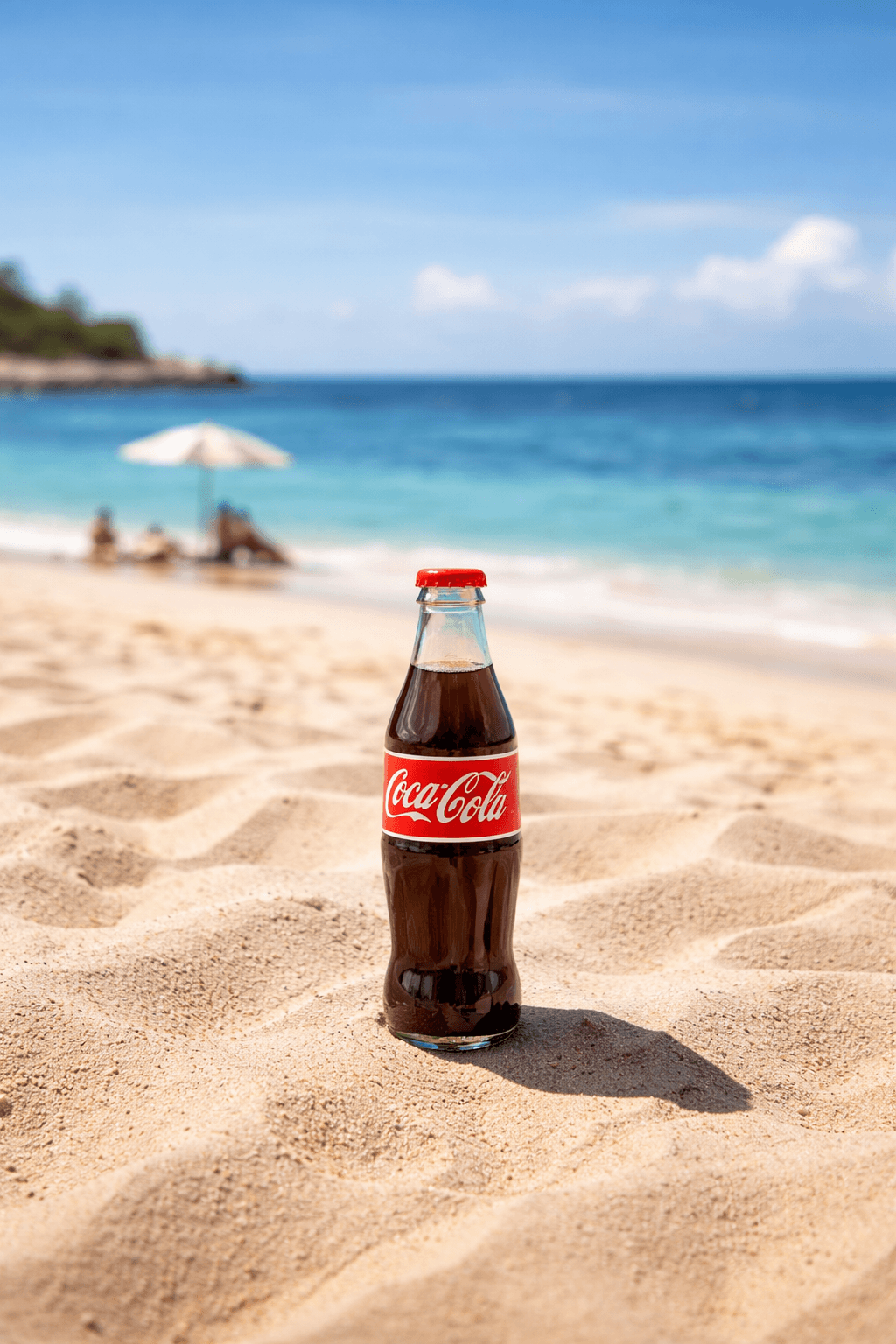
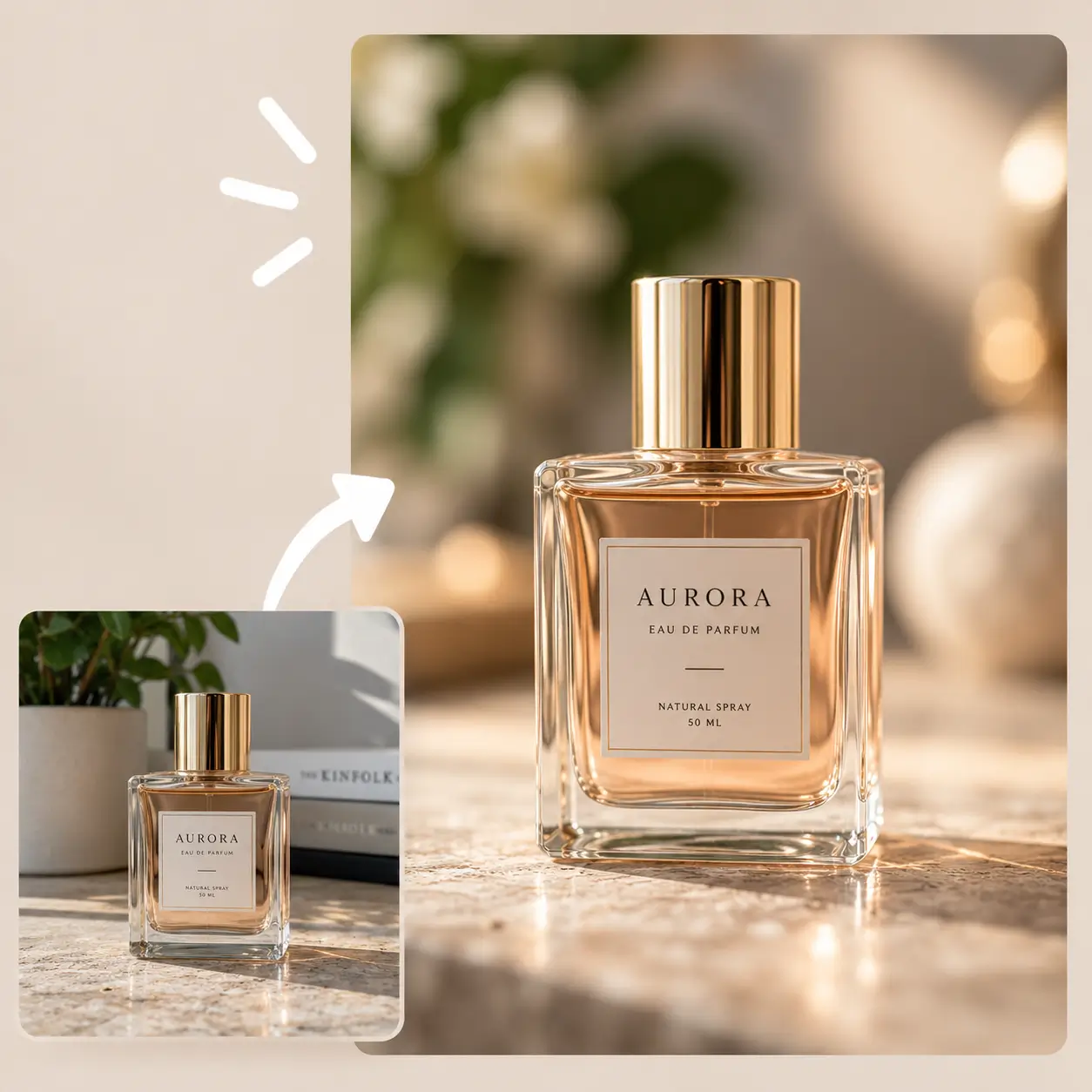
A clean, blurred background elevates any product photo: the object takes over, distractions disappear and the image conveys higher perceived value. Perfect for online stores, catalogs and Instagram posts.
Forget lighting equipment and studio backdrops. Upload your product photo, pick the intensity and get a professional-looking image ready to sell, in seconds.
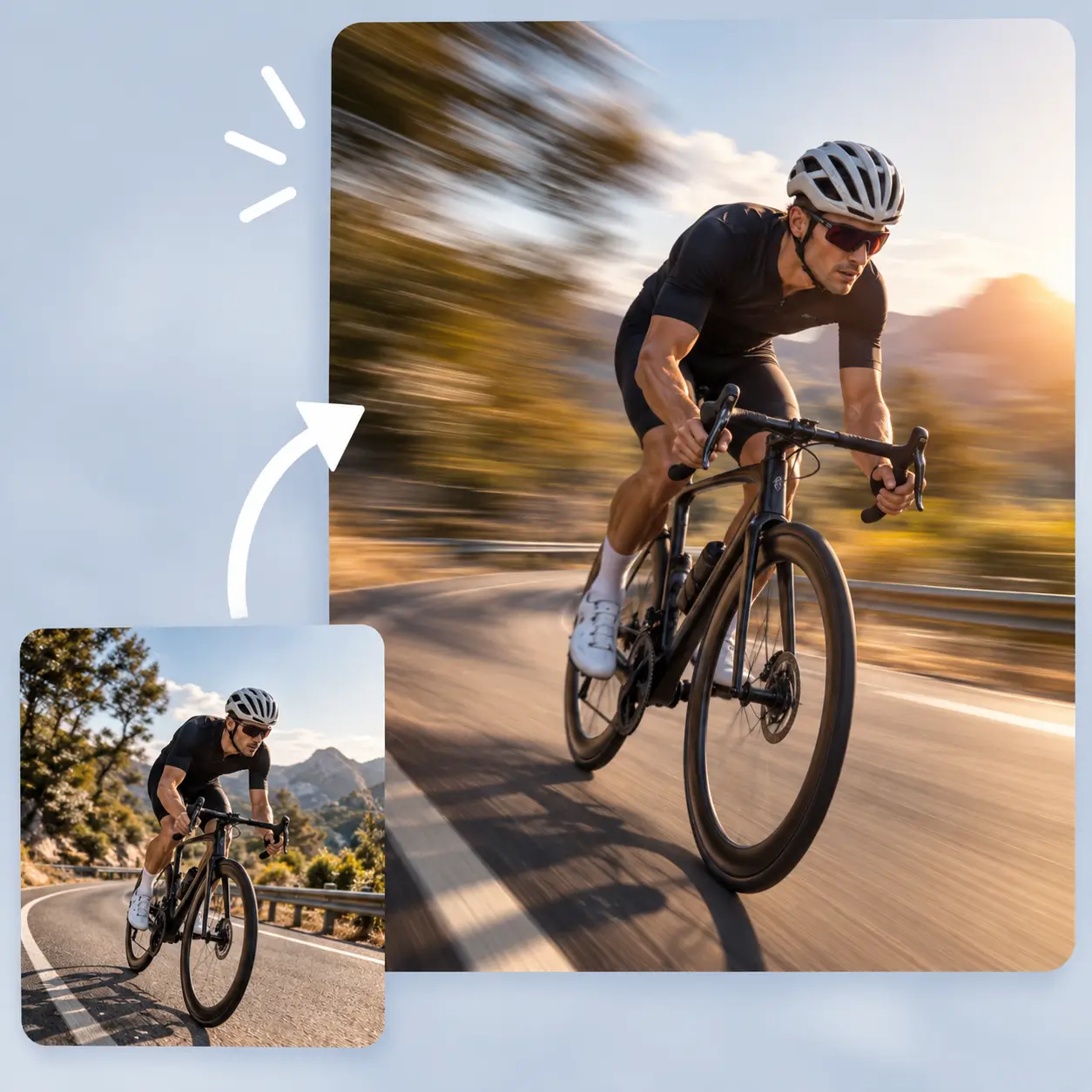
Add dynamism to your action scenes
Add motion blur to your photos and make them look more dynamic. Perfect for action shots, sports or artistic edits. Easily adjust the intensity and achieve a natural, professional look in seconds.
Try brush mode to apply the effect exactly where you want it, with full control over the result.
How to blur your photo background with AI
Drag or select your image from your device. Supports JPG, PNG and WebP up to 10 MB.
Pick from six levels, from soft to extreme, or use brush mode to control exactly which area gets blurred.
Get your blurred background photo instantly. Download in standard quality for free or in full resolution with one credit.
Frequently asked questions
We answer the most common doubts about blurring your photo backgrounds with AI.
Green areas will blur · Everything else stays sharp