Expand image with AI online — free outpainting tool
Extend any photo to 16:9, 9:16, 1:1 or 4:5 with AI, no sign-up required
Image expanded!
Expanded with AI ·
Download result
Expanded image
AI-generated · High quality
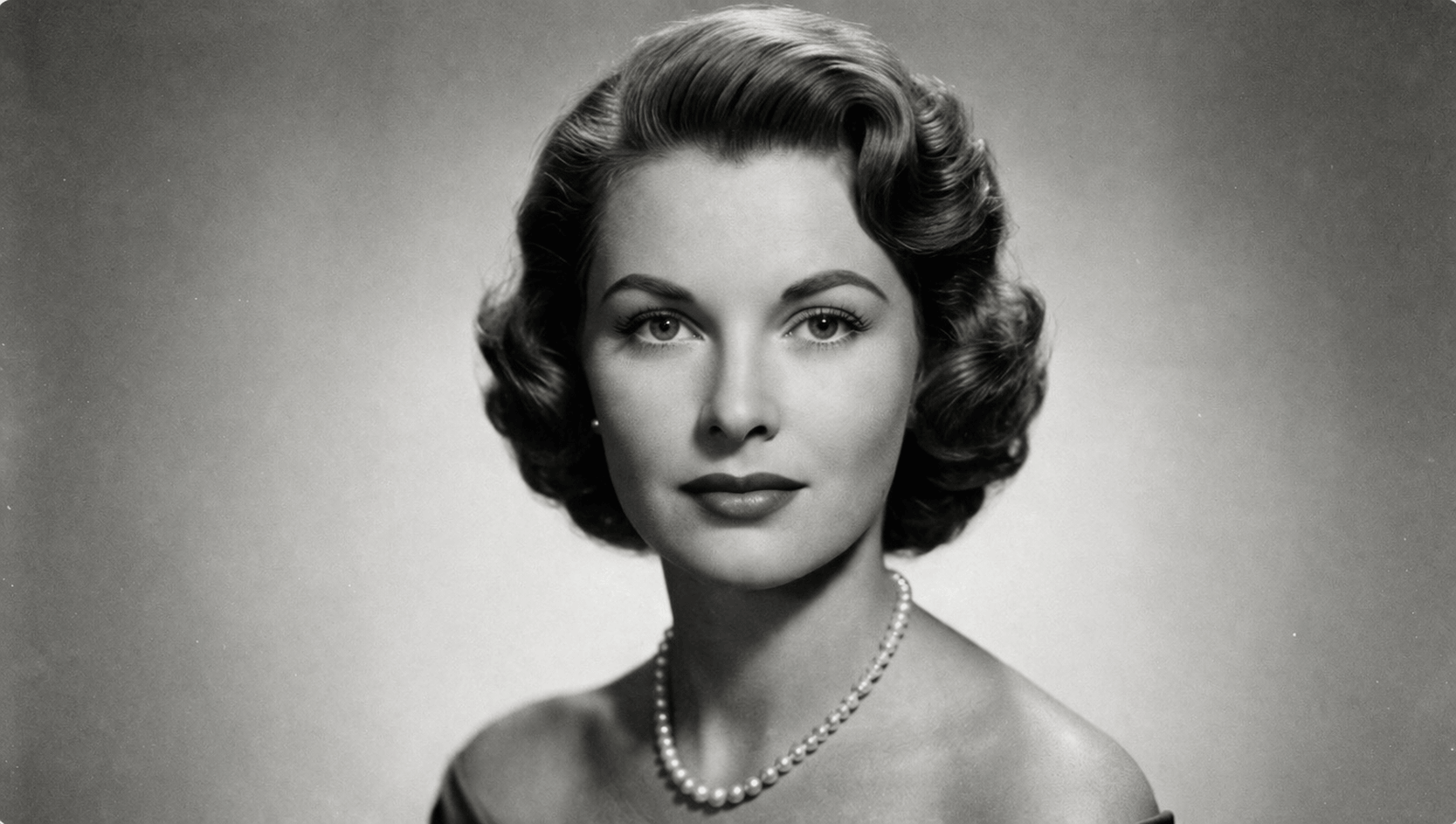
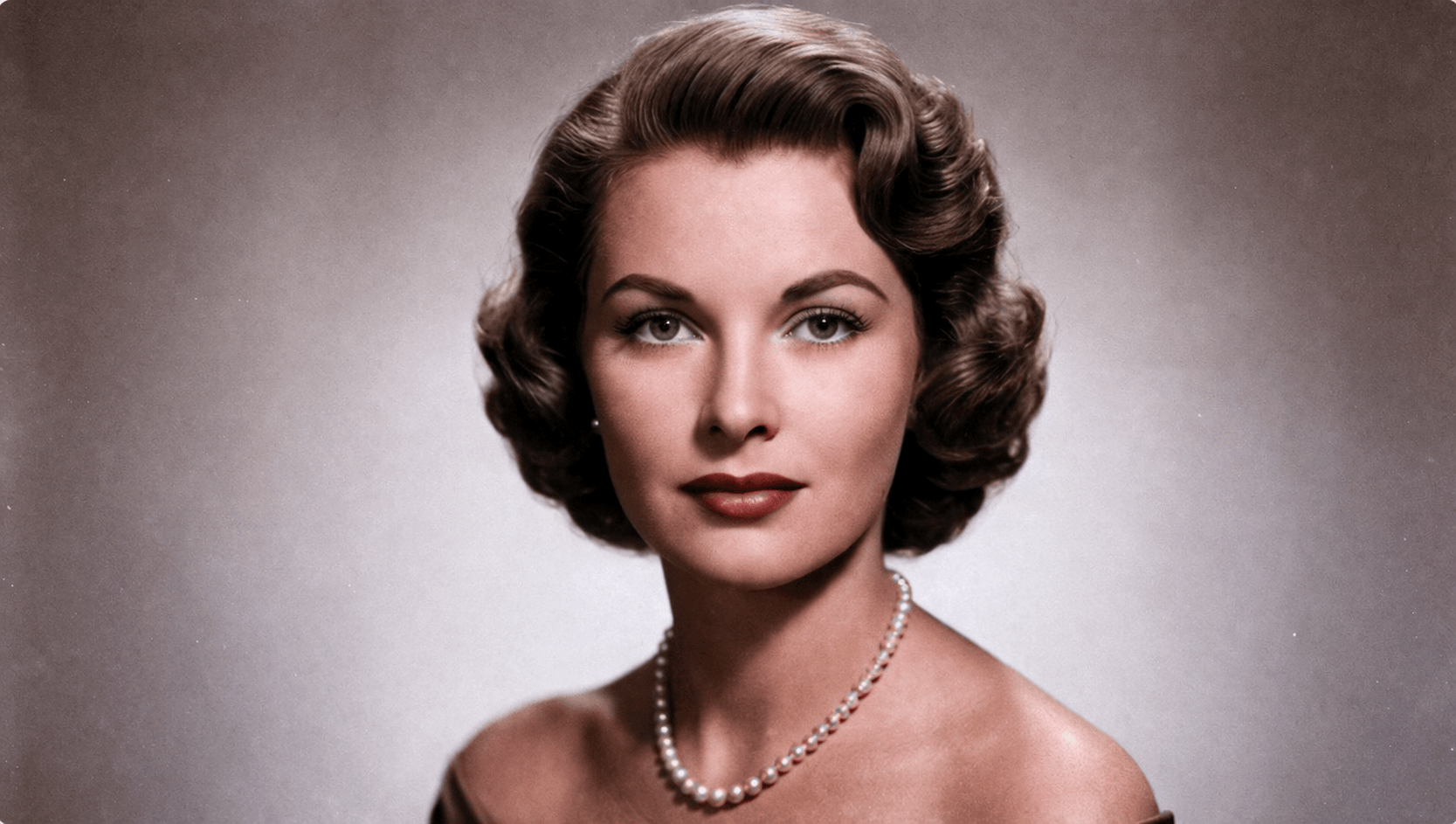
Expand your photos beyond the original frame
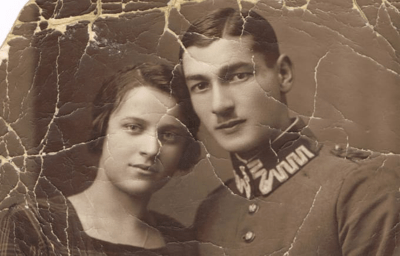
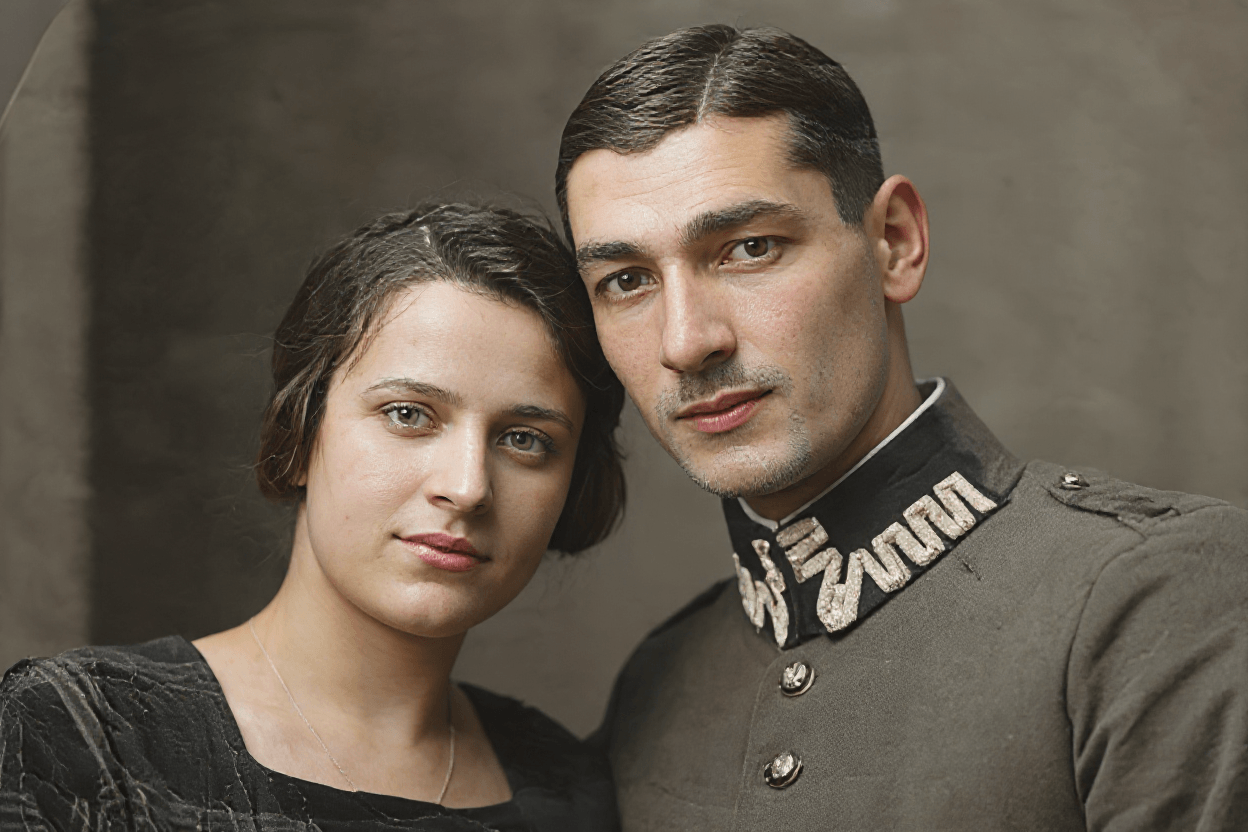
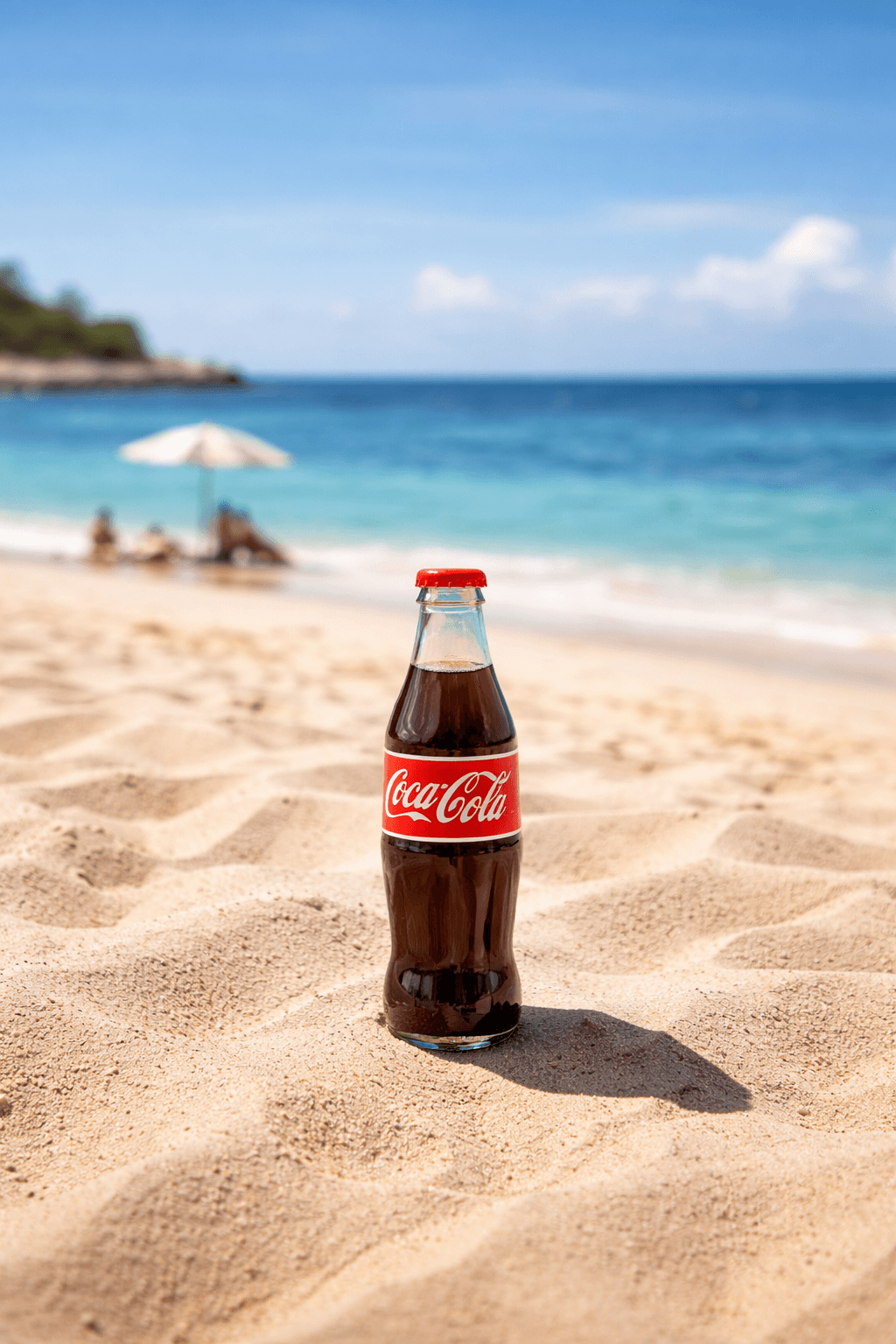
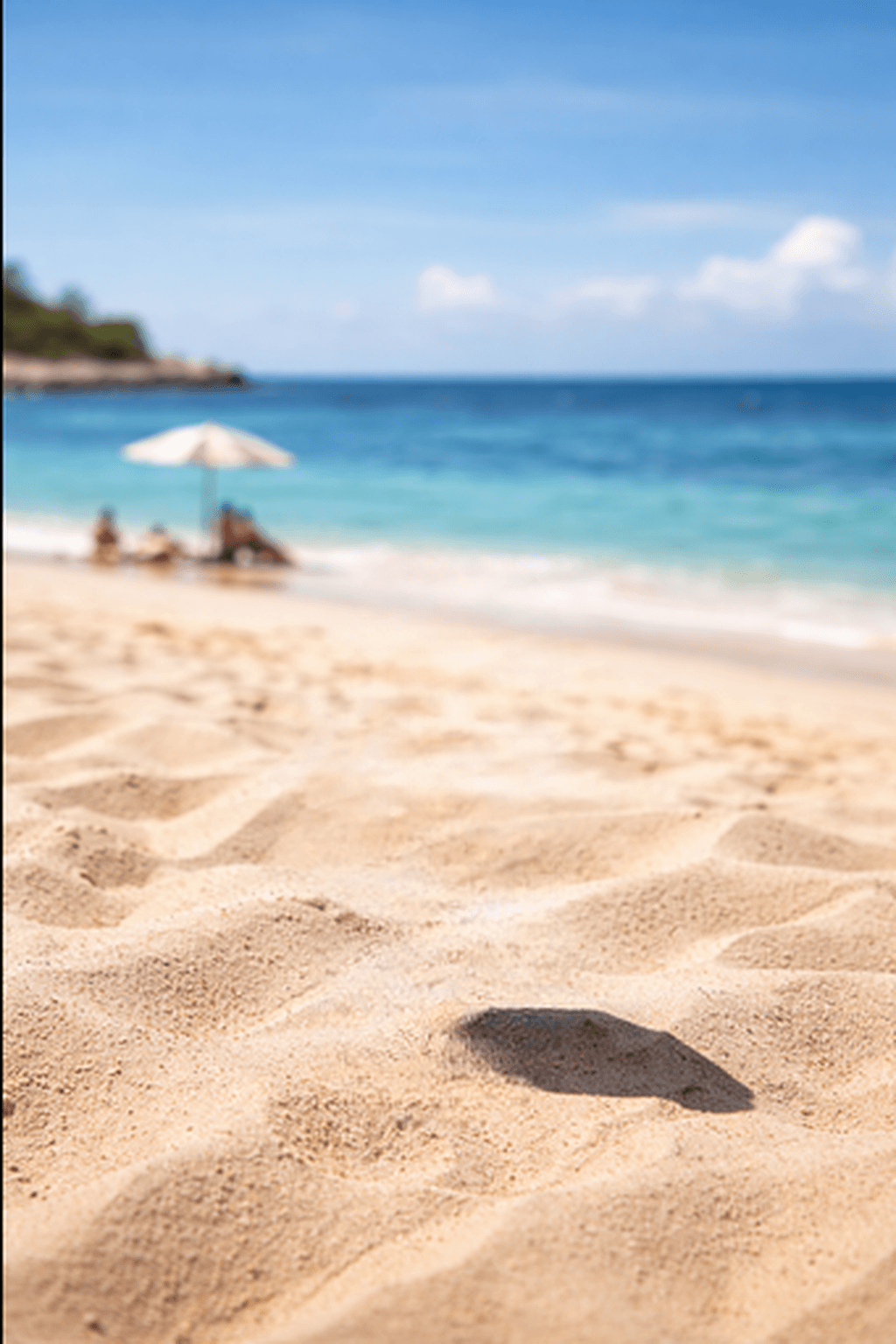
AI analyzes your image and generates new content around it to seamlessly fill the space. Perfect for adapting photos to any format without cropping.
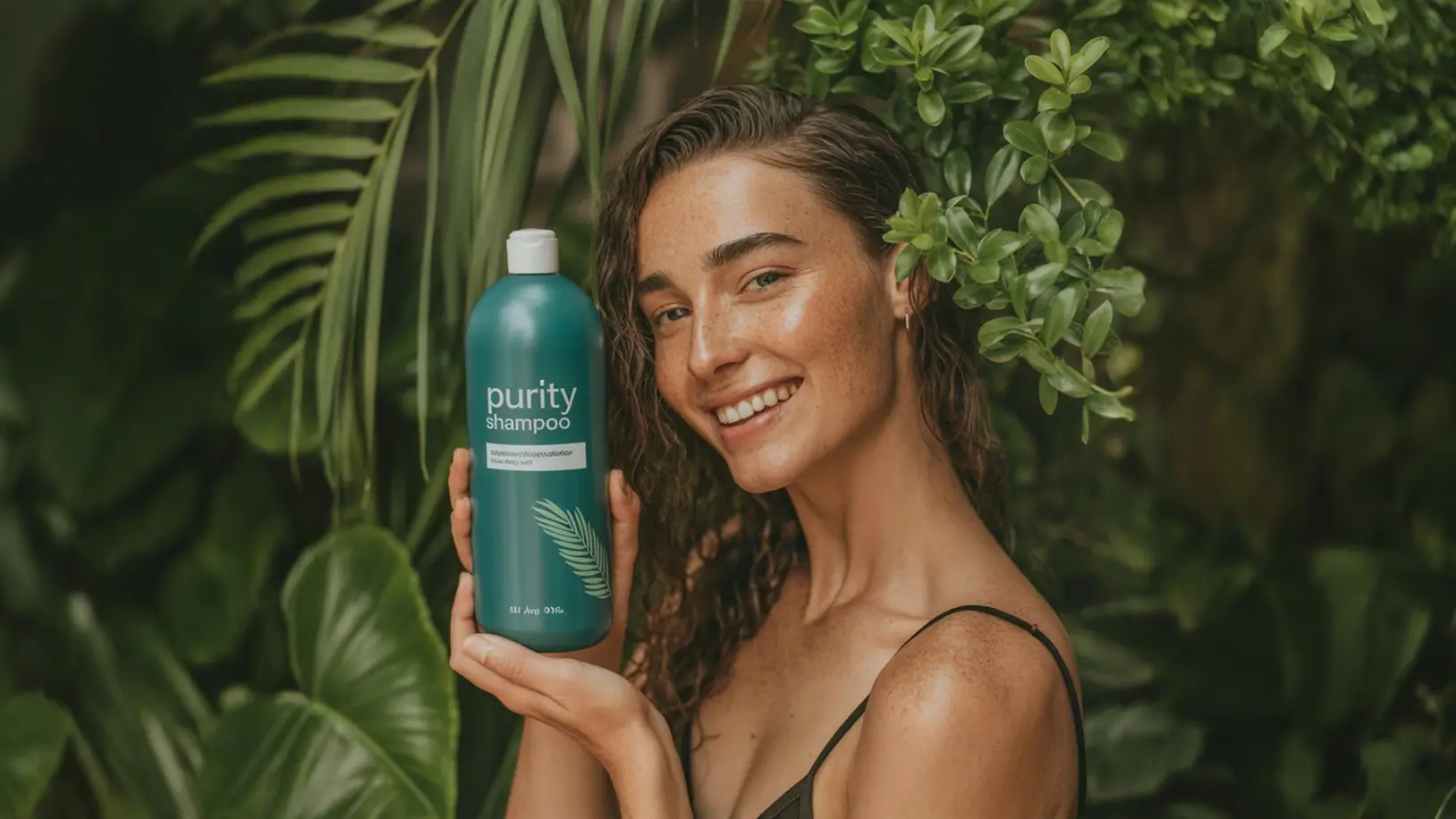
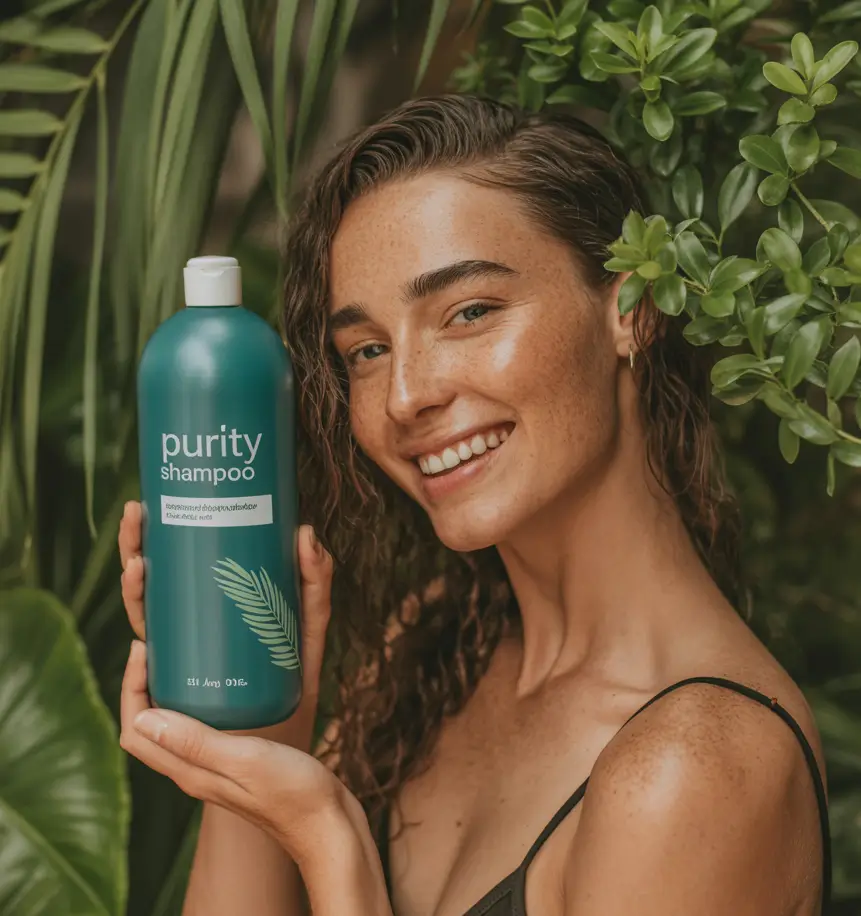
Why use the AI image expander?
Adapt any photo to the ideal format for each platform. No cropping, no quality loss, done in seconds.
Expand my photoSeamless AI fill
The AI analyzes the visual context of your photo and generates new content that blends naturally with the original edges. The result is a coherent image with no visible marks or abrupt transitions.
Format for every platform
Convert portraits to 16:9 for YouTube, 9:16 for Stories and Reels, 1:1 for Instagram posts or 4:5 for Pinterest feeds. Adapt your photo to any social network without losing the main subject.
Results in seconds
No long waits and no software to install. Upload your photo, choose the format, and in seconds your expanded image will be ready to download in high quality.
No quality loss
The original area of your photo remains intact at full resolution. The expander only adds new content around it, preserving every detail of the image you uploaded.
Expand with ease, create without limits
The AI image expander adapts any photo to the ideal format for every need.
How to expand your image in 3 steps
Drag or select any image from your device. Supports JPG, PNG and WebP up to 10 MB. No account needed to get started.
Select the ratio you need: horizontal 16:9 for YouTube or presentations, square 1:1 for Instagram, vertical 9:16 for Stories and Reels, or 4:3 for print. The AI will generate the missing content in a way that looks natural and consistent with your original image.
In seconds you get your expanded image ready to download in high resolution. Use it directly on social media, ads, catalogs or wherever you need it.
Frequently asked questions
Everything you need to know about AI-powered image expansion.