Comprimir imagen online gratis — Compresor de fotos JPG, PNG, WebP y AVIF
Comprime imágenes online gratis sin perder calidad y sin registro

Compress images online without losing quality
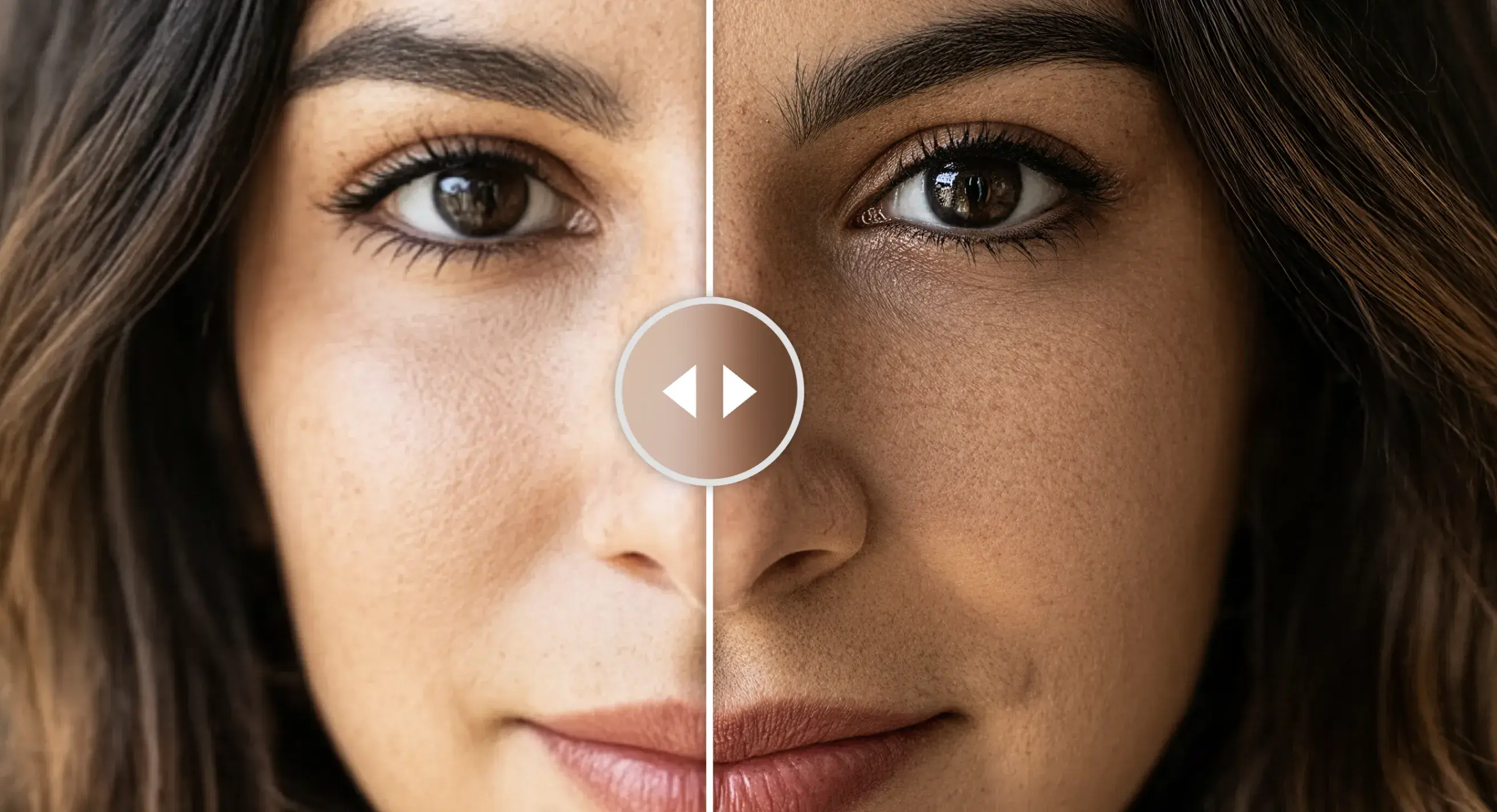
Less weight, same quality
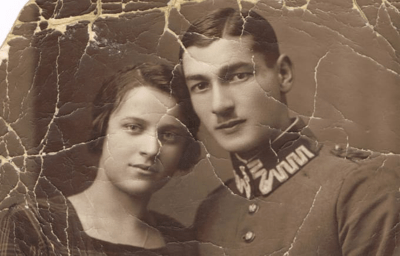
Our engine analyzes each image and removes data imperceptible to the human eye. The result: noticeably lighter files with visual quality you won't notice a difference in.
Depending on the original format, resolution and optimization mode chosen, the reduction can range from 30% to over 80% on high-resolution images converted to AVIF. Less weight means faster-loading pages, users who stay, and better rankings on Google.
4 formats your way
Enable automatic conversion and choose from JPG, PNG, WebP and AVIF. Each format is generated compressed in the same process.
You don't have to choose between compatibility and performance. JPG for maximum compatibility, PNG for images with transparency, WebP for modern browsers and AVIF for the most advanced compression on the market — each one optimized with the ideal settings for that format.
Batches of up to 20 images
Process entire projects in seconds. Upload up to 20 images at once and download them all in a ZIP with a single click.
Optimizing image by image is a thing of the past. Drag up to 20 files at once (max. 50 MB per image), set your compression mode and let the engine work in parallel. When it's done, one button downloads everything in a ZIP ready to upload to your server, CMS or online store.
No watermarks
Your images are yours. Download results without limits, without watermarks and without losing the metadata you need to keep.
What you compress is yours, full stop. No overlaid logos, no digital watermarks, no mandatory sign-ups to download. The file you get is clean, professional and exactly like the original — just much lighter.
Less weight, same quality
Our engine analyzes each image and removes data imperceptible to the human eye. The result: noticeably lighter files with visual quality you won't notice a difference in.
Depending on the original format, resolution and optimization mode chosen, the reduction can range from 30% to over 80% on high-resolution images converted to AVIF. Less weight means faster-loading pages, users who stay, and better rankings on Google.
4 formats your way
Enable automatic conversion and choose from JPG, PNG, WebP and AVIF. Each format is generated compressed in the same process.
You don't have to choose between compatibility and performance. JPG for maximum compatibility, PNG for images with transparency, WebP for modern browsers and AVIF for the most advanced compression on the market — each one optimized with the ideal settings for that format.
Batches of up to 20 images
Process entire projects in seconds. Upload up to 20 images at once and download them all in a ZIP with a single click.
Optimizing image by image is a thing of the past. Drag up to 20 files at once (max. 50 MB per image), set your compression mode and let the engine work in parallel. When it's done, one button downloads everything in a ZIP ready to upload to your server, CMS or online store.
No watermarks
Your images are yours. Download results without limits, without watermarks and without losing the metadata you need to keep.
What you compress is yours, full stop. No overlaid logos, no digital watermarks, no mandatory sign-ups to download. The file you get is clean, professional and exactly like the original — just much lighter.
Less weight, more speed.
Every second an image takes to load is a user who leaves. Compress IQ removes unnecessary weight without touching visual quality — so your photos fly in any context: stores, portfolios, campaigns or websites.
4 output formats
JPG · PNG · WebP · AVIF
4 formats
Output available
20 img
Per batch
Lighter product photos, faster sales
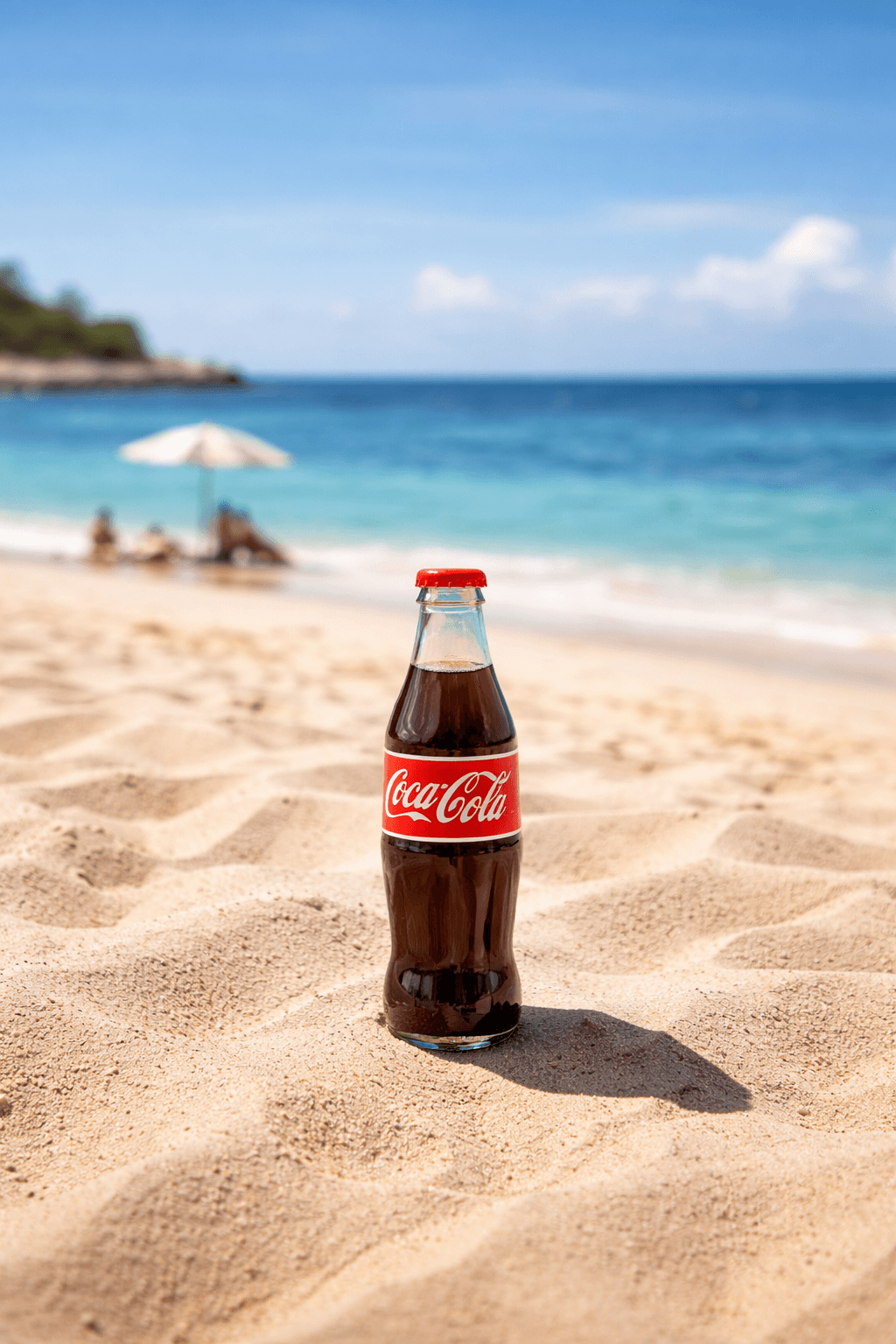
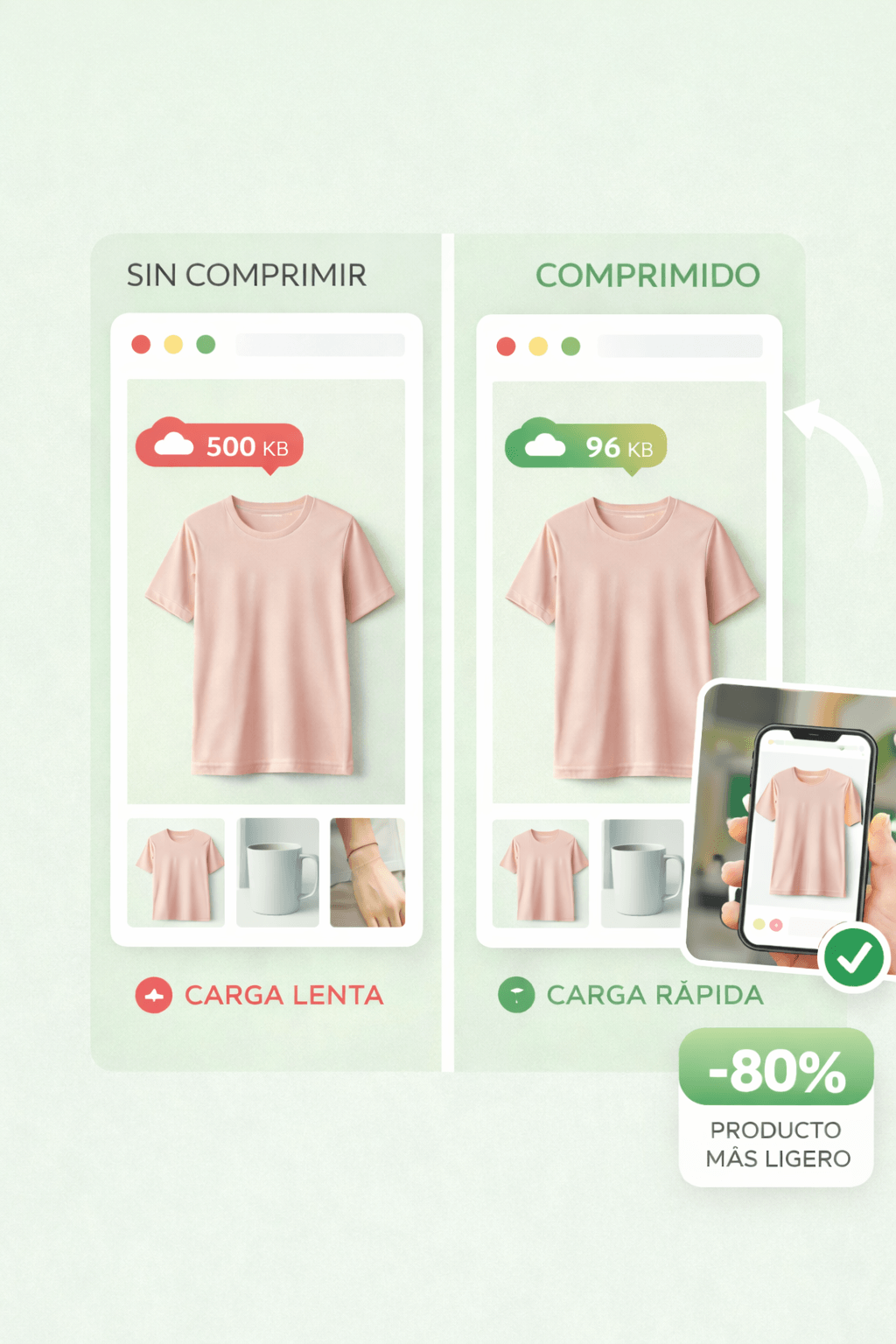
In an online store, every millisecond matters. Product images are the heaviest element on a product page and the main reason users abandon before reaching the cart.
With Compress IQ you reduce your product photo weight by 70–85% without losing the sharpness that converts visits into sales. A catalog of 500 images that weighed 2 GB can end up under 350 MB — with no visible change for the buyer.

Your work deserves to load as fast as it looks
A slow portfolio contradicts the message of a professional photographer. High-resolution galleries are the slowest websites in the world — until they're properly optimized.
Convert your exported RAWs to AVIF or WebP and maintain print-quality on screen with files that weigh 5 times less. Your clients will see your work in seconds, not minutes.
Optimized images, better Google ranking
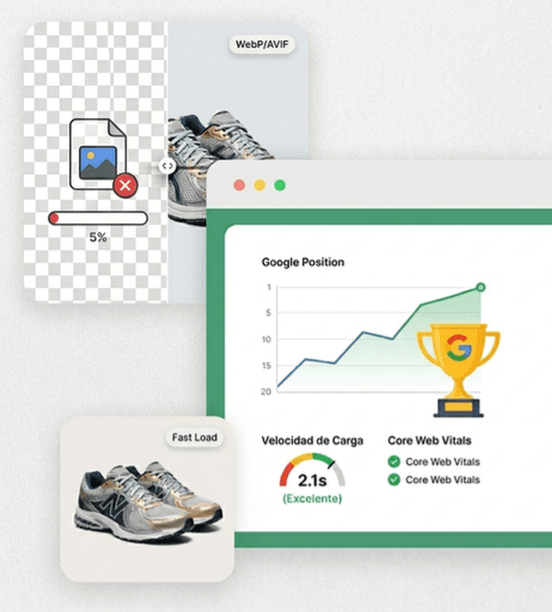
Google uses load time as a direct ranking factor. Unoptimized images are the number one cause of poor Core Web Vitals — and pages that never reach the first page.
Optimizing your images is the technical SEO improvement with the best effort-to-result ratio. A site that goes from 8s to 2s load time not only climbs rankings: it reduces bounce rate, increases time on page and converts better.

Same visual impact, half the weight
Digital campaigns handle hundreds of creatives per week. Uploading heavy images to Meta Ads, Google Display or email marketing slows down sends, increases storage costs and degrades the recipient's experience.
Process batches of up to 20 creatives at once, choose the optimal format for each channel and download the ZIP ready to upload. What used to take half an hour of manual editing, Compress IQ solves in seconds.
How to Optimize an Image?
-
1. Upload Files
Drag and drop your images or select them from your device. You can process multiple files at once.
-
2. Adjust Optimization
Choose a compression mode and the output formats you need, such as WebP or AVIF.
-
3. Download Results
Get your optimized images individually or as a convenient .ZIP file.

Compress images instantly, up to 85% smaller.
Optimize JPG, PNG, WebP and AVIF free, no sign-up needed. Boost your website speed, improve your Google ranking and deliver a better user experience — in seconds.

Preguntas frecuentes sobre optimización de imágenes
You can upload images and, using our selection toggles, convert them to multiple output formats depending on your use case. Available output formats:
Additionally, you have a quality slider to fine-tune the compression level, plus three quick presets (High Quality, Balanced, Maximum Compression) to speed up your workflow.