Free Online Photo Collage Maker
Combine up to 9 photos with smart grids, customizable spacing and rounded corners
Online Photo Collage Maker
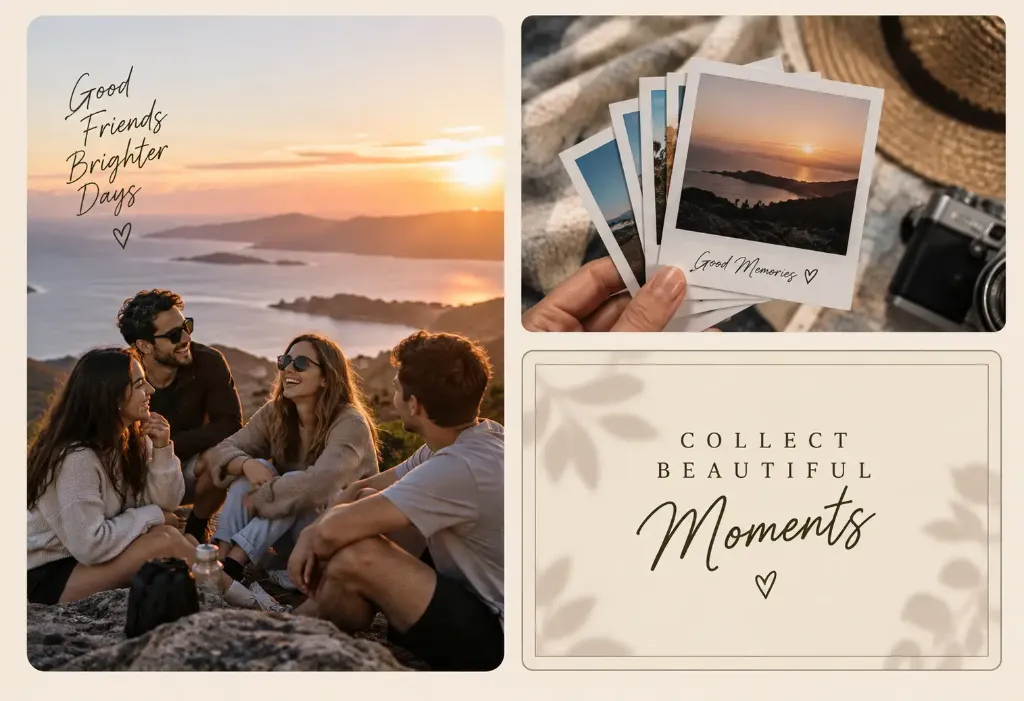
Combine your favorite images into stunning visual stories in seconds. Choose smart layouts for up to 9 photos, customize spacing and background colors, and download in high resolution with no watermarks.
100% Gratis
HD
Why use our online photo collage maker?
Combine 2 to 9 photos into eye-catching compositions in seconds. No watermarks, no usage limits, completely free.
Create my collageUp to 9 photos per canvas
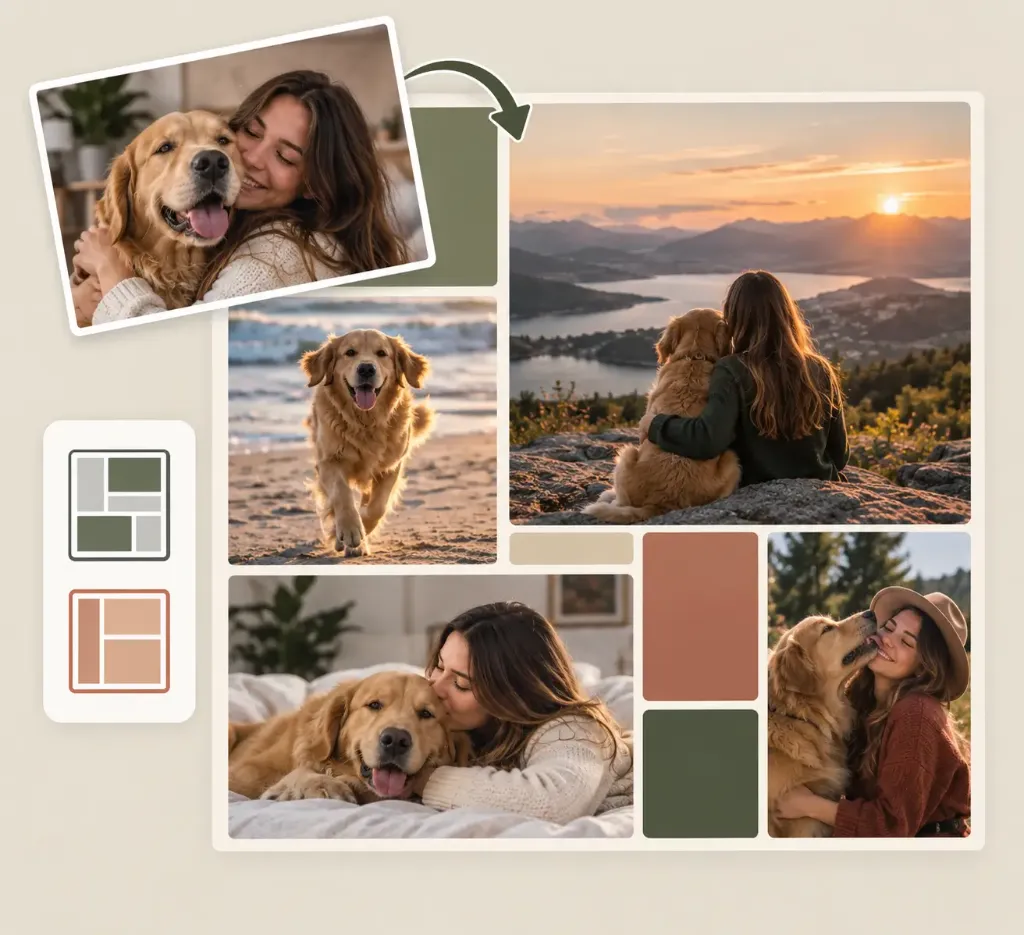
Design dynamic compositions by combining between 2 and 9 pictures. Pick smart grid layouts specifically tailored to your photo count.
Social media ready
Choose 1:1 for Instagram posts, 9:16 for TikTok and Stories, 4:5 for vertical feeds, or 16:9 for landscape banners without losing quality.
Full visual customization
Adjust borders, space between photos, rounded corner radius, and canvas background colors in real time with intuitive controls.
100% Free & Private
Your pictures are processed securely in your browser without registration or watermarks. Download in high-resolution PNG, JPG, or WebP.
Design with ease, share your stories
Our online collage maker lets you combine pictures into studio-grade visual layouts for any occasion.
Create high-impact product portfolios and showcases
Showcase multiple products, designs, or variations inside one cohesive frame. Highlight perspectives, textures, and quality finishes within a clean, professional aesthetic tailored for e-commerce, catalogs, and social media ads.
How to make a photo collage in 3 steps
Select or drag and drop 2 to 9 images in JPG, PNG, or WebP from your device. No sign-up or installation required.
Pick your favorite grid template, adjust margins, round the corners, change background colors, and swap photo slots with a single click.
Export your finished collage instantly in crisp JPG, PNG, or WebP format, 100% free with no watermarks.
Frequently asked questions
Everything you need to know about creating and customizing photo collages online.