Recortar imagen online gratis — Recortador de fotos JPG, PNG y WebP
Recorta imágenes online gratis sin registro y sin perder calidad
Crop Image
Click or drag and drop your image here
Tip: Define the area and press Crop
Privacy: Processed 100% locally
Professional Crop Editor
Aspect Ratio
Quick Adjustments
Precision Zoom
Use the mouse wheel to zoom directly on the image.
Image cropped!
Your crop is ready to download.
Why use our Photo Cropper?
Precision Cropping
Define the exact area you want to keep.
Our tool lets you freely select the part of the image you want to highlight, removing unwanted elements from the edges with a smooth and precise interface.
Aspect Ratios
Adjust your photos to standard formats with one click.
Whether it's a square Instagram post (1:1), a video thumbnail (16:9), or a classic portrait (4:3), smart presets ensure your framing is always perfect and professional.
Improved Composition
Focus attention on what really matters.
Apply the rule of thirds or simply center your main subject. Cropping is the fastest way to transform an ordinary photo into a visually impactful and balanced piece.
Privacy Guaranteed
All processing happens locally in your web browser.
Your images are never uploaded to our servers to be cropped. We use cutting-edge technology so rendering happens on your device, ensuring your photos remain private.
Precision Cropping
Define the exact area you want to keep.
Our tool lets you freely select the part of the image you want to highlight, removing unwanted elements from the edges with a smooth and precise interface.
Aspect Ratios
Adjust your photos to standard formats with one click.
Whether it's a square Instagram post (1:1), a video thumbnail (16:9), or a classic portrait (4:3), smart presets ensure your framing is always perfect and professional.
Improved Composition
Focus attention on what really matters.
Apply the rule of thirds or simply center your main subject. Cropping is the fastest way to transform an ordinary photo into a visually impactful and balanced piece.
Privacy Guaranteed
All processing happens locally in your web browser.
Your images are never uploaded to our servers to be cropped. We use cutting-edge technology so rendering happens on your device, ensuring your photos remain private.
Crop photos to any size you want!
Speed up online photo editing with Compress IQ's free cropping tool and easily remove elements you don't want appearing in your photos to highlight the best parts.
Choose from our preset dimensions — including squares, basic ratios and phone screen sizes — or crop by entering your desired measurements. Easily crop your photos to fit all social networks like Facebook, Twitter and Instagram!
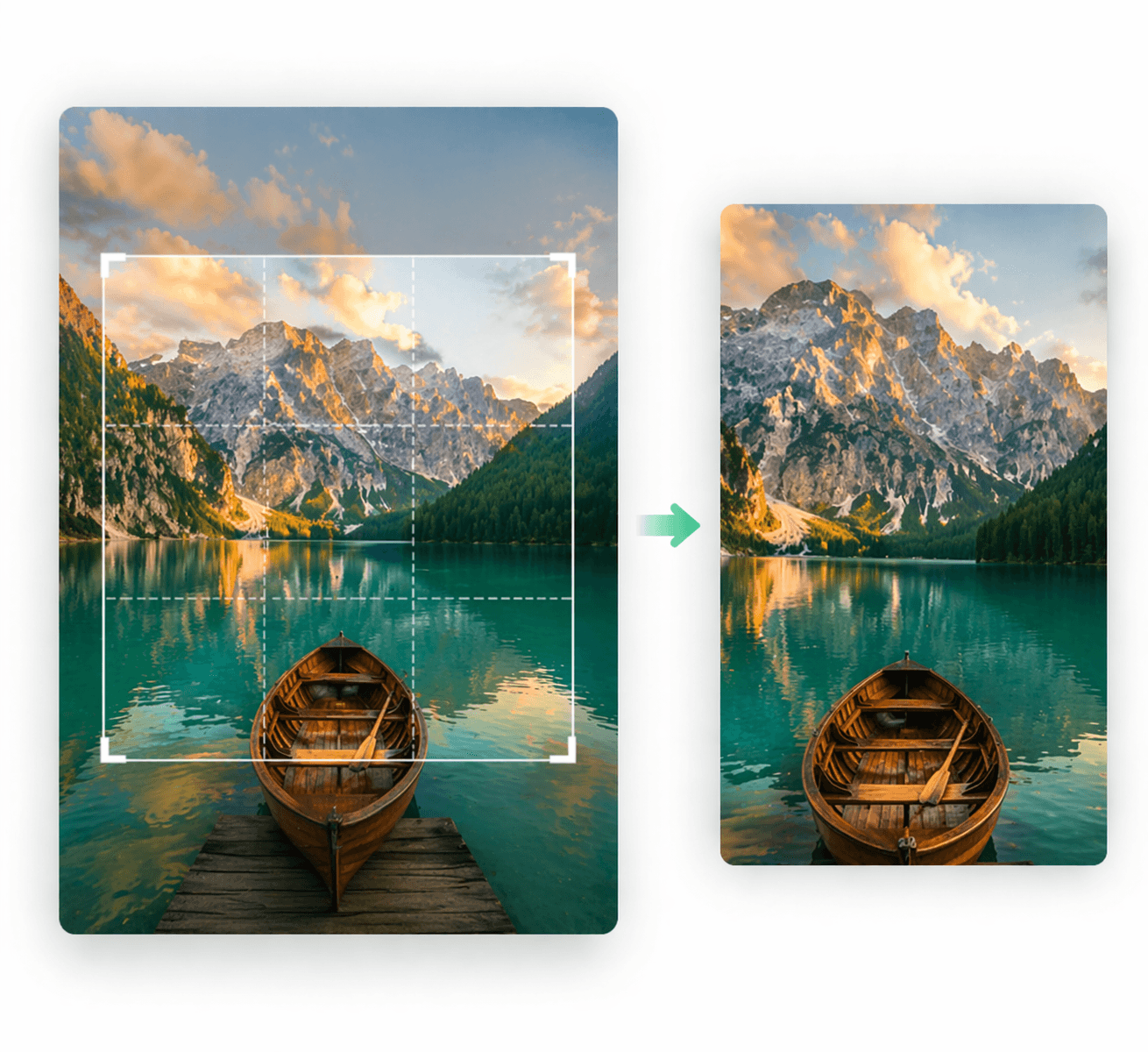
Remove unwanted elements
Have you ever taken a photo where things you didn't want appeared? Cropping an image is a great way to remove unwanted elements and control what appears in the frame to give it an ideal perspective.
With this online photo cropping tool, you can select the new photo size and edit it according to the desired perspective or remove any element by dragging the corners of the box.
Change the orientation with just a few clicks.
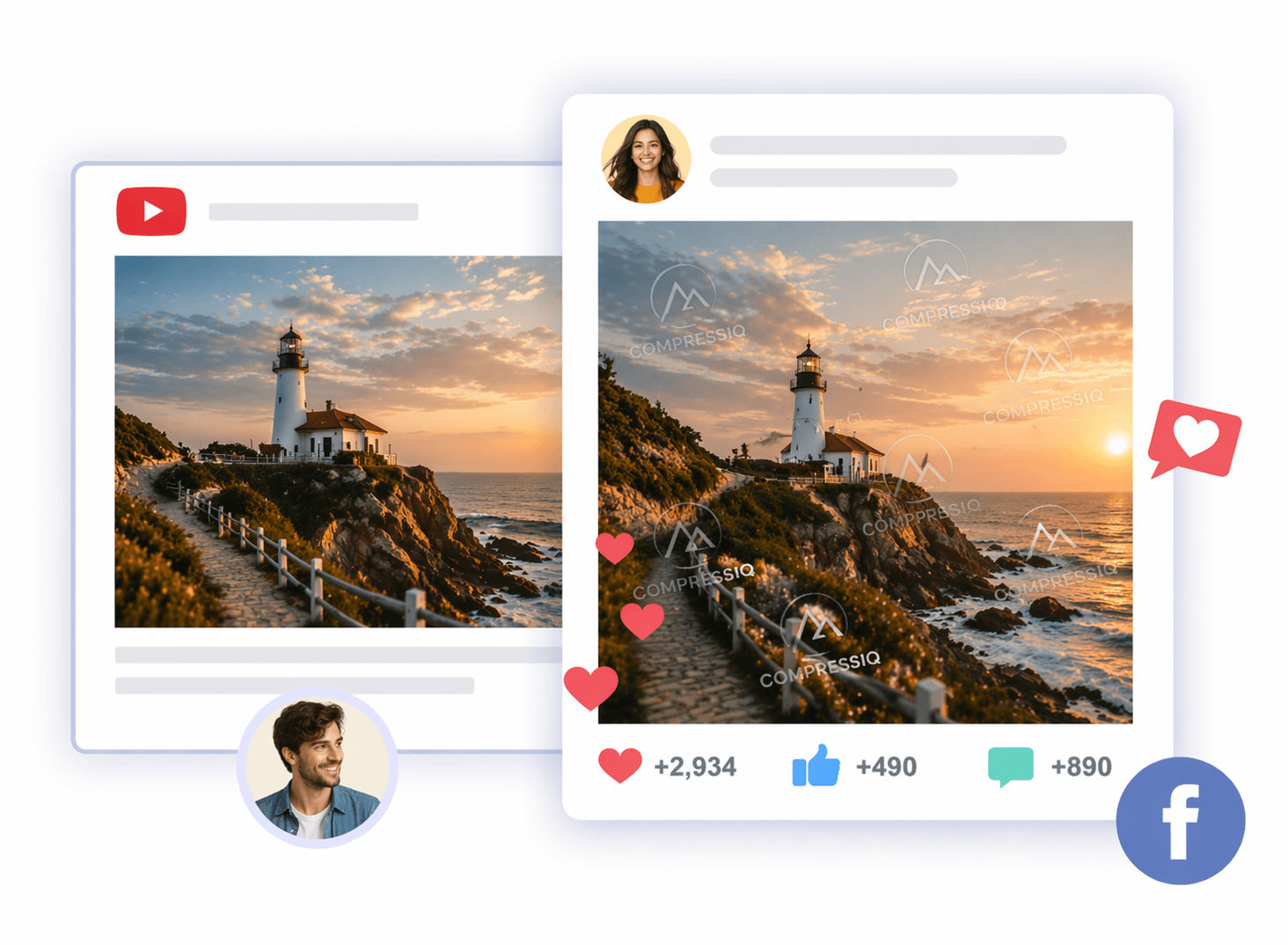
Ready to publish
Adjusting images to the size you need is much easier with Compress IQ. Whatever size you need, like a Facebook or Twitter cover photo, you just have to select a style.
It's an easy and free way to edit your images to update your profile. Prepare your YouTube thumbnails or Instagram stories in seconds.
Compatible with all social media formats.
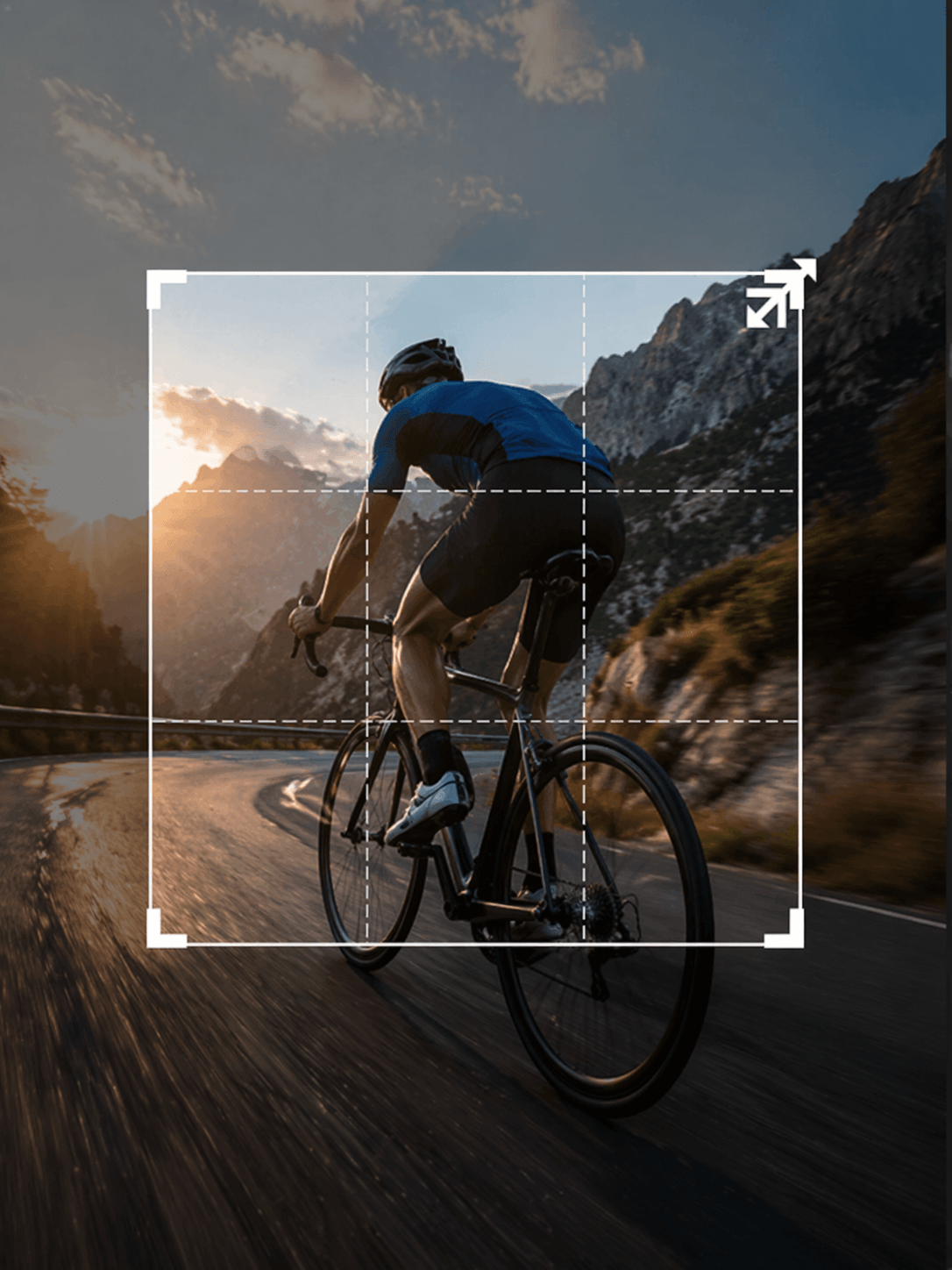
Crop without distorting
You can crop the most important content without worrying about stretching the image or losing quality with our free online outline cropping tool.
Just upload your photos and choose the crop size by dragging the corners of the editing box. All your photos will fit any size without losing their original proportion.
Preserves sharpness and detail in every crop.
How to crop your photo?
Drag or select the photo you want to edit. We support JPG, PNG and WebP.
Use the controls to rotate, flip and choose the perfect crop area for your project.
Get your cropped photo instantly at the highest quality and ready for any use.
Drag or select the photo you want to edit. We support JPG, PNG and WebP.
Use the controls to rotate, flip and choose the perfect crop area for your project.
Get your cropped photo instantly at the highest quality and ready for any use.
Frequently Asked Questions
Everything you need to know about our online photo cropping tool.