Colorize photos online easily and quickly
Colorize photos online easily and for free.
Colorize Black and White Photos Colorize Photo
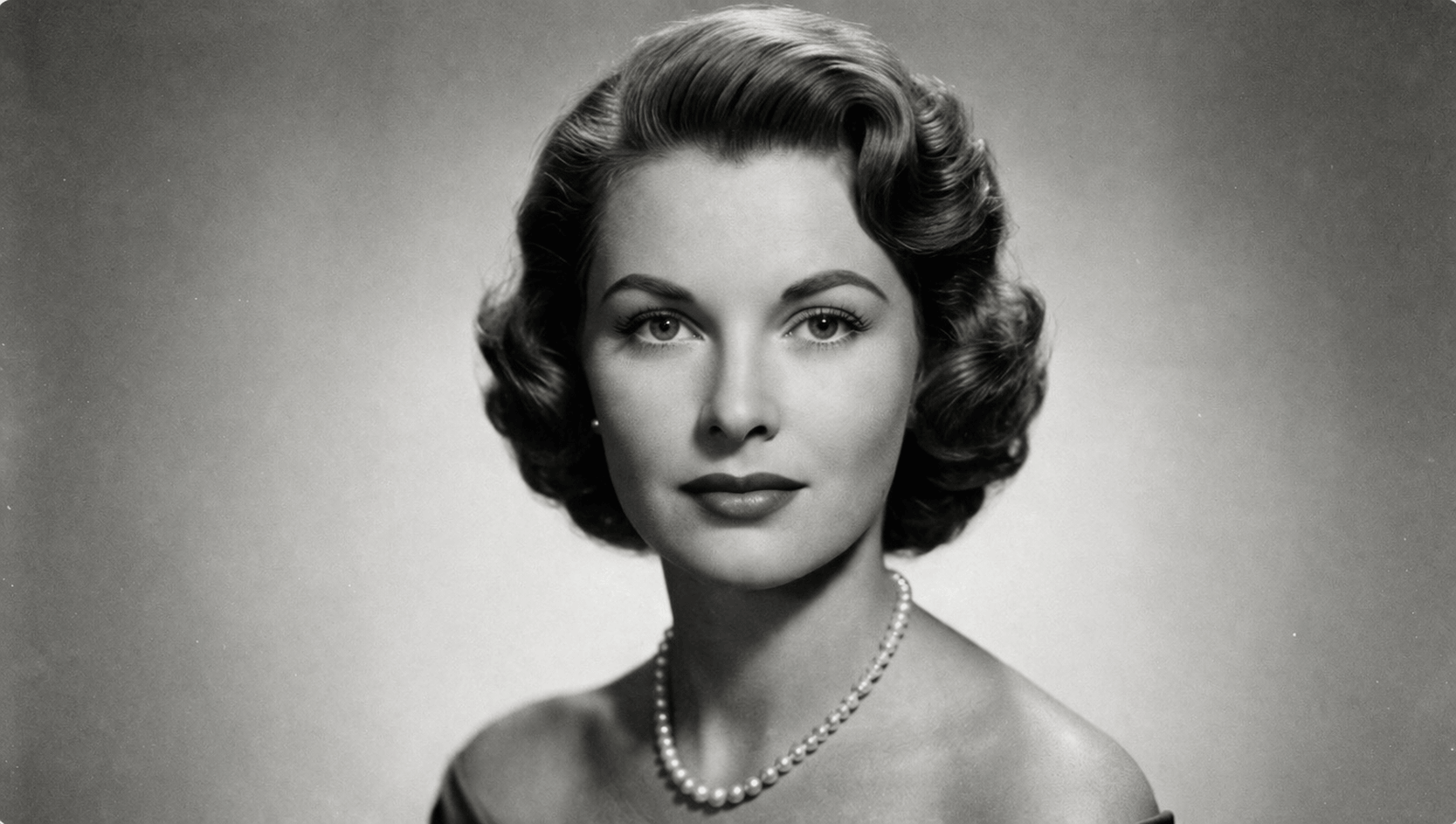
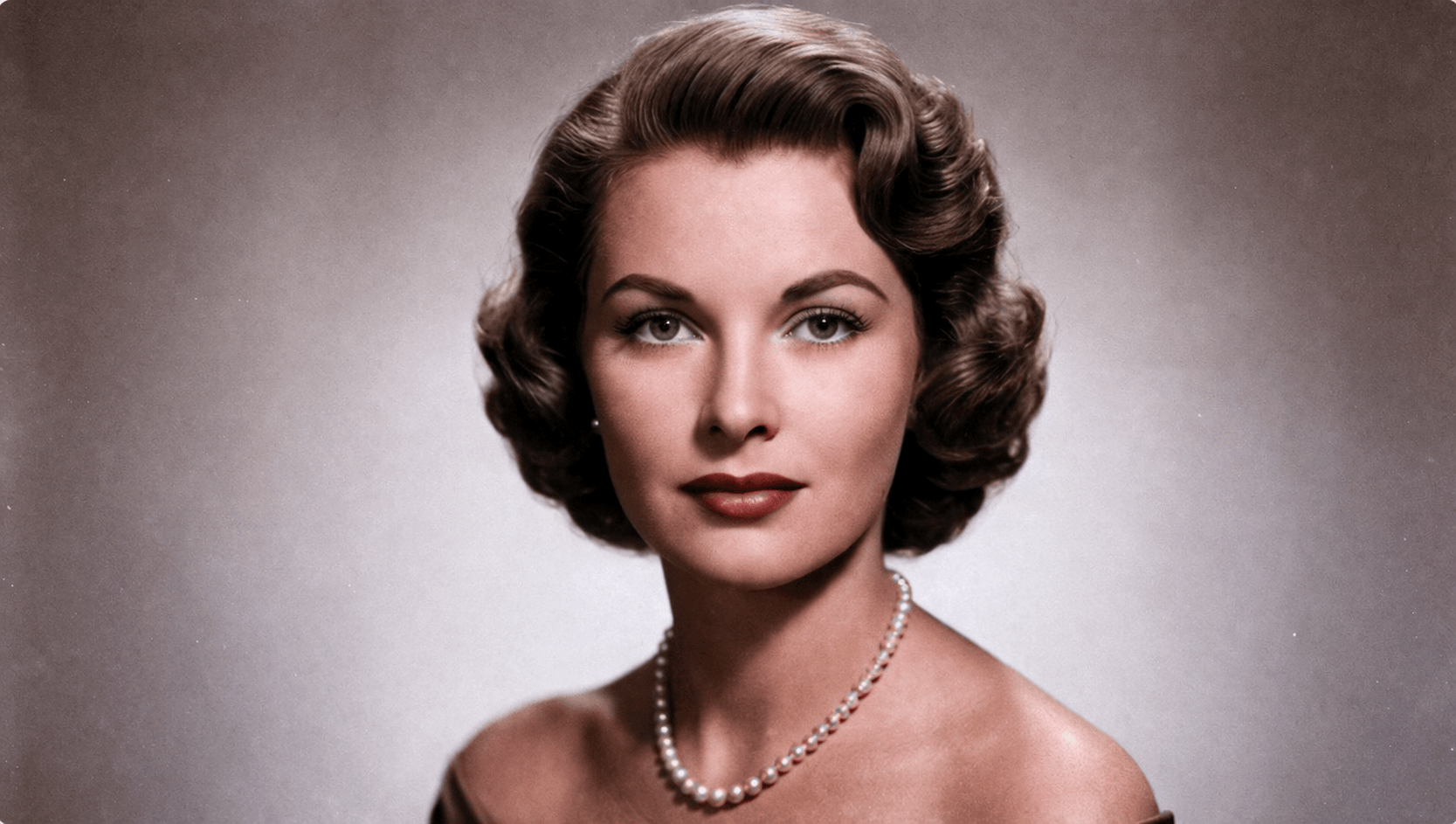
Bring your most precious memories to life. Our AI analyzes every detail of your black and white photo and applies natural, precise and realistic colors. Perfect for historical photos, family portraits and unforgettable moments.
Image Colorized!
Your image has been successfully processed and colorized. Time: .
Write a prompt if you want a new variation or open the editor to adjust a specific area.
Recolorization editor
Paint the area and describe the change
Applying color to zone...
Our AI is recolorizing the selected area. This may take a few seconds.
Uses 1 credit
Color hint
💡 Quick tip: You don't need to paint the whole object. Just draw a line over the garment or area, and the AI will detect the edges to fill it.
Paint an area with the color you want — the AI will use it as a guide
Applying smart color...
Detecting edges and propagating color across the selected area. Almost ready.
Uses 1 credit
Download
Standard
Quality HD
Upload from your phone
Scan the QR code with your phone camera to open this page and upload your photo directly.
Same page · updates automatically
Colorizing your photo...
Keep this page open while we process your image.
Color hint (optional)
The AI already describes the scene automatically. Add specific color hints to guide it.
Choose Colorization Style
AI Colorization Options
What can our AI do for your photos?
Natural & Precise Colors
Analyzes lighting and scene context to apply coherent, realistic colors. Recovers natural skin tones, believable skies and authentic atmospheres, breathing life into every memory with a balanced palette faithful to the era.
Text-Guided Intelligence
Advanced Mode lets you describe exact colors using natural language instructions. Type 'red dress, blue sky, autumn tones' and the AI interprets your vision precisely, giving you full control over the final result.
Historical Restoration
Specialized in old photographs and historical archives. Detects deterioration, scratches and grain typical of vintage photos, applying cinematic colorization that respects the original atmosphere while restoring sharpness and depth.
4 Specialized Models
Choose between Advanced Mode, Legacy Pro, Natural Mode and Fast Mode depending on your image type. Each engine is trained for a different profile, from family portraits to historical landscapes and early 20th century urban scenes.
Natural & Precise Colors
Analyzes lighting and scene context to apply coherent, realistic colors. Recovers natural skin tones, believable skies and authentic atmospheres, breathing life into every memory with a balanced palette faithful to the era.
Text-Guided Intelligence
Advanced Mode lets you describe exact colors using natural language instructions. Type 'red dress, blue sky, autumn tones' and the AI interprets your vision precisely, giving you full control over the final result.
Historical Restoration
Specialized in old photographs and historical archives. Detects deterioration, scratches and grain typical of vintage photos, applying cinematic colorization that respects the original atmosphere while restoring sharpness and depth.
4 Specialized Models
Choose between Advanced Mode, Legacy Pro, Natural Mode and Fast Mode depending on your image type. Each engine is trained for a different profile, from family portraits to historical landscapes and early 20th century urban scenes.
Colorize photos, bring the past back to life.
Your black-and-white photos hold stories that deserve to be seen in color. Our AI restores the original tones with remarkable accuracy — family portraits, historical scenes, iconic landscapes — all in seconds, with no manual editing and results that truly move you.
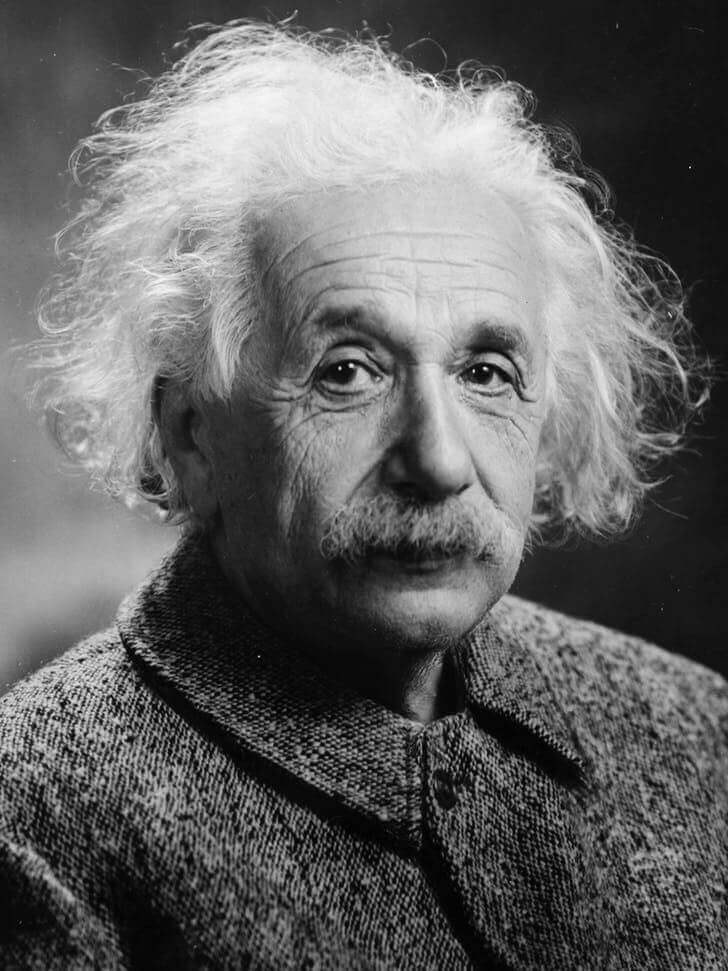
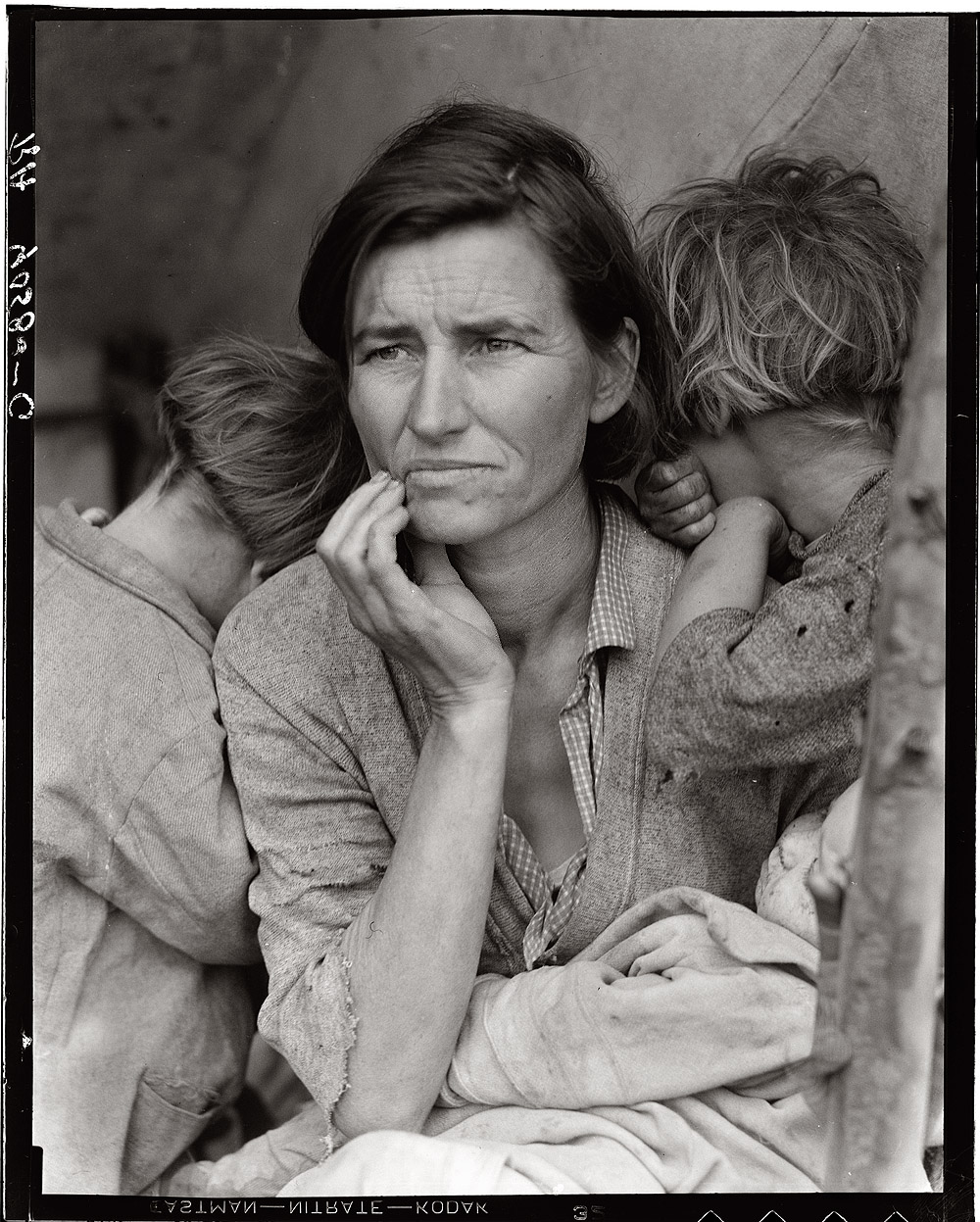
Thousands of memories already colorized
Join in and bring your photos back to life today
4 models
AI Styles
100% AI
No manual editing
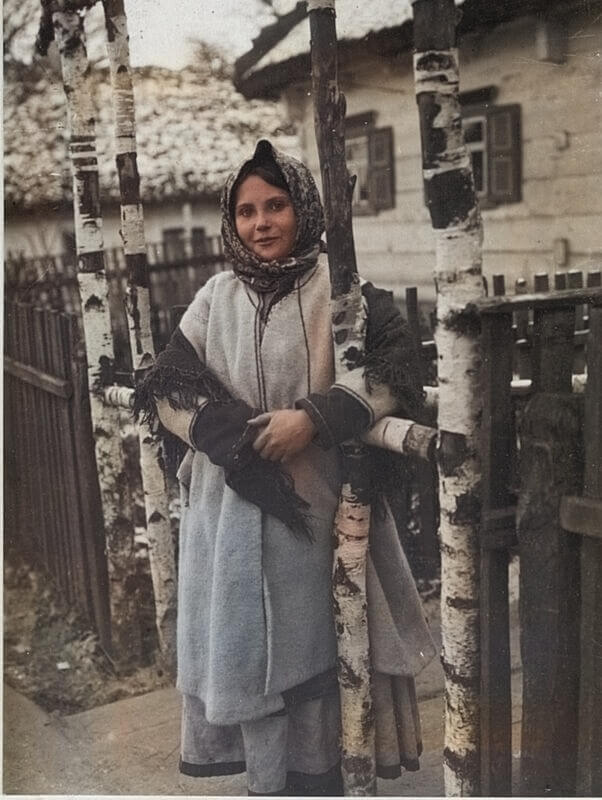
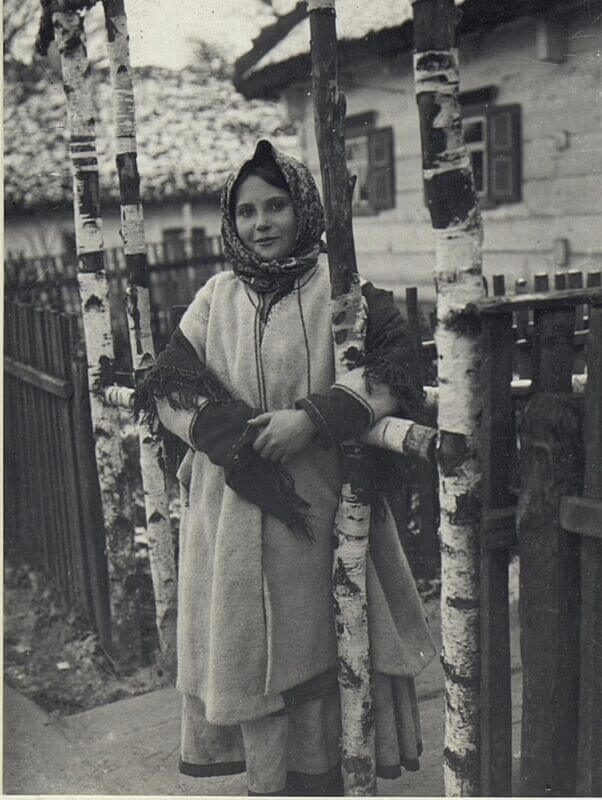
Relive your family’s intimate history in full color
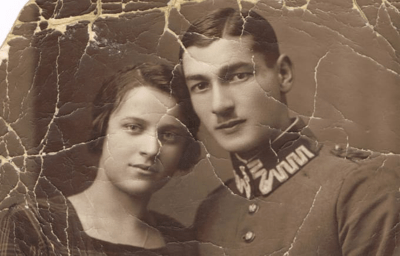
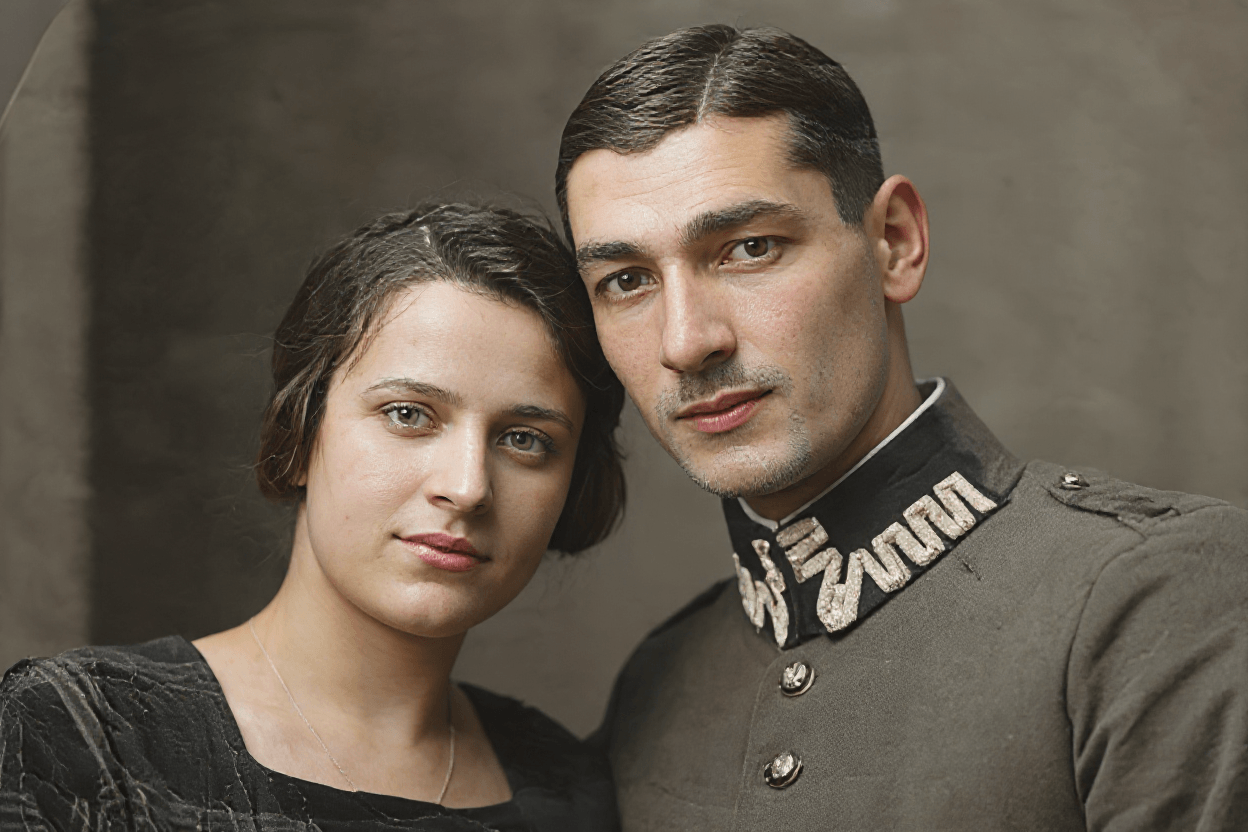
Old photographs are time capsules that preserve the essence of those who came before us. Our AI analyzes every detail of the scene — clothing, surroundings, lighting — and applies a coherent palette that restores the original colors with surprising fidelity.
The result is not just a colorized image: it is an emotional bridge between generations, a way to see your grandparents as you have never seen them before, with colors that truly bring your family history to life.
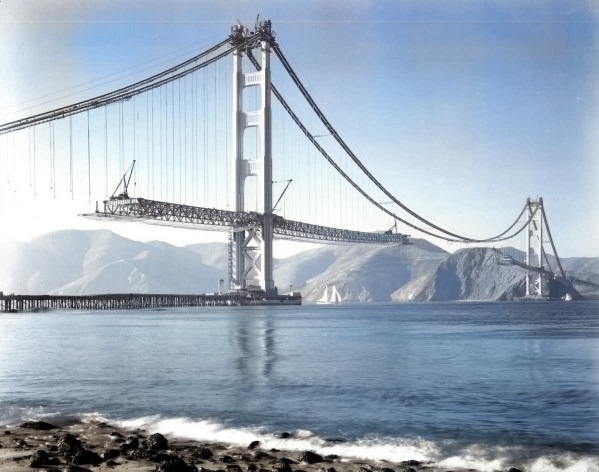
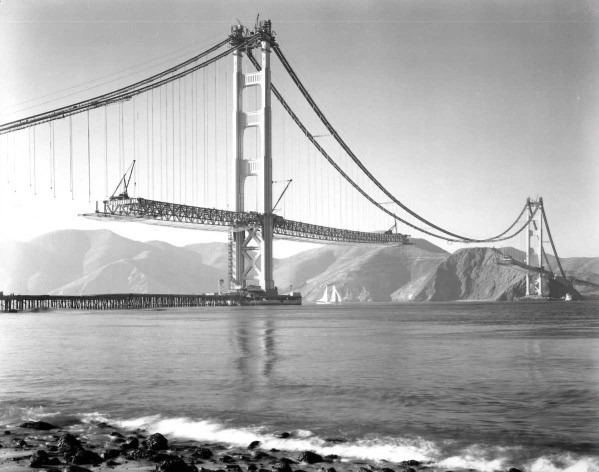
Transform historical scenes into modern works of art
Beyond portraits, our AI excels at landscapes, architecture, and historical urban scenes. It analyzes composition, perspective, and time period context to apply colors that respect the original atmosphere of the photographed moment.
From the Golden Gate Bridge under construction to city streets from the early 20th century, every historical image contains a visual story that deserves to be told in color. Ideal for museum collections, educational projects, and digital heritage.
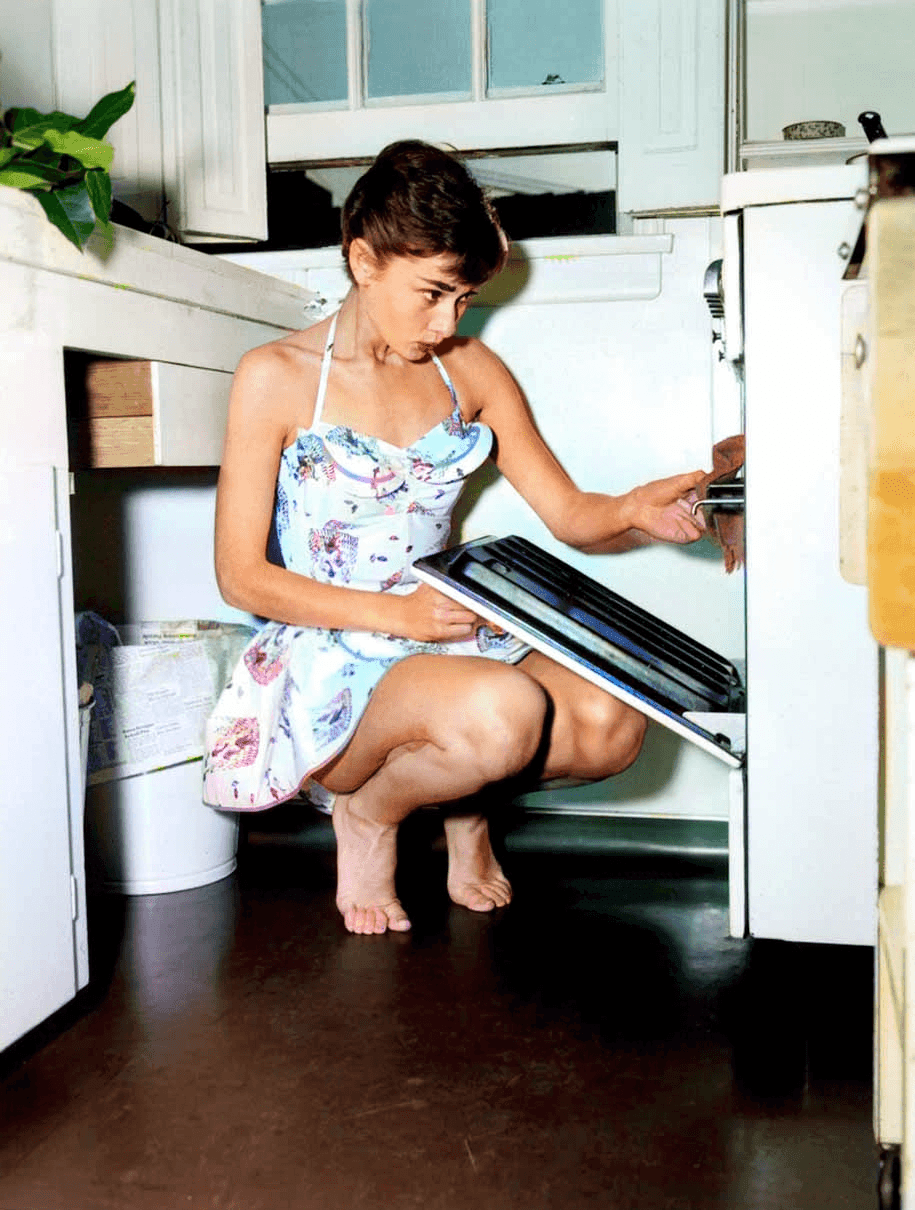
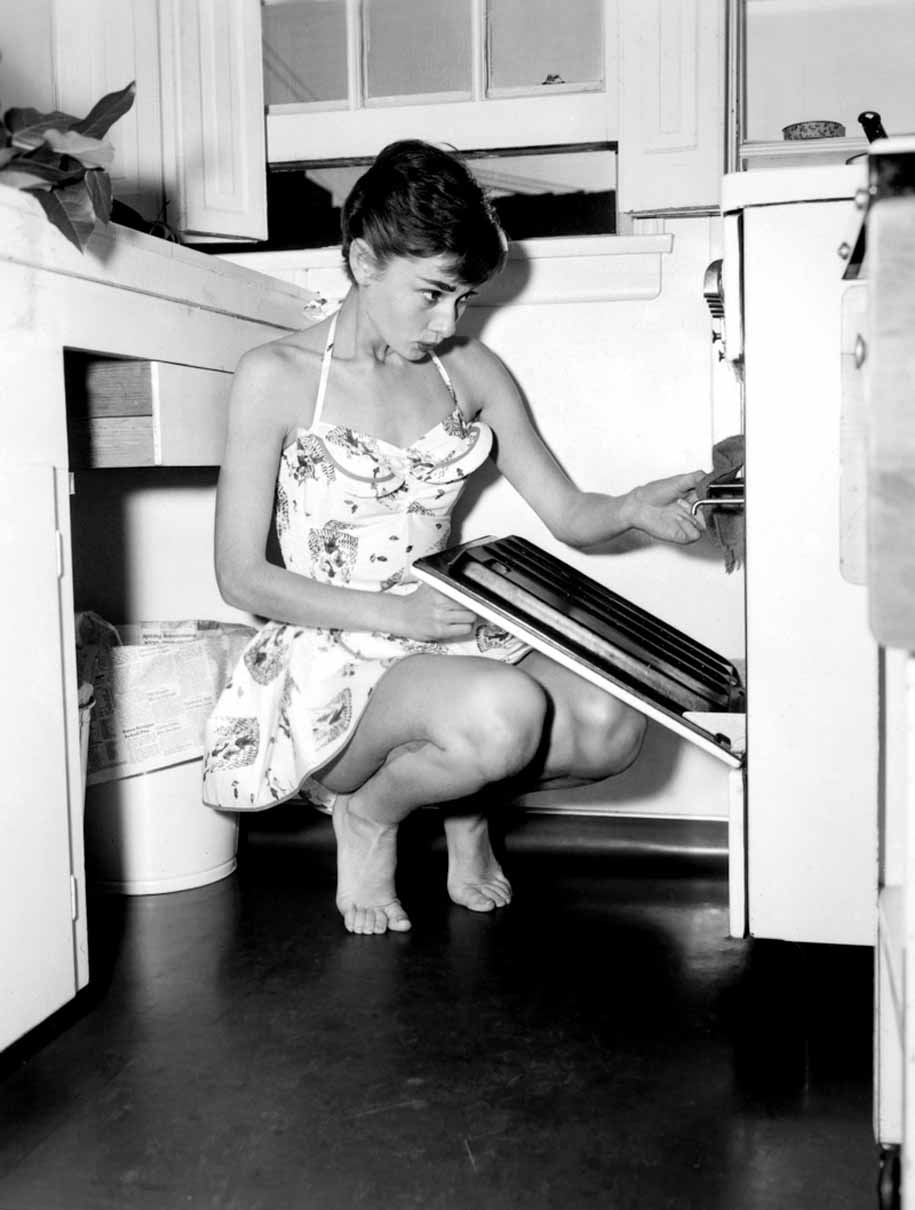
Bring to life the faces that shaped history
The human face is the most complex element to colorize correctly. Our AI is specifically trained in facial anatomy to apply accurate skin tones, expressive eyes with coherent colors, and hair with real depth and detail.
From cinema legends to family photographs, portraits colorized with our AI convey a presence and humanity that black-and-white images cannot offer. Every gaze feels closer, more real, more alive.
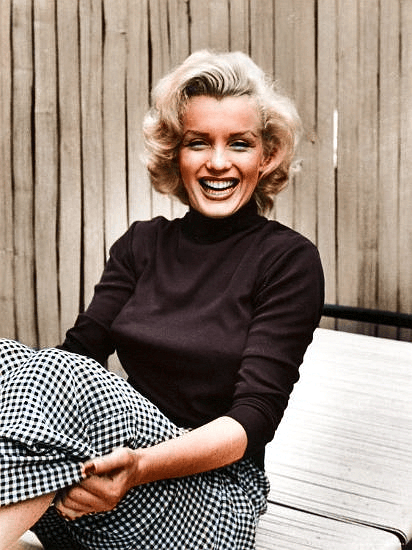
"black turtleneck sweater, warm skin tone"
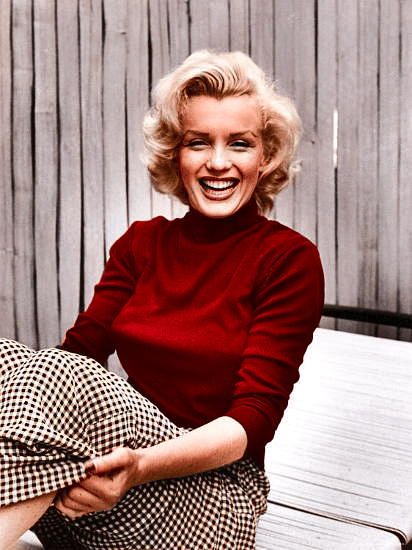
"intense red wool sweater, natural complexion"
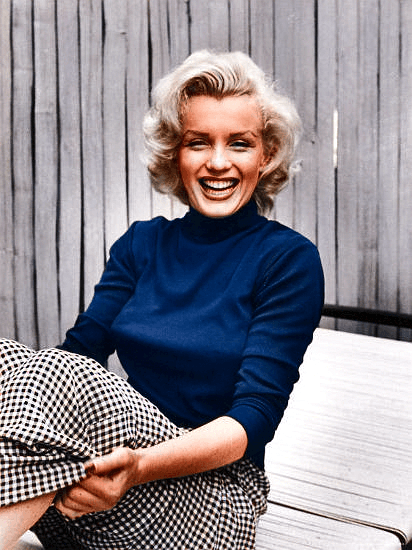
"navy knit sweater, soft lighting"
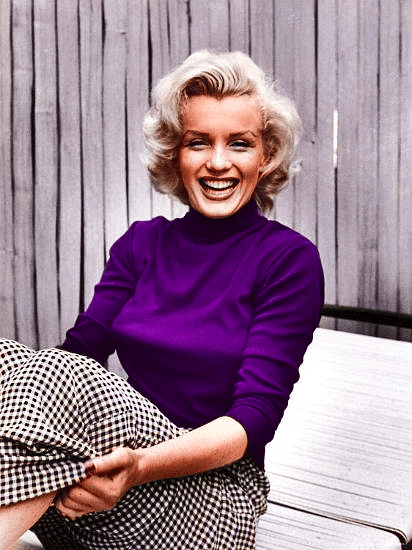
"deep violet sweater, warm portrait tones"
You choose the colors, the AI applies them with precision
Advanced Mode introduces something unique: the ability to describe the colors you want using natural language. Write 'blue sky, brown coats, gray cobblestones' and the AI interprets your vision and applies it to the image with coherence and detail.
You no longer depend on the AI’s automatic judgment. You have full control. Specify materials, tones, moods, and concrete scene elements to get exactly the result you imagine — repeatable, adjustable, and always under your direction.
How to colorize your photo with AI
Upload an old picture, a family portrait, or any black and white photo from your device. The tool accepts the most common formats and prepares the image automatically for the colorization process.
Pick the model that best fits your image. If you want more control, use Advanced Mode and add a prompt with color hints, atmosphere, or specific tones to steer the final look.
Compare the before and after, download the final version, or keep polishing the photo. You can regenerate colors, try another variation, or recolor just one specific area with the built-in editor.
Frequently Asked Questions
Find the key answers before colorizing your photo with AI.
You can colorize black-and-white or sepia images in PNG, JPG, GIF, and WebP. The best results usually come from clear photos with visible faces, clothing, and scene details.
Yes. The maximum file size is 10 MB per image. Keeping files within that limit helps them upload faster and avoids processing issues.
Our AI analyzes the scene, identifies people, clothing, sky, vegetation, and objects, then generates a realistic color proposal. If you use the advanced mode, you can also guide the output with a prompt for more specific tones or details.
Not always. Colorization is an intelligent reconstruction based on visual and historical context, so the result should be understood as a realistic interpretation. If you need more control, you can regenerate colors or edit specific areas afterward.
It depends on your goal. Advanced Mode gives you more control with prompts and local recolorization, Legacy Pro works especially well for historic archives, and the natural or fast modes are ideal when you want an automatic improvement with minimal setup.
Yes. Your images are processed securely and are not shared with third parties. If you want more detail about data handling and privacy, you can review our privacy policy.